 NEWS
NEWS
Apple added 30 more U.S. banks for Apple Pay
 12/21/2016
 3588
3588
Apple today updated its list of banks, credit unions and cards that offer Apple Pay to add 14 new Chinese institutions that now support the service.
While Apple originally launched Apple Pay in China last February with a handful of partners, it’s been slowly adding support for more banks and credit unions in recent months, much the same way the company has rolled out the service gradually in other markets.
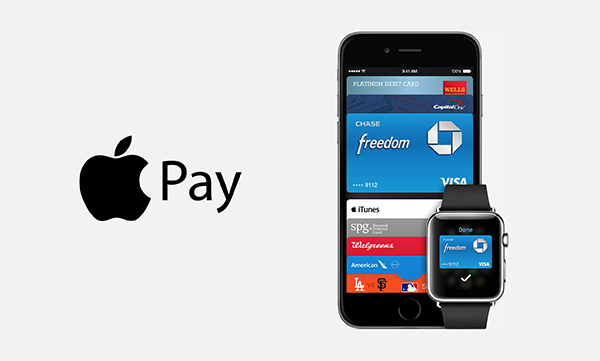
With the addition of the 14 new partners today, Apple currently lists a total of 58 banks and credit unions in Mainland China offering the service to customers. Meantime 30 new banks and credit unions added for the U.S. too:
America’s First Federal Credit Union
Arbor Financial Credit Union
Bank Rhode Island
Bell Bank
Brookline Bank
Centex Citizens Credit Union
Central One Federal Credit Union
Commonwealth Business Bank
Congressional Bank
Day Air Credit Union
Deer Valley Credit Union
East Idaho Credit Union
First Ipswich Bank
FirstBank & Trust
Independence Bank
Interior Federal Credit Union
Lawson Bank
Liberty First Credit Union
Malvern National Bank
Members 1st Credit Union
Merchants & Marine Bank
NBKC Bank
New Dimensions Federal Credit Union
Norwood Bank
Oxford Bank & Trust
River Valley Bank
Roundbank
Safe 1 Credit Union
Sooper Credit Union
Tennessee State Bank
As always, you can find Apple’s full list of supported banks for all markets on the company’s website. Apple Pay is currently available in Australia, China, Hong Kong, Japan, New Zealand, Singapore, France, Russia, Spain, Switzerland, the United Kingdom, Canada, and the United States.
Source: 9to5mac










