 NEWS
NEWS
Tim Cook says Apple has ‘great desktops’ in Mac's roadmap
 12/20/2016
 3951
3951
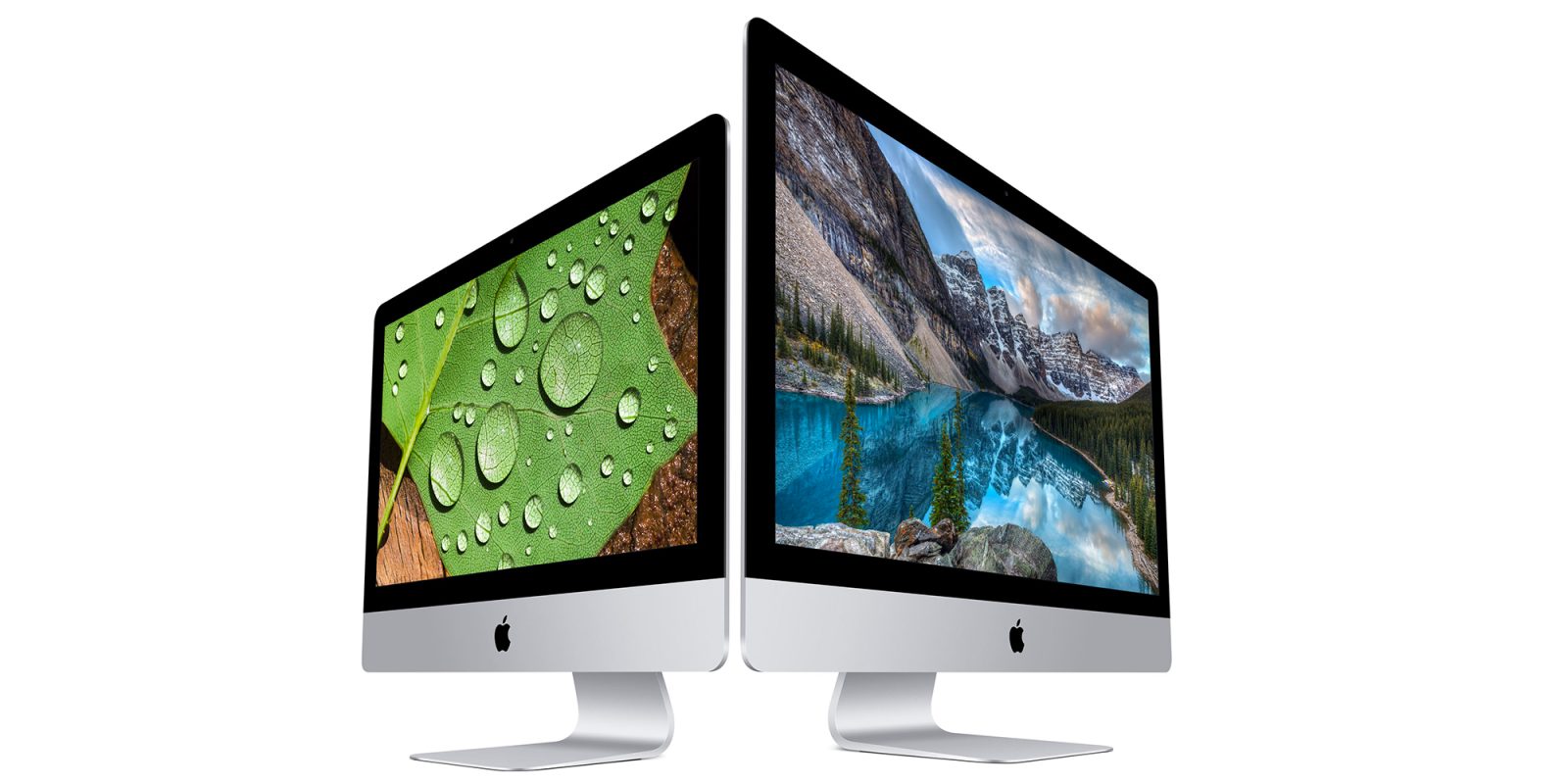
Earlier this evening, we shared a post from Tim Cook on Apple’s internal employee info service Apple Web in which the CEO discussed his reasoning for meeting with President-elect Donald Trump. Now, TechCrunch has shared more posting from Apple Web, one of which focuses on Tim Cook’s stance regarding the future of the Mac…
Cook starts by touting the benefits of a desktop machine over laptops, including larger screens, more memory and storage, a greater variety of ports, and more. “The current generation iMac is the best desktop we have ever made and its beautiful Retina 5K display is the best desktop display in the world,” Cook writes.
What’s most notable, however, is what follows. Cook clears up the doubt caused by “some folks in the media” regarding the future of the desktop Mac:
Some folks in the media have raised the question about whether we’re committed to desktops. If there’s any doubt about that with our teams, let me be very clear: we have great desktops in our roadmap. Nobody should worry about that.
The other question shared by TechCrunch from Apple Web centers around what Cook believes to be Apple’s biggest differentiator. In his response, Cook explains that it’s the “change the world” attitude that really sets Apple apart from the competition:
I think it’s that “change the world” attitude and boldness that’s deeply embedded in our culture, that “good isn’t good enough.” All of this is the fuel for everything else that we do.
More specifically, Cook explains that Apple focuses on things that bring hardware, software, and services together. “That’s our secret sauce,” Cook says. For instance, Cook points to Apple Watch and ResearchKit and CareKit as a place where hardware, software, and services all come together.
In typical Cook fashion, he also brags about what Apple has in its future, without specifics:
We’ve got a ton of things on our roadmap that I can’t talk about, but that I’m incredibly excited about, that are the result of pulling that string and not being bound by the box that so many people in life get bound by.
There you have it, desktop Mac naysayers. Apple still cares about the market, but it’s unclear as to what desktop Macs will see attention from Apple. Cook didn’t mention the Mac Pro or Mac mini in his posting, but rather the iMac. So we’ll have to wait and see what the
future has in store for the others…
Source: 9to5Mac










