 NEWS
NEWS
iPhone Users Angry Over iOS 11.4's Camera-crashing Bug
 06/21/2018
 3383
3383
iPhone users are taking to social media to voice their frustration with the latest software update, complaining that iOS 11.4 is causing their cameras to crash.
Some users say their camera stopped working — the screen turned black — after they updated their software, which became available in late May. The new update for the iPhone 5s and later, iPad Air and later and iPod touch 6th generation came with a variety of new features including: AirPlay 2 multi-room audio, support for HomePod stereo pairs, messages in iCloud, among other bug fixes.
But some smartphone users claim the update is introducing more bugs than its fixing. Last week, Apple users reported a sudden decrease in battery life.
“Why and how do I fix the new issue with battery drain after updating to iOS 11.4? Before updating, might lose as much as 10% overnight on my 6s. After update [sic] it now drains completely from 100% over the course of the night to the point that it won’t start until I plug it in and let it charge a bit," one user complained in a thread on Apple's website.
"After updating to iOS 11.4 I have noticed that the battery is now discharging 3x faster than it did under iOS 11.3 and seems to be running hot," another described.
Now users are moving on to another issue — their cameras aren't working.
"Sure wish that my Apple iPhone 6S’ camera would work," one Twitter user complained Wednesday.
"The camera of my iphone 7 plus that I specifically bought for its camera at the end of this july doesn't work as the way it is supposed to be," another wrote.
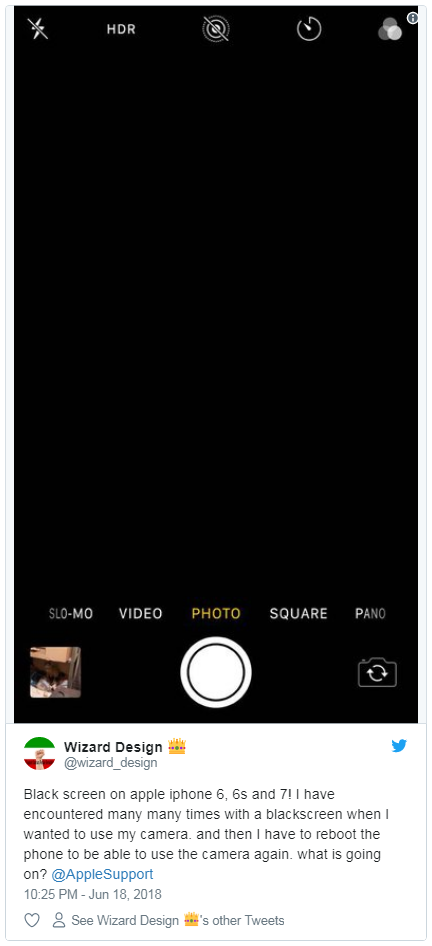
"Black screen on apple iphone 6, 6s and 7! I have encountered many many times with a blackscreen when I wanted to use my camera. and then I have to reboot the phone to be able to use the camera again. what is going on?" one man asked.
"I updated my iPhone 8plus to the new iOS and my camera is not taking photos glitchy as hell and battery draining.. any chance a fix is coming?!!" another echoed.
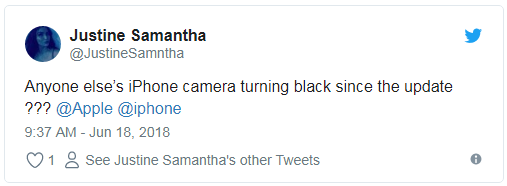
"Anyone else’s iPhone camera turning black since the update???" one woman asked.
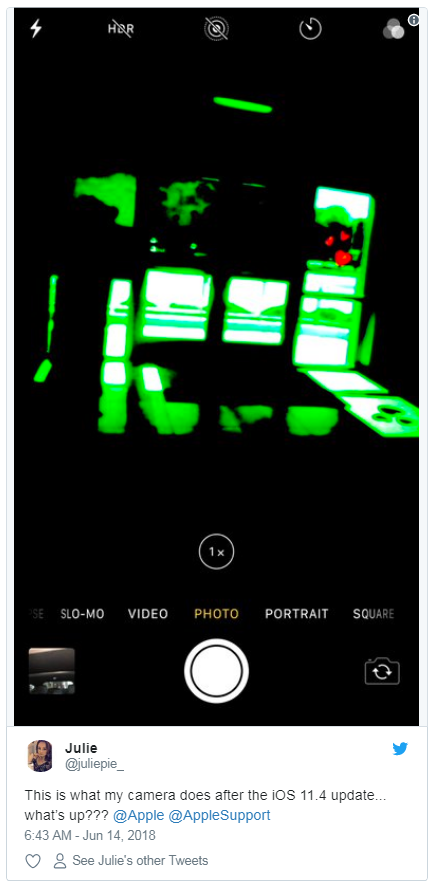
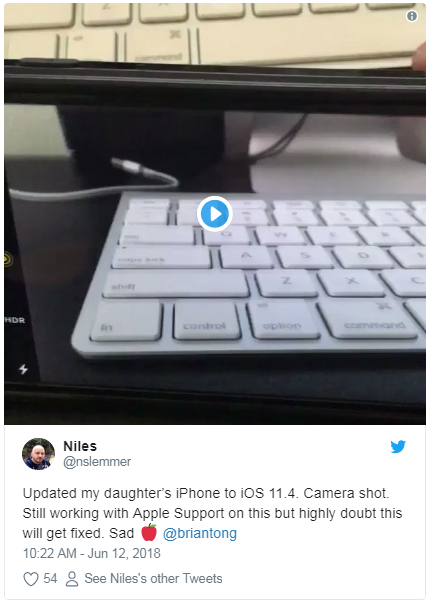
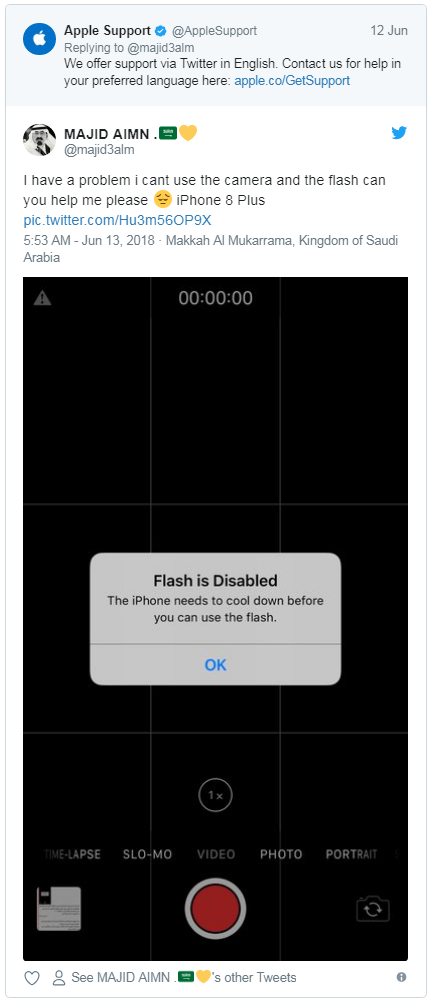
In addition to a black screen, some users reported issues with the camera's focus, flash and its portrait, landscape and panoramic modes.
In response, Apple Support directed some Twitter users to a help page for iPhone, iPad or iPod touch cameras.
"Thanks for reaching out to us about the camera. That's not normal behavior, so you are right to be concerned. We're ready to team up and solve this together," Apple Support replied in a tweet.
Source: foxnews










