 NEWS
NEWS
Is Apple Looking to ‘Kill’ the Galaxy Note?
 12/16/2016
 4571
4571
Samsung is the phone maker responsible for making the first phablet the masses really liked. The Galaxy Note came with a bigger screen than you’d expect to see on a smartphone and offered users a built-in stylus and special features that would take advantage of both the larger display and the additional interaction method.
In 2014, Apple came up with a response for the Galaxy Note, the iPhone 6 Plus. But since then, Apple hasn’t exactly made the most of the increased screen real estate, nor has it come up with software features that would significantly differentiate the iPhone Plus from the smaller version. To some people, the iPhone Plus was not the Galaxy Note rival they envisioned.
But Apple may soon change that, as the company is apparently looking to kill the Galaxy Note.
It certainly helps that the Galaxy Note 7 killed itself via battery fires this year. It’s not clear whether Samsung will make a Galaxy Note 8 next year, though Samsung is working on two distinct sizes for the Galaxy S8 that’s coming in late February.
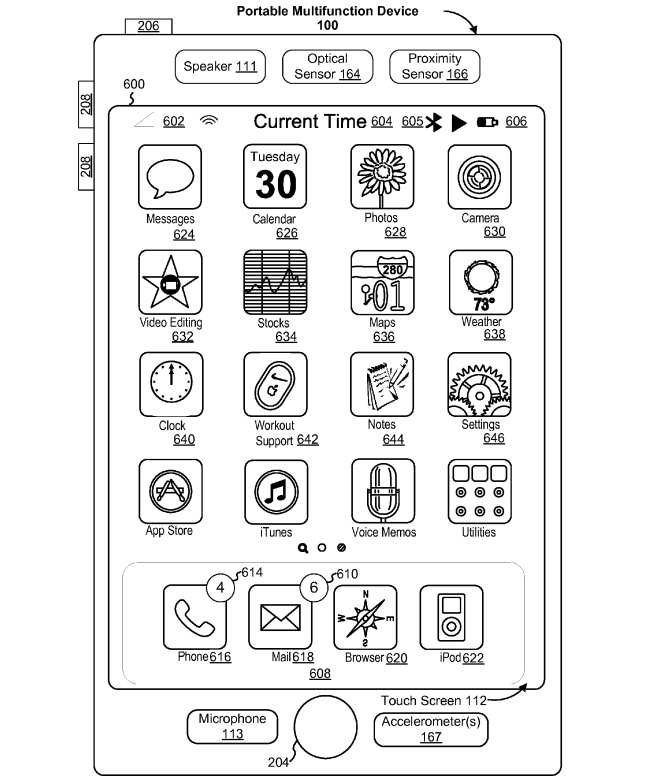
Apple, meanwhile, is studying ways of bringing stylus interaction to the iPhone, a new patent application indicates. Published on Thursday, USPTO patent application 20160364091 titled Devices and Methods for Manipulating User Interfaces with a Stylus has no less than 229 pages, of which there are around 150 pages of illustrations.
It certainly helps that the Galaxy Note 7 killed itself via battery fires this year. It’s not clear whether Samsung will make a Galaxy Note 8 next year, though Samsung is working on two distinct sizes for the Galaxy S8 that’s coming in late February.
Apple, meanwhile, is studying ways of bringing stylus interaction to the iPhone, a new patent application indicates. Published on Thursday, USPTO patent application 20160364091 titled Devices and Methods for Manipulating User Interfaces with a Stylus has no less than 229 pages, of which there are around 150 pages of illustrations.
In them, Apple explains how a stylus could be used to improve a user’s interaction with the iPhone. Unlike other figures that Apple uses in its patent literature, these drawings clearly tell us we’re looking at an iPhone.
Apple indicates that the stylus could be used for a variety of purposes, including text entry, drawing, photo annotation, instant messaging, and even video editing. Apple even envisions a mode in which the user could use the stylus directly on the locked screen of the iPhone to trigger a specific app, such as Notes.
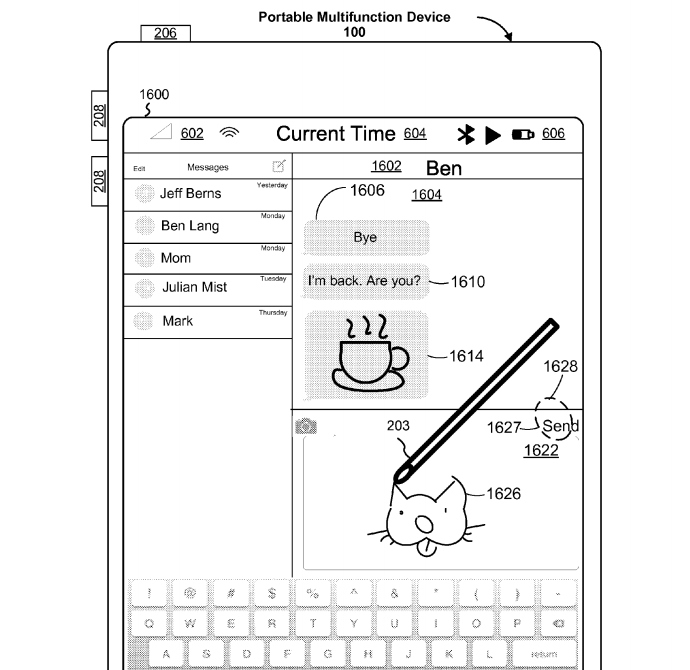
The iPhone could even recognize the pen before it actually touches the screen and display a specific menu for the user when certain gestures are detected.
The patent application, filed on September 22nd, 2015, isn’t proof that Apple’s iPhone 8 will ship with a built-in stylus, or that iOS 11 will support stylus interaction on all iPhones next year. It’s not even clear whether this stylus features would be restricted to a Plus version of the iPhone, or work with any model. And there’s no way to tell whether the technology would apply to the Apple Pencil or would require new hardware. Furthermore, it’s not even clear whether Apple would ship an iPhone with a built-in stylus at any point in the future.
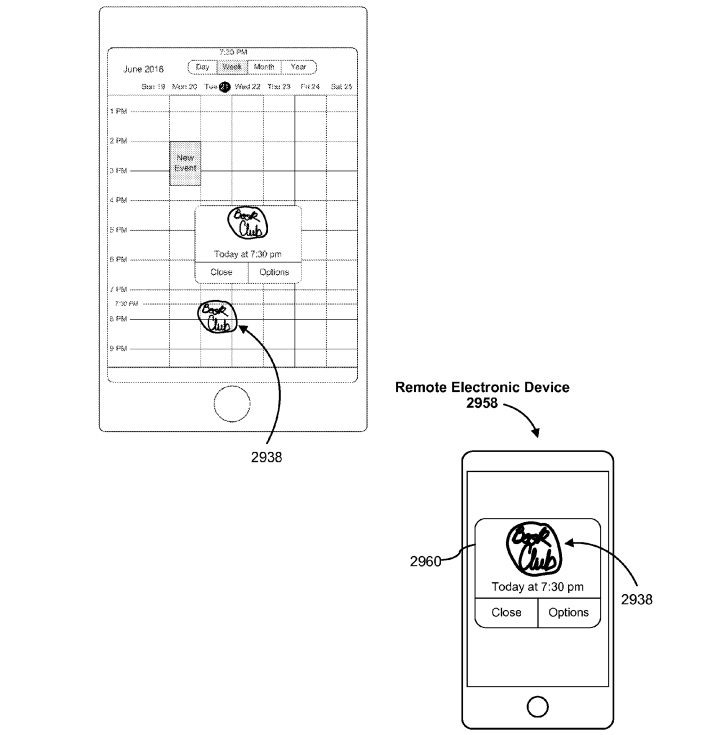
But Apple is apparently very interested in expanding the features of its stylus. Currently, the company sells an Apple Pencil stylus for the iPad Pro, whose usually advertised as a sophisticated drawing device for the tablet. The patent application shows that Apple is looking to adapt the stylus to other apps. Furthermore, Apple may use the accessory on a plurality of Apple-made devices, not just iOS-powered ones.
Disclosed in the patent application “are electronic devices with faster, more efficient methods for manipulating user interfaces with a stylus,” Apple explains. “Such methods optionally complement or replace conventional methods for manipulating user interfaces with a stylus. Such methods reduce the number, extent, and/or nature of the inputs from a user and produce a more efficient human-machine interface. For battery-operated devices, such methods conserve power and increase the time between battery charges.”
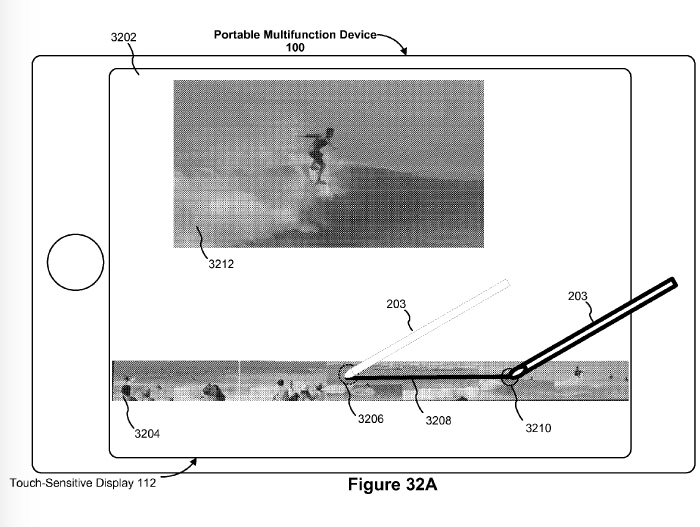
First discovered by Patently Apple, the patent application is available in full at this link. Additionally, there are three other patent application that cover the same topic: 20160364026, 20160364027, and 20160364025.
Source: BGR










