 NEWS
NEWS
Apple Seeking OLED Display Price Cut From Samsung Amid Rumors Next iPhone X Will Start at $899
 04/25/2018
 2518
2518
Apple wants to reduce the price it pays Samsung for OLED displays used in current and future iPhone X models, according to DigiTimes.
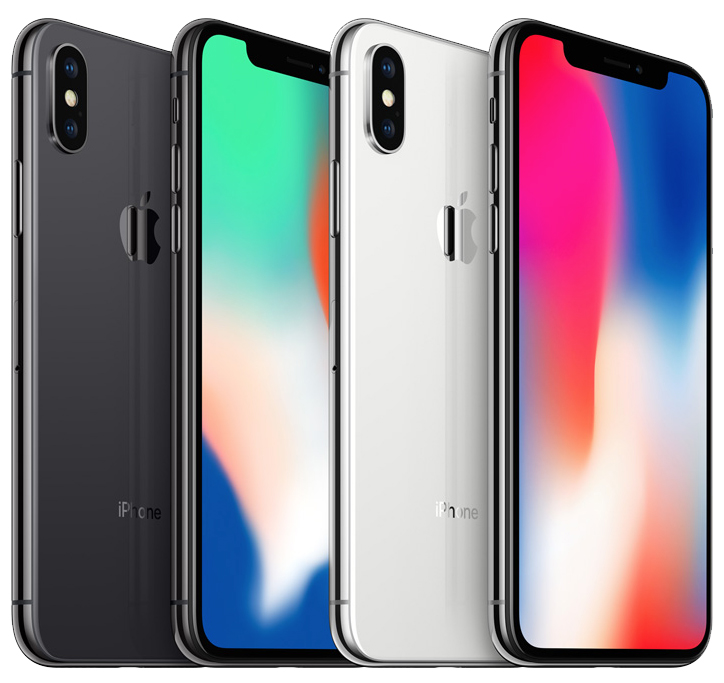
The report, citing industry sources, claims Apple is requiring Samsung to lower its price to $100 per panel, down around 9.1 percent from the $110 that research firm IHS Markit estimated the iPhone maker paid in 2017.
Rather confusingly, the report first says Apple is negotiating with Samsung about the revised price, but later says it is a requirement.
If the price cut is indeed being forced upon Samsung, then Apple likely feels confident in its ability to secure OLED displays from LG as a second supplier, and is thereby benefitting from diversifying its supply chain and making its suppliers compete against each other on price in an effort to win millions of orders.
LG is widely considered to be ramping up its OLED display production capabilities in hopes of securing orders for Apple's next-generation iPhone lineup, but a recent report claimed mass production challenges have caused the company to fall behind schedule. It's unclear if those issues have been resolved.
Apple is expected to purchase up to 100 million OLED displays from Samsung in 2018, to be used for the current iPhone X, in addition to a second-generation iPhone X and so-called iPhone X Plus expected to launch in 2018.
Price cuts to the display and other components would help Apple lower its bill of materials for the iPhone X and future models, and the savings could potentially be passed on to customers. RBC Capital Markets analyst Amit Daryanani, for example, believes the second-generation iPhone X will start at $899, down from $999.
No doubt, Apple's own bottom line also stands to benefit from reduced production costs, so these negotiations are most likely par for the course.
Source: macrumors










