NEWS

iOS 10.2 Features and Updates: What’s New

12/13/2016

4706


For a point-one update, iOS 10.2 is jam packed with some interesting, some amusing and some very useful features.Check out everything that’s new in the iOS 10.2 update below.


1. Over 70 New Emojis
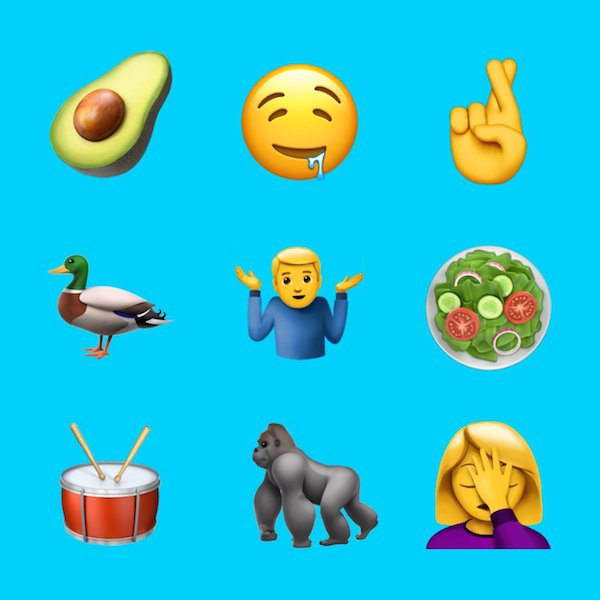
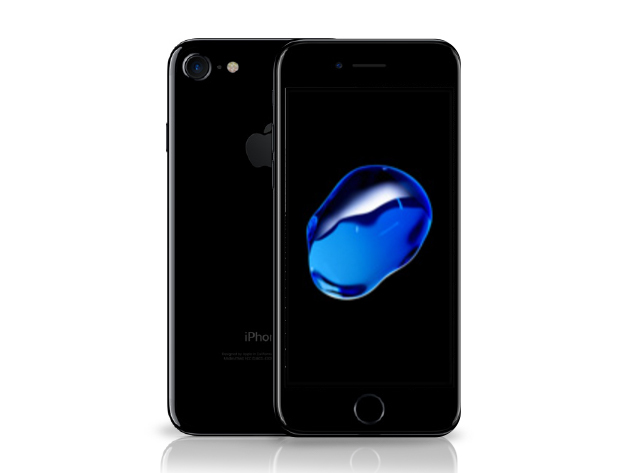
iOS 10.2 Features and Updates: What’s New2. New Wallpapers for iPhone 7 and iPhone 7 Plus
iOS 10.2 Features and Updates: What’s New


3. SOS Feature for iPhone


For the iPhone, you need to click the power button 5 times to engage the feature. The service is currently under testing and is only available in India.


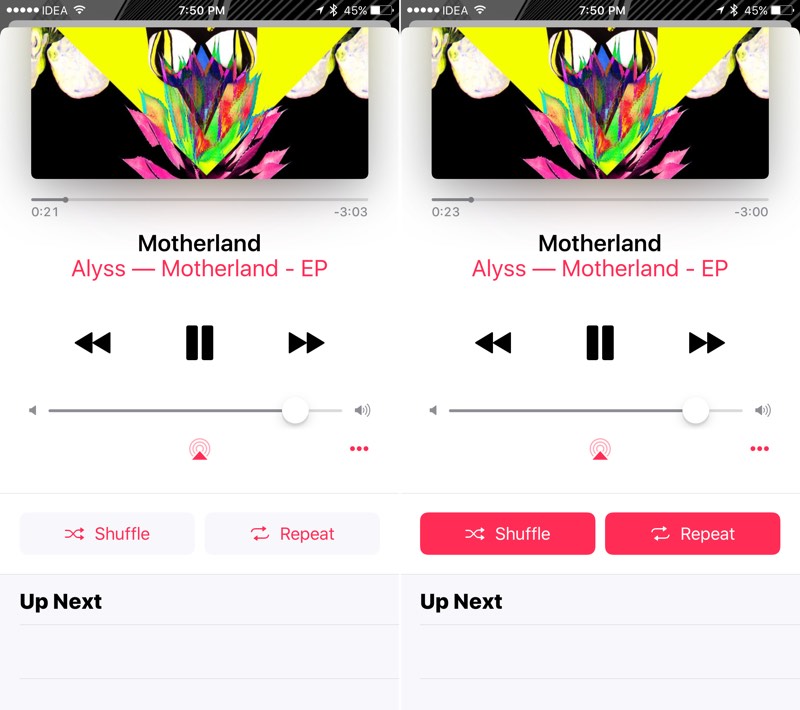
4. New Now Playing Splash Screen


5. Redesigned Shuffle and Repeat Buttons

iOS 10.2 Features and Updates: What’s New

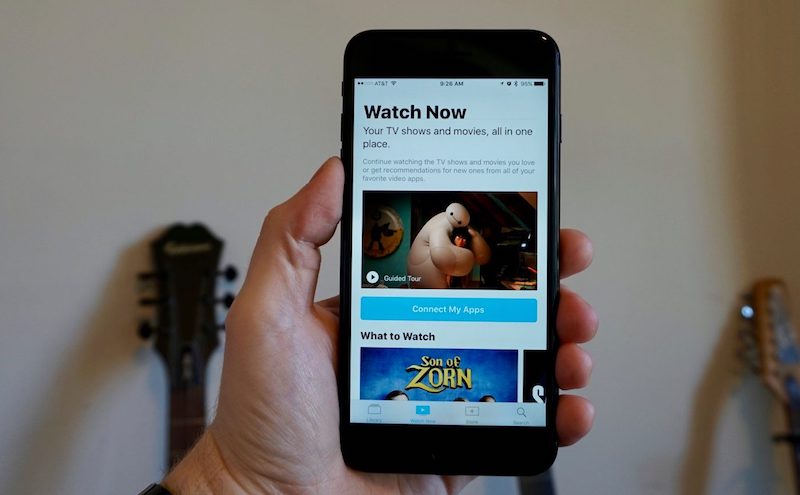
6. TV App Replaces Video App

iOS 10.2 Features and Updates: What’s New


7. You Can Get Video App Back from the App Store


8. New TV and Videos Widget


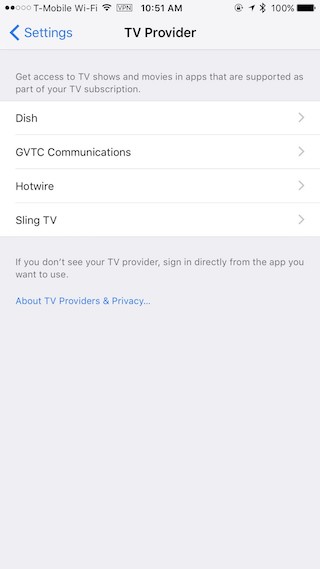
9. Enable Single Sign-On

iOS 10.2 Features and Updates: What’s New

10. Notification Center Remembers Where You Left Off


11. Hiding Contact Photo in Messages Actually Works


12. Quick Response Doesn’t Lose Text When Switching To App


In iOS 10.2, if you’re tying a response to a message in quick response, and you choose to open the app, the text you’ve already written will no longer be lost.


13. New Full Screen Effects: Celebration and Love


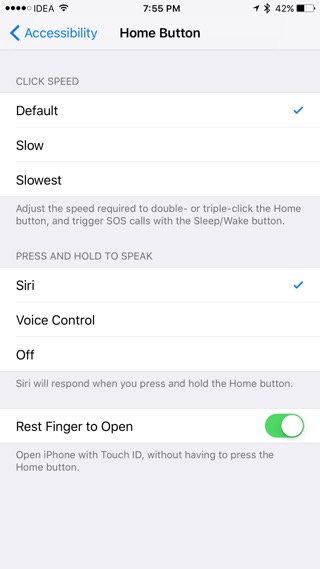
14. Disable Press and Hold Home Button To Speak

iOS 10.2 Features and Updates: What’s New
You’ll find a new option in for “Home button” settings in “Accessibility“. From the “Press and Hold Home Button to Speak” section you can switch from Siri to plain old Voice Control or just turn the feature off altogether.


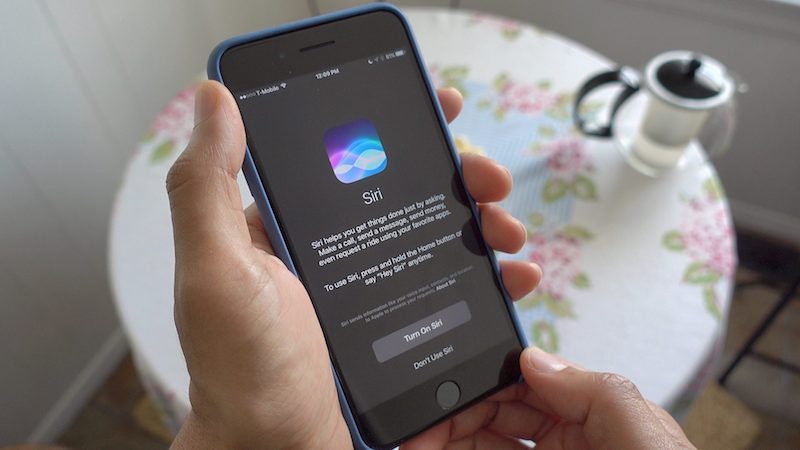
15. New Siri Splash Screen


iOS 10.2 Features and Updates: What’s New


If you turn off Siri, the next time you press and hold the Home button, you’ll get a new splash screen giving you information about Siri and giving you options to turn it back on again.


16. Sort Playlist
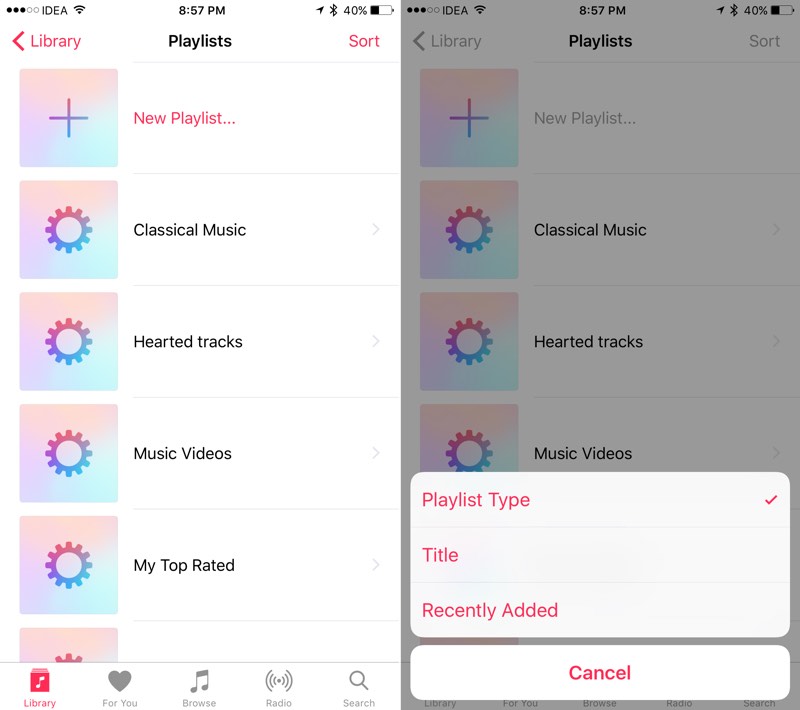

iOS 10.2 Features and Updates: What’s New
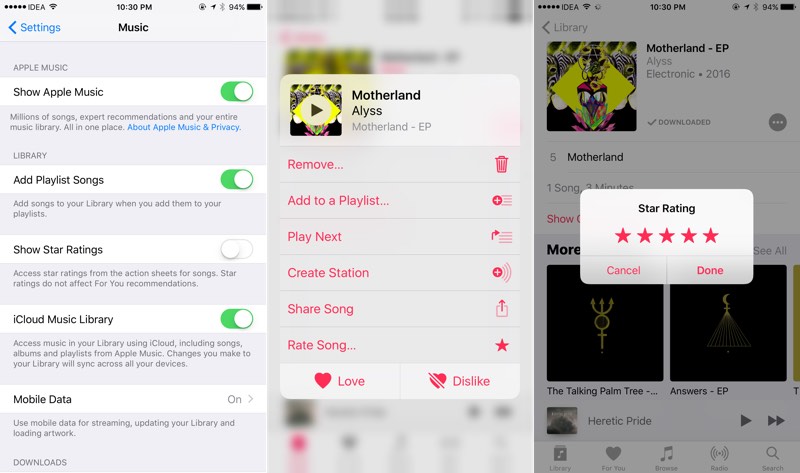
17. Star Ratings in Music App Are Back


iOS 10.2 Features and Updates: What’s New

iOS 10 replaced star ratings with the Heart button. But now, thanks to the revolt by Star rating fans, they’re back. You’ll find them in the options menu, when you tap the three dotted menu or when you 3D Touch a song item.


18. Preserve Camera Settings
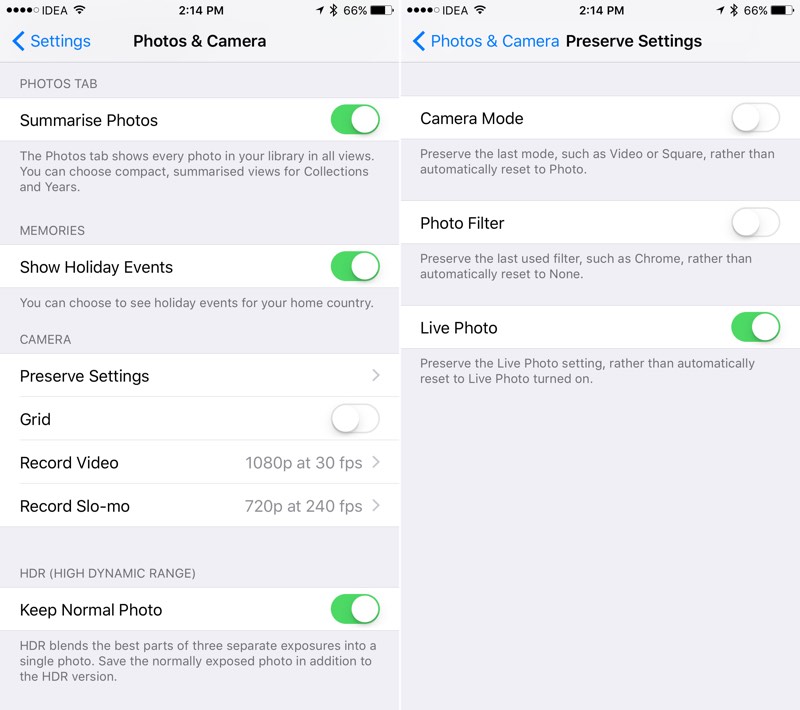

iOS 10.2 Features and Updates: What’s New


You’ll now be able to download iOS 10.2 in 3uTools.


Source: iPhonehacks



Windows
Mac OS
iOS
Linux
3uTools
Win 64-bit For this device
V9.0 2025-11-11
Download
Win 32-bit For this device
V9.0 2025-11-11
Download
3uTools
Intel Chip How to Identify Chip Type
V9.0 2025-12-02
Download
Apple Chip
V9.0 2025-12-02
Download
How to Identify Chip Type
1.  Click the Apple icon in the top-left corner of the screen and select About This Mac.
2.  Check the Processor or Chip field to determine if it is "Intel" or "Apple".
Please use the 3uTools PC client to install the iOS client:
1、 Install either the Windows or Mac version of 3uTools on your computer
2、 Open the PC client and connect your device to the computer via USB cable
3、 After the connection is successful, wait for the computer to automatically install the mobile app for the device, or locate “Install Mobile App” on the computer and manually click to install.
3uTools
deb file
V3.01 2025-11-20
Download
rpm file
V3.01 2025-11-20
Download
Windows
Windows
iOS
iOS
Android
Android
TV
TV
3uAirPlayer
Win 64-bit For this device
V6.0.2 2025-11-19
Download
Win 32-bit For this device
V6.0.2 2025-11-19
Download
iOS Device Mirroring (No App Required)
1、 Install 3uAirPlayer on the Windows PC
2、 Open Control Center and select Screen Mirroring
3、 From the list, choose your PC to start mirroring
4、 Or connect your iOS device to the PC via USB to begin mirroring
Scan to get "3uAirPlayer" App
3uAirPlayer TV V1.0.18
2025-11-28
TV System Requirements: Android 7.0 or later
Download the TV installation package, copy it to a USB drive, insert it into your TV or set-top box, then select the file from the home screen to install.