NEWS

Pictures From Shot on Your iPhone Campaign

12/09/2016

7603

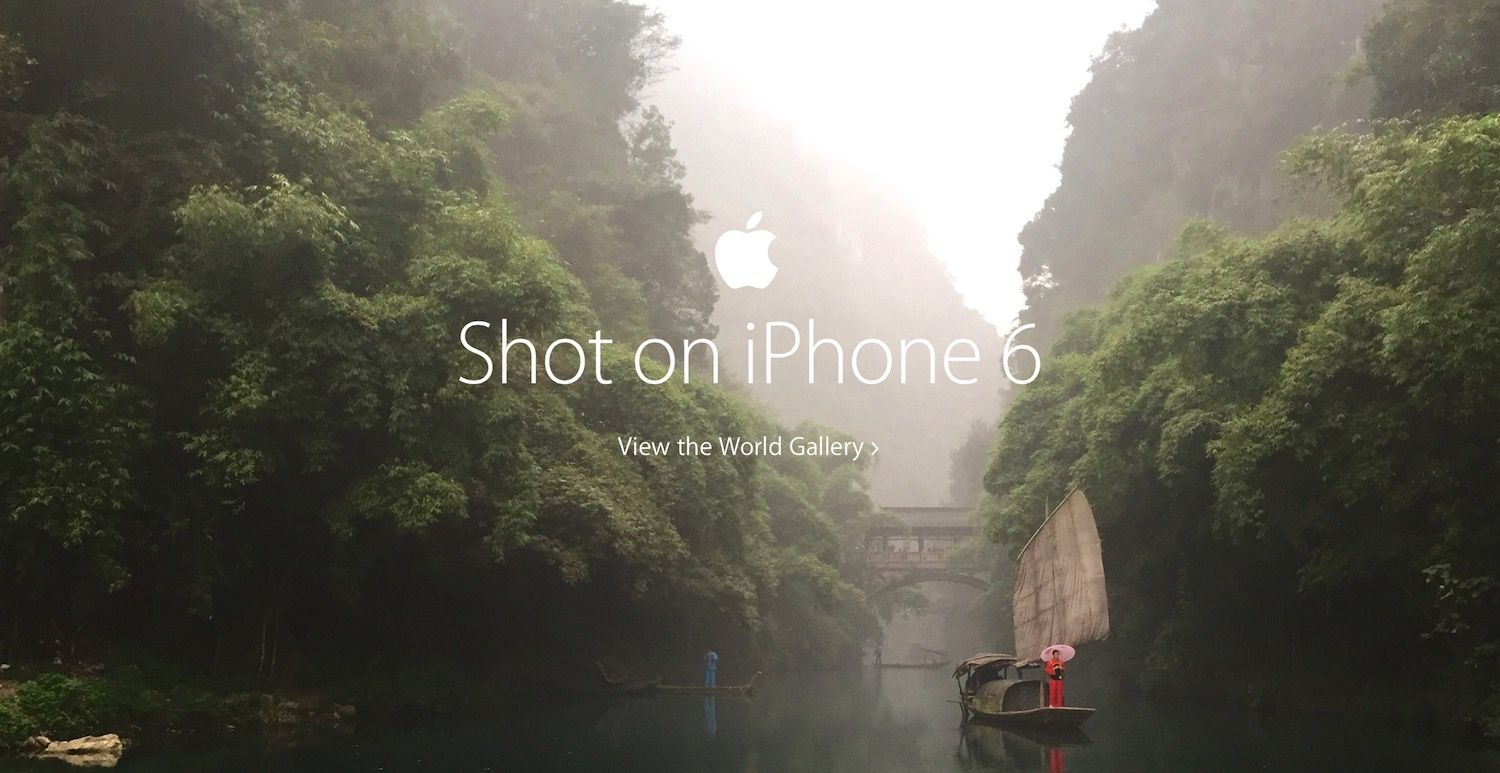
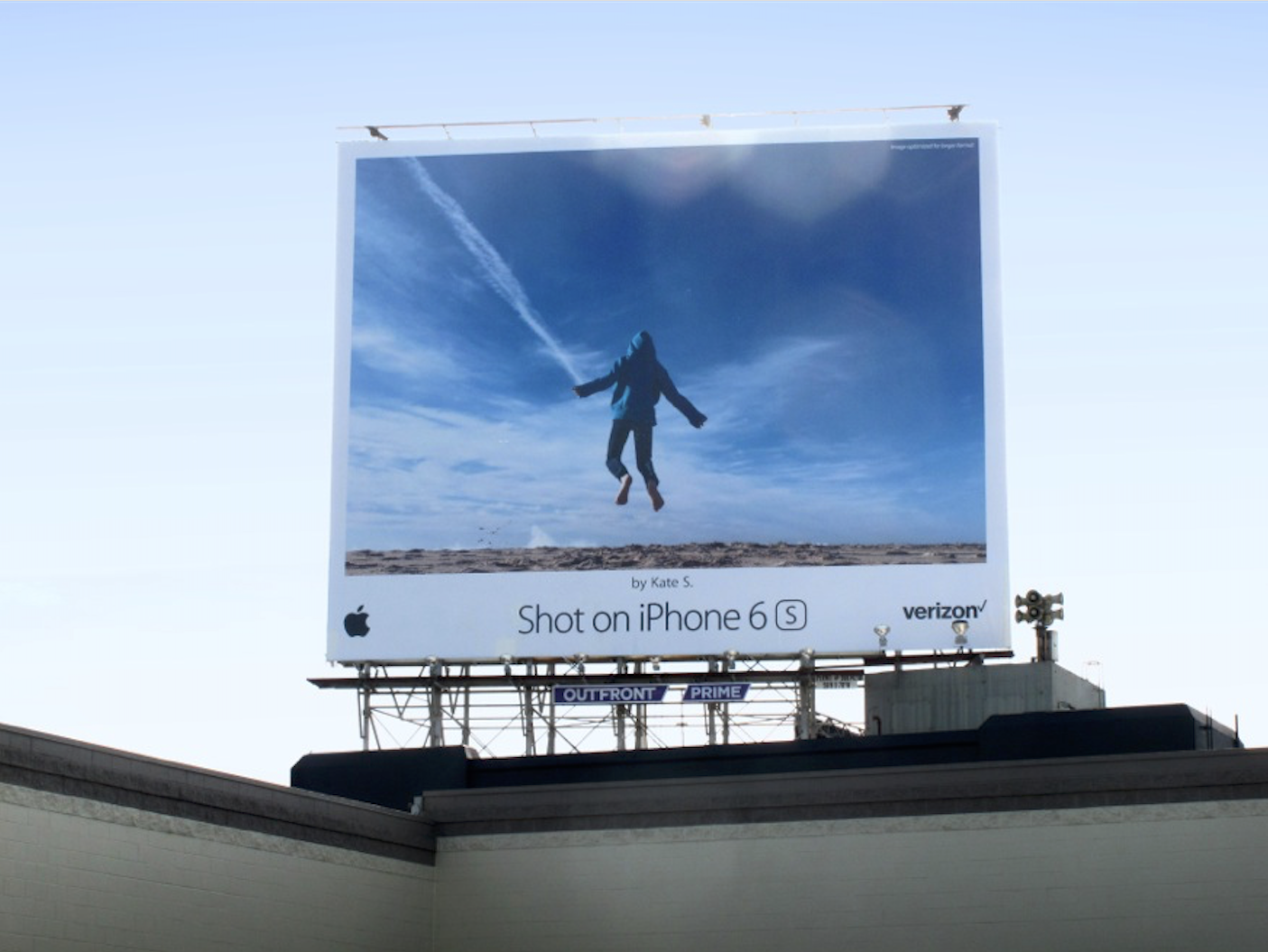
How often do you carry a camera with you? Chances are that the answer is “never” (i.e. you don’t have an SLR camera in your laptop bag), and “always” (i.e. you’re never more than an arm’s length away from your phone). In celebration of this, Apple just kicked off another gorgeous set of photos in its Shot on iPhone campaign.


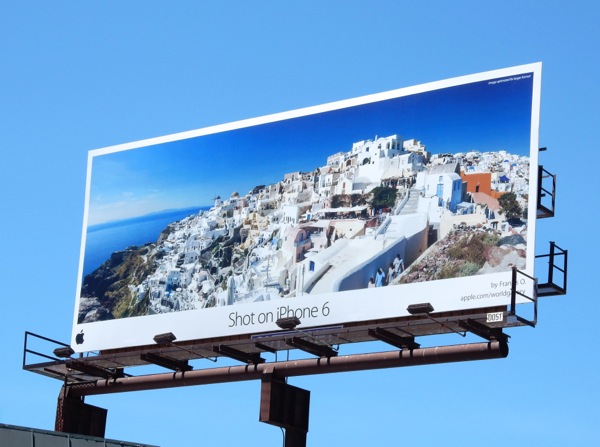
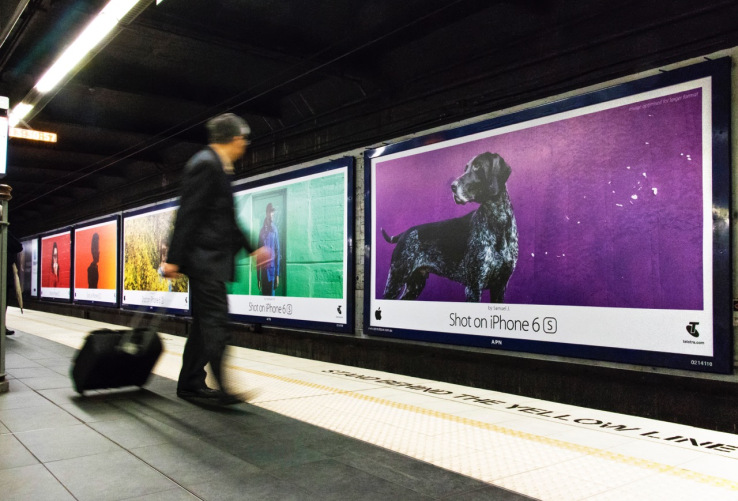
The new featured images are focusing on the bright, vibrant colors you’ll find in the world around you, and the campaign is focusing on highlighting photography local to where the billboards are going up.


The campaign — dubbed Colors by the Apple creative team — can be found in what has got to be one of the broadest-reaching art exhibits in the world, splashed across billboards in the U.S., Canada, U.K., Australia, France, Germany, Italy, Spain, Switzerland, Turkey, Russia, UAE, Brazil, Chile, Colombia, Mexico, Japan, Singapore, Hong Kong, India, Korea, China, Malaysia, New Zealand and Thailand.

Pictures From Shot on Your iPhone Campaign


Pictures From Shot on Your iPhone Campaign


Pictures From Shot on Your iPhone Campaign


Pictures From Shot on Your iPhone Campaign


Pictures From Shot on Your iPhone Campaign


Pictures From Shot on Your iPhone Campaign


Pictures From Shot on Your iPhone Campaign

Pictures From Shot on Your iPhone Campaign


Pictures From Shot on Your iPhone Campaign


Pictures From Shot on Your iPhone Campaign

Pictures From Shot on Your iPhone Campaign


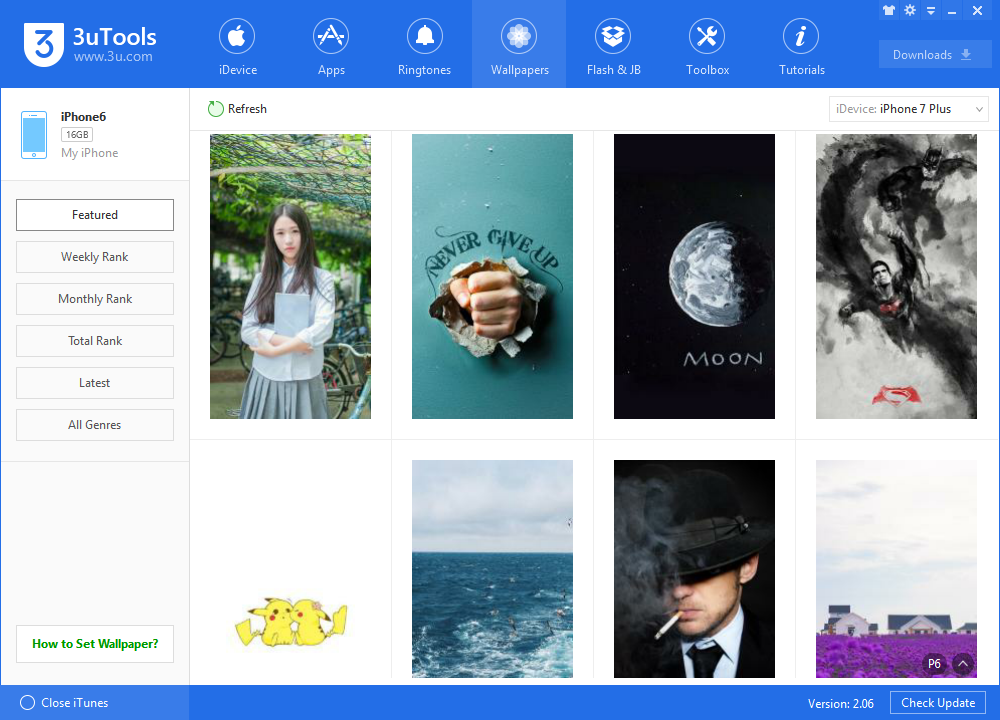
How wonderful! Now you can hold your iPhone and capture some good pictures. If you are totally love those beautiful pictures, you can download various wallpapers for your iPhone from 3uTools, it will be fantastic.

Pictures From Shot on Your iPhone Campaign


Source: Google Image

Windows
Mac OS
iOS
Linux
3uTools
Win 64-bit For this device
V9.0 2025-11-11
Download
Win 32-bit For this device
V9.0 2025-11-11
Download
3uTools
Intel Chip How to Identify Chip Type
V9.0 2025-12-02
Download
Apple Chip
V9.0 2025-12-02
Download
How to Identify Chip Type
1.  Click the Apple icon in the top-left corner of the screen and select About This Mac.
2.  Check the Processor or Chip field to determine if it is "Intel" or "Apple".
Please use the 3uTools PC client to install the iOS client:
1、 Install either the Windows or Mac version of 3uTools on your computer
2、 Open the PC client and connect your device to the computer via USB cable
3、 After the connection is successful, wait for the computer to automatically install the mobile app for the device, or locate “Install Mobile App” on the computer and manually click to install.
3uTools
deb file
V3.01 2025-11-20
Download
rpm file
V3.01 2025-11-20
Download
Windows
Windows
iOS
iOS
Android
Android
TV
TV
3uAirPlayer
Win 64-bit For this device
V6.0.2 2025-11-19
Download
Win 32-bit For this device
V6.0.2 2025-11-19
Download
iOS Device Mirroring (No App Required)
1、 Install 3uAirPlayer on the Windows PC
2、 Open Control Center and select Screen Mirroring
3、 From the list, choose your PC to start mirroring
4、 Or connect your iOS device to the PC via USB to begin mirroring
Scan to get "3uAirPlayer" App
3uAirPlayer TV V1.0.18
2025-11-28
TV System Requirements: Android 7.0 or later
Download the TV installation package, copy it to a USB drive, insert it into your TV or set-top box, then select the file from the home screen to install.