 NEWS
NEWS
iPhone 6s Battery Problem is More Widespread Than Apple First Thoughts
 12/08/2016
 4937
4937
Apple’s iPhone 6s battery problem is a lot worse than we thought, and the company just confirmed it. Strangely enough, Apple decided to quietly admit it on its Chinese website, likely in direct response to increased pressure from local agencies.
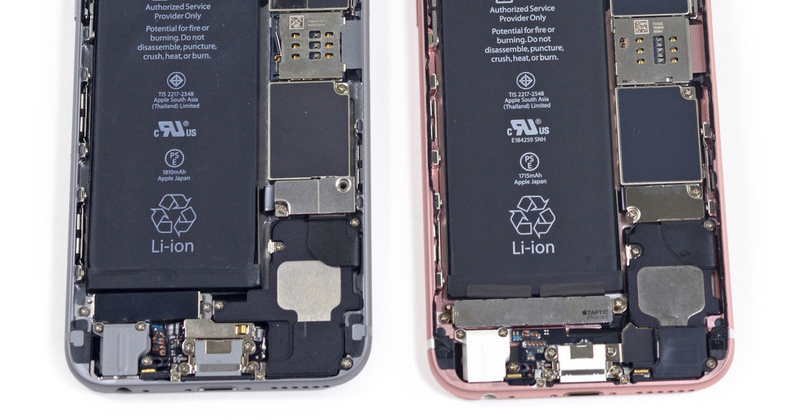
Initially, Apple only said that a limited number of iPhone 6s models have a battery deficiency. Apparently, air contaminated individual battery components, and that freak occurrence is responsible for the current shutdowns, Apple explained. The company offered a free repair for those units affected, stressing on the fact that only iPhone 6s units sold in September and October 2015 are eligible for the free repair.
Meanwhile, Apple on Tuesday posted a new notice on its China site. In it, Apple says that it needs additional diagnostic data to fix the problem and that a software fix might be possible for certain units.
“Outside the affected batch, a small number of customers reported an unexpected shutdown,” Apple said. “Some of these shutdowns may be normal because the iPhone will shut down to protect its electronic components. To gather more information, we will add an additional diagnostic feature to the iOS software update that is released next week. This feature collects a variety of information in the coming weeks that may help us improve algorithms for managing battery performance and shut down operations. If such improvements can be achieved, we will deliver them through further software updates.”
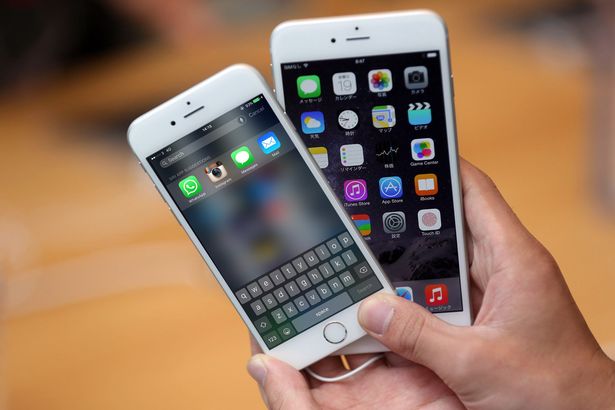
However, Apple is yet to update its iPhone 6s battery replacement program to include models that were not made in September or October 2015.
A Chinese watchdog said a few days ago that older iPhone models including iPhone 6 and iPhone 5s also experience the same problem. Apple has not addressed those claims either.
Source: bgr










