
NEWS

Apple Busts Out New Betas for iOS 10.2, MacOS Sierra and WatchOS

12/06/2016

4220

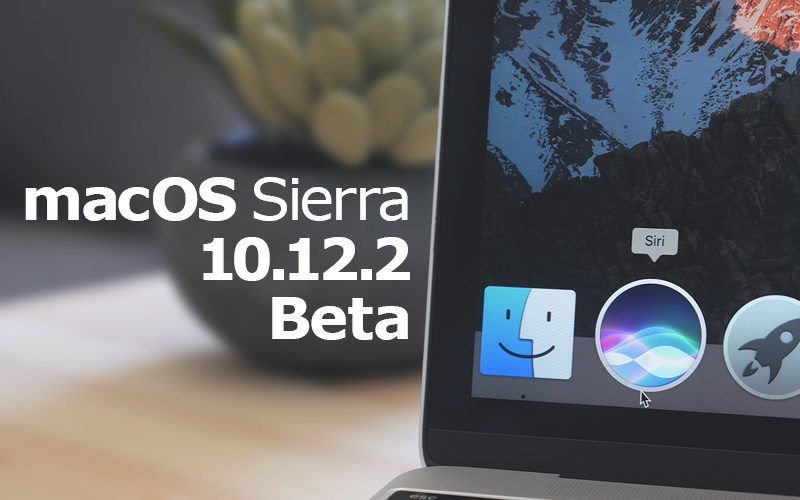
Developers received a fresh new batch of beta updates this morning. Apple seeded the sixth build of iOS 10.2, just a few days after the last beta build was released. Other beta builds include updates for macOS Sierra 10.12.2 and watchOS 3.1.1 that bring a number of bug fixes.


Apple’s release notes for iOS 10.2 beta 6 don’t mention any significant changes. New features were added in previous builds, but it’s likely that Apple is working on fixing the last of the bugs before the public launch.


To download the new beta, developers can install it to their iPhone or iPad via an over-the-air update, as long as the proper installation profile is already installed. Downloading watchOS 3.1.1 beta 5 requires an iPhone that’s already running the latest iOS 10.2 beta.

Apple Busts Out New Betas for iOS 10.2, MacOS Sierra and WatchOS


What’s new in iOS 10.2


When it launches to the public, iOS 10.2 will bring three new wallpapers to iPhone 7 and iPhone 7 Plus users. It also contains dozens of new emoji such as a shrug, shark, and avocado. There are also two new effects for Messages.


The update also brings Apple’s new TV app to iPhone and iPad. Apple is replacing the Videos app with the TV app in an attempt to unify the content you subscribe to. Apple hasn’t given a public release date of iOS 10.2, but it must be drawing close. The company revealed at its MacBook Pro event in October that the TV app will launch as part of iOS 10.2 in December.


Source: cultofmac

Windows
Mac OS
iOS
Linux
3uTools
Win 64-bit For this device
V9.0 2025-11-11
Download
Win 32-bit For this device
V9.0 2025-11-11
Download
3uTools
Intel Chip How to Identify Chip Type
V9.0 2025-12-02
Download
Apple Chip
V9.0 2025-12-02
Download
How to Identify Chip Type
1.  Click the Apple icon in the top-left corner of the screen and select About This Mac.
2.  Check the Processor or Chip field to determine if it is "Intel" or "Apple".
Please use the 3uTools PC client to install the iOS client:
1、 Install either the Windows or Mac version of 3uTools on your computer
2、 Open the PC client and connect your device to the computer via USB cable
3、 After the connection is successful, wait for the computer to automatically install the mobile app for the device, or locate “Install Mobile App” on the computer and manually click to install.
3uTools
deb file
V3.01 2025-11-20
Download
rpm file
V3.01 2025-11-20
Download
Windows
Windows
iOS
iOS
Android
Android
TV
TV
3uAirPlayer
Win 64-bit For this device
V6.0.2 2025-11-19
Download
Win 32-bit For this device
V6.0.2 2025-11-19
Download
iOS Device Mirroring (No App Required)
1、 Install 3uAirPlayer on the Windows PC
2、 Open Control Center and select Screen Mirroring
3、 From the list, choose your PC to start mirroring
4、 Or connect your iOS device to the PC via USB to begin mirroring
Scan to get "3uAirPlayer" App
3uAirPlayer TV V1.0.18
2025-11-28
TV System Requirements: Android 7.0 or later
Download the TV installation package, copy it to a USB drive, insert it into your TV or set-top box, then select the file from the home screen to install.




