 NEWS
NEWS
Is Apple About to Move iPhone Manufacturing to the US?
 12/02/2016
 3941
3941
One of Apple's manufacturing partners is reportedly considering moving production of the iPhone to the US. Apple asked both Taiwan-based Foxconn and Pegatron, two companies that assemble the iPhone in China, in June to consider making iPhones in the US. Foxconn reportedly complied, but Pegatron declined due to cost concerns. Keep in mind Republican president-elect Donald Trump has long called for Apple and other US companies to start building their products in America.
"We're going to get Apple to build their damn computers and things in this country instead of in other countries," Trump said in a speech in January. He also said that he would impose a 45-per cent import tariff on Chinese products. Manufacturing the iPhone in the US would theoretically bring production jobs back to the country once known for its powerful industrial sector. However, if Apple continues to manufacture abroad, it can maintain a strong margin on its product. Moving iPhone production would be an enormously pricey endeavor.
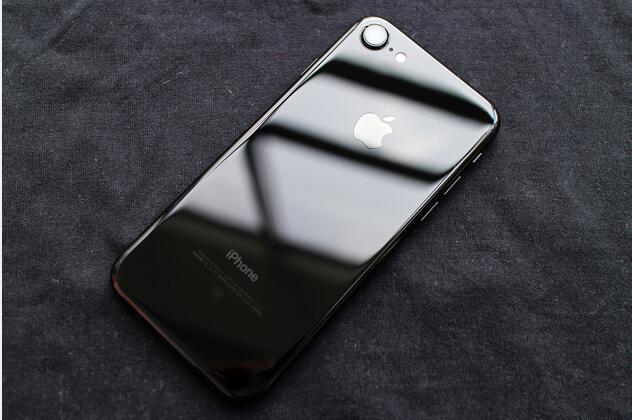
Nikkei's sources claimed that it would increase production costs by nearly 50 per cent. Most of Apple’s part suppliers are located in Asia. In 2013, it made an effort to bring some Mac Pro hardware production to the US. It invested over $100 million dollars in production, but relocating iPhone manufacturing is an entirely different beast. There would likely be a large impact on Apple's finances.
It's important to remember that Apple's discussions began in June, five months before Trump won the general election. Also, it's unclear when or even if Apple will definitely follow through with its discussions.
Source: pocketlint










