 NEWS
NEWS
Apple Allegedly Reduces iPhone 7 Orders
 12/02/2016
 4560
4560
Apple has allegedly started to reduce iPhone 7 orders as sales momentum begins to fade, reports DigiTimes. Sources in Taiwan tell the site that initial demand was driven by the new jet black iPhone 7 models and the recalled Samsung Galaxy Note 7.
Demand for the iPhone 7 devices in China and other markets has scaled down significantly since their launch less than three months ago, the sources noted.
Notably, component suppliers and consumers are said to have already begun shifting focus to the next generation iPhone.
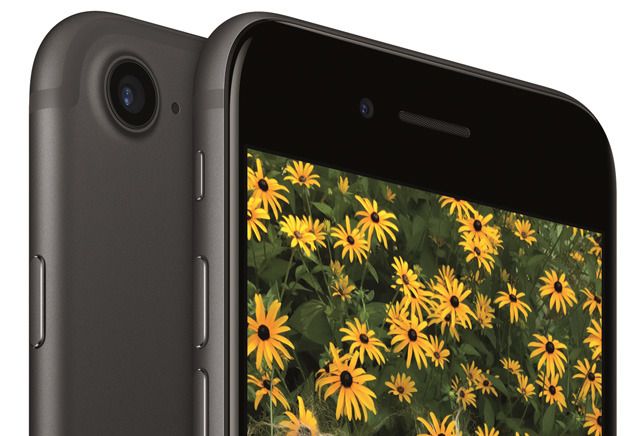
Market rumors have indicated that the next generation iPhone will come with OLED displays, glass cases, dual-lens cameras, enhanced CPUs, and advanced sensors, while supporting mixed reality (MR) and wireless charging technologies.
Due to the high expectations for Apple's tenth anniversary iPhone, suppliers are conservative on iPhone 7 shipments for the first half of 2017. It's expected that shipments during this period will be at least 5 million less than those shipped in the last half of 2016.
We've been hearing reports for some time that the 10th anniversary iPhone will be a major update. It will purportedly have a front glass cover and chassis, joined by a metal bezel and an edge-to-edge display that has no bezels on the top and bottom. Additionally, the front camera, Touch ID, speaker, and other sensors will apparently be embedded into the display. Another report claimed that the device would be a clear piece of glass with a next-generation OLED screen. More recently, Apple is said to have be equipping the phone with wireless charging and a 3D camera.
Source: iclarified










