 NEWS
NEWS
Bank Documentation Hints at Brazilian Apple Pay Launch
 12/13/2017
 3141
3141
Documentation seen by Itaú Unibanco customers on Monday suggest Apple is on the verge of launching Apple Pay in Brazil, which was first rumored to gain access to the mobile payments service nearly two years ago.
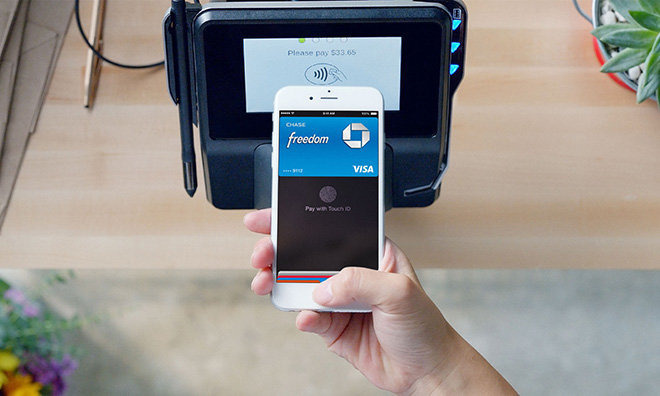
According to local blog MacMagazine, iOS device users attempting to add Itaú's Visa Platinum Personnalité card to the Wallet app are met with a terms of service agreement.
Previously, users attempting to register their Itaú were met with a message saying the card was not yet supported, a notification that still pops up for cards from other banks. Attempting to add Itaú's other card options, including those from MasterCard, triggers similar alerts.
Apple Pay itself is not mentioned in "Conditions of Use of Itaúcard in the Apple Wallet application," but the document's existence in relation to Wallet, which manages Apple Pay provisioning, can be taken as circumstantial evidence of an imminent release.
Rumors of an Apple Pay rollout in Brazil first appeared in early 2016 when reports claimed the service would go live through a partnership with MasterCard, a company Apple sometimes works with on smaller regional Apple Pay launches.
Citing sources familiar with the matter, a separate report from iHelp BR claims Apple Pay support will roll out soon. The blog, however, fails to pin a specific timeline on the supposed announcement.
The appearance of Itaúcard's documentation in Wallet could be related to Apple's scheduled transition of iTunes pricing from U.S. dollars to the Brazilian real in early 2018.
Currently, customers in Brazil must use an international credit card to purchase items on iTunes, transactions that are subject to the country's IOF tax. It is assumed that iTunes users will be able to add cards from Brazilian banks once the online store switches to reais.
Apple last expanded Apple Pay operations in October when the service went live in Denmark, Finland, Sweden and the United Arab Emirates.
Source: appleinsider










