 NEWS
NEWS
iPhone 8: Dual Lens Optical Image Stabilization & Remote Wireless Charging
 11/28/2016
 4358
4358
Next year in September, iPhone 8 will be launched as scheduled, this time, squeezed three years of Apple toothpaste will make a big change in the design, such as the legendary borderless shape OLED screen, integrated into the screen Touch ID and front camera Wait. In addition, from the beginning of the iPhone 5 aluminum alloy fuselage this may also be sidelined, the classic glass body will re-host.
However, for Apple, these changes are not enough Madden, the recent exposure of some of the details is the iPhone 8 to remain competitive killer.
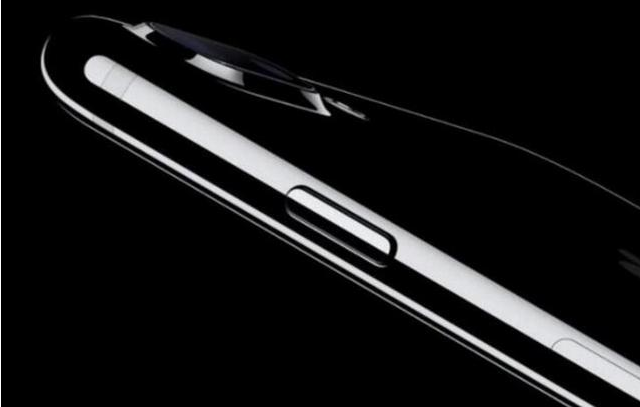
Dual cameras are using optical image stabilization
There are rumors about Apple, Taiwan's KGI Securities analyst Guo Ming has always been well-informed. In the latest research report, he said that next year's new dual-camera version of the iPhone two cameras will use optical image stabilization (OIS) technology. Earlier this month, Guo said that next year the iPhone product line will be expanded to three, two of which will continue the existing product strategy, and high-end products will be equipped with 5.8-inch OLED screen. However, Apple may take the opportunity to 4.7-inch single-camera version into the mid-range product series, through a lower price increase iPhone sales.
This year's iPhone 7 Plus for the first time to spend 12 million pixel dual cameras, but only wide-angle lens which uses optical image stabilization, and take pictures more easily blurred telephoto lens has been forgotten. Guo Ming said that after a year of preparation, Apple will certainly find a way to add telephoto end of optical anti-shake method.
Guo Ming Qi convinced that, in addition to the end of the telephoto end with optical image stabilization, he also believes that Apple will now the 2x optical zoom range once again increased to increase the selling point. In addition, the large photoelectric may be the iPhone 8 camera components, the exclusive supplier. However, the configuration of the upgrade is not able to get overnight, enhanced version of the dual camera components will not only increase the difficulty of assembly, the calibration will be more time. In addition, Apple has to solve the deterioration of the edge of the problem.
Get rid of the charging board wireless charging
Last month, the Nikkei press reported that Foxconn is producing a wireless charging module for the iPhone 8. This news at first hearing quite boring, after all, the technology Andrews manufacturers have been playing for many years. However, Apple this time to bring some changes.
Yes, Apple this time to achieve a true wireless charging, because the iPhone 8 may get rid of the charging board, 15 feet (about 4.5 meters) within the wireless charging. IPhone 8 fuselage will be directly equipped with a receiver to support this feature.
It is reported that this time for Apple to provide wireless charging solution is Energous company, and the company's killer technology is 15 feet to complete the wireless charging.
In addition to these features, iPhone 8 there are other improvements? Of course, it will use the new A11 processor and supports more advanced biometrics (iris recognition or facial recognition).
Source:vvcat










