
NEWS

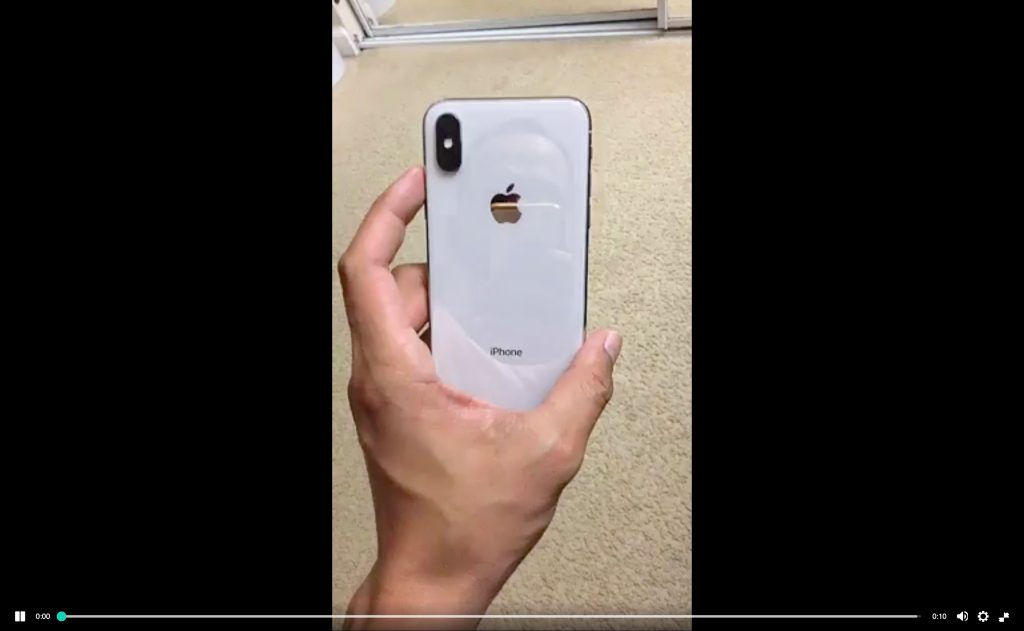
Latest Video of iPhone X in the Wild Shows Off White Design

10/23/2017

2888

As we approach the release of the iPhone X next month, the device continues to make appearances in the wild. We shared a video and a handful of images of the device earlier this month, and now another close-up look of the iPhone X in white has hit the web…
Latest Video of iPhone X in the Wild Shows Off White Design


Latest Video of iPhone X in the Wild Shows Off White Design


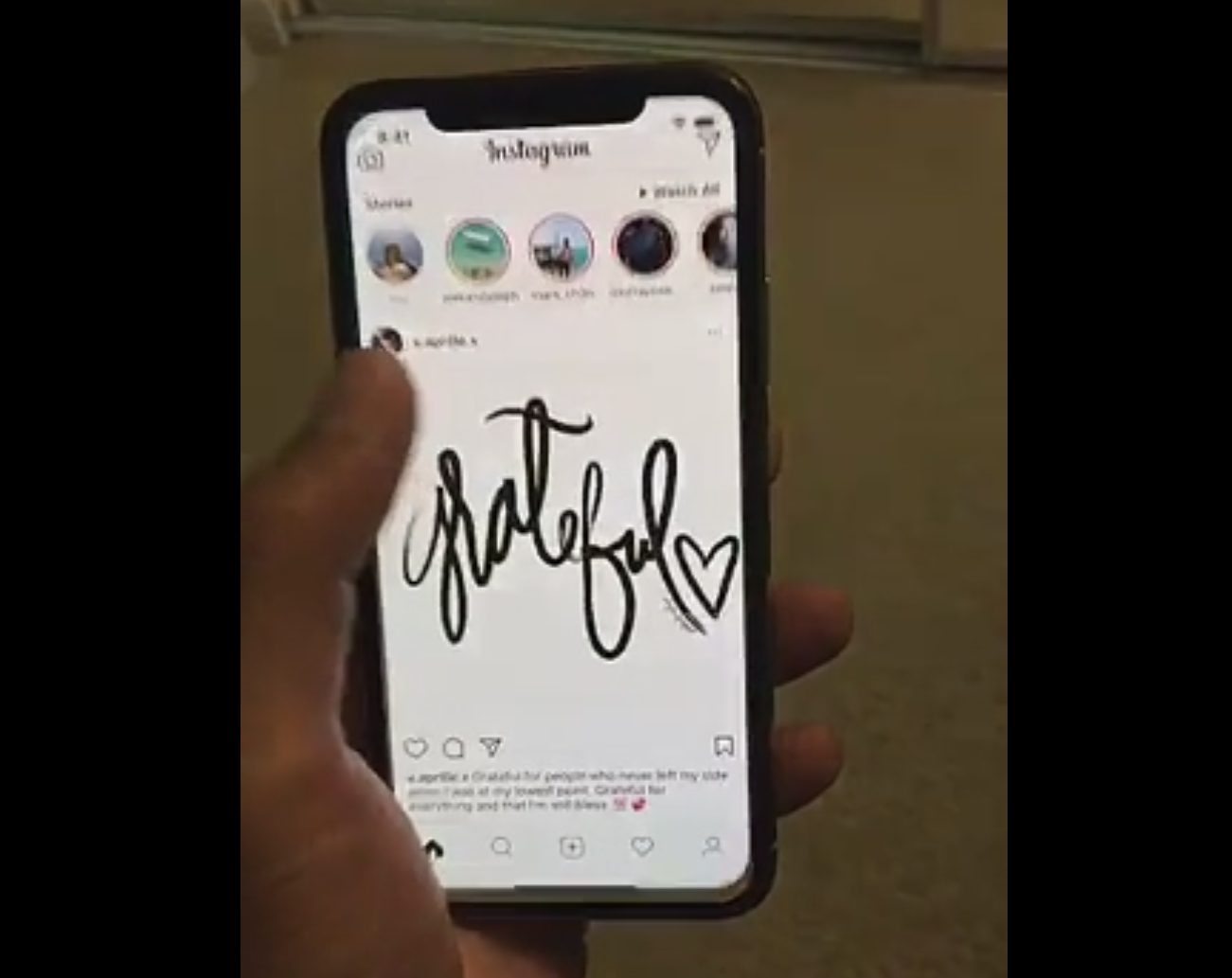
Shared on Reddit, this video shows the iPhone X in white and offers a look at how iOS performs, as well as the Instagram app. In the video, it appears that Instagram is not yet optimized for the iPhone X’s notch as there are some alignment issues along the top. Of course, this is putting aside the fact that the all-white app design doesn’t look all that great when paired with the notch.


On the Home screen, you can see a TextEdit icon. Users have long called for Apple to bring TextEditor to iOS, but evidence in this video isn’t something to get too excited about. The TextEdit icon has appeared on internal test iPhone and iPad models before and we’ve yet to see the app launch to the public.


Earlier this month, a leaked video and a handful of images offered our first look at the iPhone X in the wild. The video showcased a new dynamic wallpaper that’s seemingly coming with the launch of Apple’s device, as well as the phone in white and black.


Source: 9to5mac

Windows
Mac OS
iOS
Linux
3uTools
Win 64-bit For this device
V9.01 2025-12-27
Download
Win 32-bit For this device
V9.01 2025-12-27
Download
3uTools
Intel Chip How to Identify Chip Type
V9.0 2025-12-02
Download
Apple Silicon
V9.0 2025-12-02
Download
How to Identify Chip Type
1.  Click the Apple icon in the top-left corner of the screen and select About This Mac.
2.  Check the Processor or Chip field to determine if it is "Intel" or "Apple".
Please use the 3uTools PC client to install the iOS client:
1、 Install either the Windows or Mac version of 3uTools on your computer
2、 Open the PC client and connect your device to the computer via USB cable
3、 After the connection is successful, wait for the computer to automatically install the mobile app for the device, or locate “Install Mobile App” on the computer and manually click to install.
3uTools
deb file
V3.01 2025-11-20
Download
rpm file
V3.01 2025-11-20
Download
Windows
Windows
iOS
iOS
Android
Android
TV
TV
3uAirPlayer
Win 64-bit For this device
V6.0.2 2025-11-19
Download
Win 32-bit For this device
V6.0.2 2025-11-19
Download
iOS Device Mirroring (No App Required)
1、 Install 3uAirPlayer on the Windows PC
2、 Open Control Center and select Screen Mirroring
3、 From the list, choose your PC to start mirroring
4、 Or connect your iOS device to the PC via USB to begin mirroring
Scan to get "3uAirPlayer" App
3uAirPlayer TV V1.0.18
2025-11-28
TV System Requirements: Android 7.0 or later
Download the TV installation package, copy it to a USB drive, insert it into your TV or set-top box, then select the file from the home screen to install.




