
NEWS

Google Could Pay Apple up to $3B to Hold Default Search on iPhones

08/15/2017

3158

Google could end up paying Apple as much as $3 billion this year to remain the default search engine on iPhones and iPads, an analyst estimated on Monday.
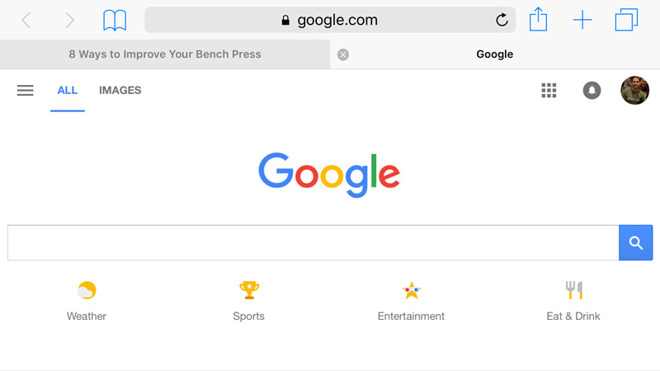

Google Could Pay Apple up to $3B to Hold Default Search on iPhones


"Court documents indicate that Google paid Apple $1B in 2014, and we estimate that total Google payments to Apple in FY 17 may approach $3B," Bernstein analyst A.M. Sacconaghi Jr. said in an investor memo published on Monday, seen by CNBC. 


He argued that Google payments may represent a large chunk of Apple's services business — which Apple has been touting as the size of a Fortune 100 company — and as much as 5 percent of Apple's total operating profits this year. Apple's conventional services income stems from things like iTunes, Apple Music, iCloud, and the App Store.


Apple and Google are effectively locked together, according to Sacconaghi. Google is the world's most popular search engine, and could theoretically call Apple's bluff, stop payments, and remain a default search option. Sacconaghi noted however that iOS devices may generate half of Google's search revenue, something it's unlikely to risk.


The analyst has assigned Apple stock an "outperform" rating with a $175 price target. On Monday shares closed at $159.85, not far from an all-time high of $160.08.


Source: appleinsider

Windows
Mac OS
iOS
Linux
3uTools
Win 64-bit For this device
V9.0 2025-11-11
Download
Win 32-bit For this device
V9.0 2025-11-11
Download
3uTools
Intel Chip How to Identify Chip Type
V9.0 2025-12-02
Download
Apple Silicon
V9.0 2025-12-02
Download
How to Identify Chip Type
1.  Click the Apple icon in the top-left corner of the screen and select About This Mac.
2.  Check the Processor or Chip field to determine if it is "Intel" or "Apple".
Please use the 3uTools PC client to install the iOS client:
1、 Install either the Windows or Mac version of 3uTools on your computer
2、 Open the PC client and connect your device to the computer via USB cable
3、 After the connection is successful, wait for the computer to automatically install the mobile app for the device, or locate “Install Mobile App” on the computer and manually click to install.
3uTools
deb file
V3.01 2025-11-20
Download
rpm file
V3.01 2025-11-20
Download
Windows
Windows
iOS
iOS
Android
Android
TV
TV
3uAirPlayer
Win 64-bit For this device
V6.0.2 2025-11-19
Download
Win 32-bit For this device
V6.0.2 2025-11-19
Download
iOS Device Mirroring (No App Required)
1、 Install 3uAirPlayer on the Windows PC
2、 Open Control Center and select Screen Mirroring
3、 From the list, choose your PC to start mirroring
4、 Or connect your iOS device to the PC via USB to begin mirroring
Scan to get "3uAirPlayer" App
3uAirPlayer TV V1.0.18
2025-11-28
TV System Requirements: Android 7.0 or later
Download the TV installation package, copy it to a USB drive, insert it into your TV or set-top box, then select the file from the home screen to install.




