 NEWS
NEWS
Fraud Cases Across 3 Prefectures Involving 'Apple Pay' Exploit Loophole
 08/11/2017
 3494
3494
Multiple fraud cases involving stolen credit card information via Apple's iPhone payment system "Apple Pay" occurred across Osaka, Kyoto and Saitama prefectures in late-March this year, investigative sources have revealed.
The Osaka and Saitama prefectural police have arrested six Chinese nationals on fraud and other charges over the cases. Police are investigating the possibility that they may have acted on the orders of a larger foreign criminal organization.
Apple Pay was introduced for iPhone in Japan in October 2016. While the service has been hailed for safety measures such as requiring confirmation using fingerprint recognition when making purchases, it appears that there was a loophole in the credit card company confirmation process when a card is linked to an iPhone.
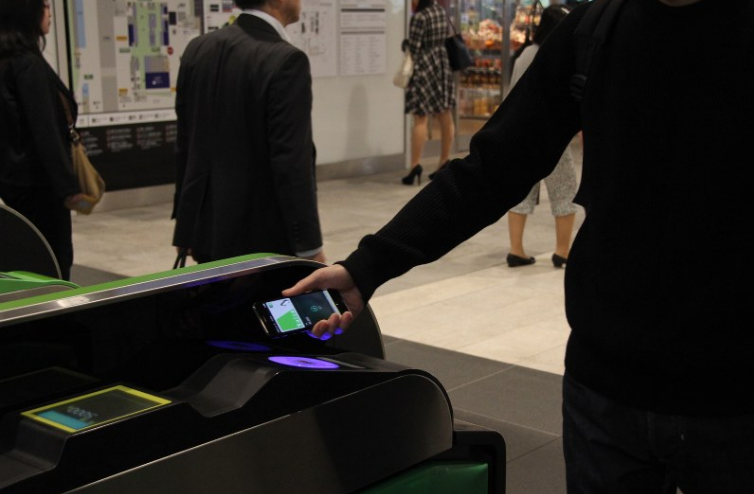
According to sources linked to the investigation, 10 Japanese men and women had their credit card information fraudulently used between March 26 and 27 for a total loss of some 24 million yen. All of the victims used the same type of credit card issued by a department store. When the card issuance company was contacted for comment, a representative stated, "We will not comment on the exact amount of defrauded money."
Apple Japan said it had confirmed the Saitama cases, and a source disclosed that after the incidents occurred, Apple reportedly gathered credit card issuing companies together and warned them to exercise caution.
When using Apple Pay with these cards, a validation code sent via a text message or a short message service is required. However, the police say the suspects allegedly claimed that they were the cardholder and had changed their phone number, getting the company to send the validation code directly to their own iPhone number or email address.
Source: mainichi










