 NEWS
NEWS
Apple Could Finally Kill the iPhone ‘S’ Name this Year
 08/10/2017
 3245
3245
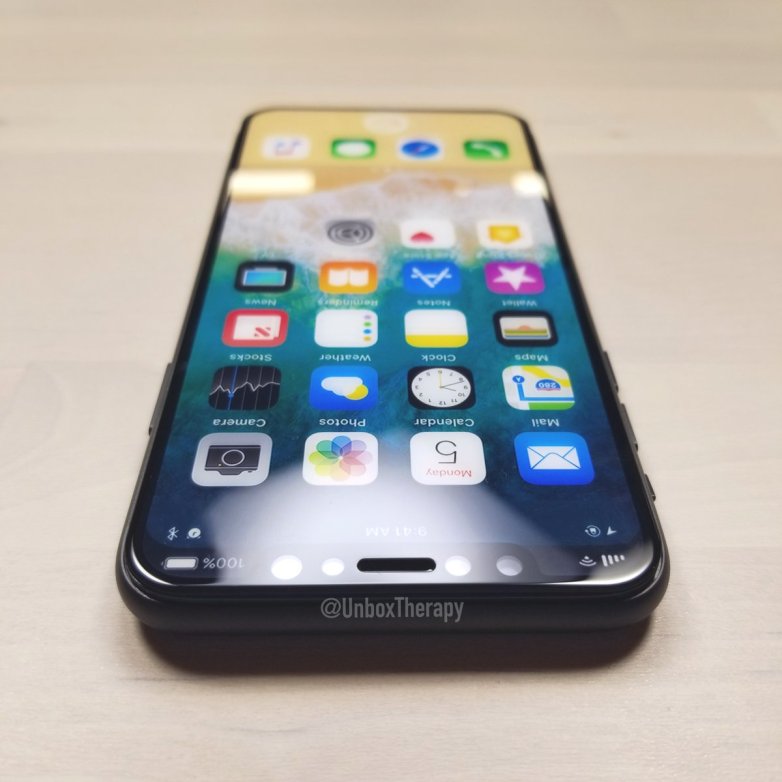
Throughout the year, most iPhone 8 reports said that Apple is launching three handsets this year, including the natural successors of last year’s iPhone 7 and iPhone 7 Plus, and an iPhone flagship that will propose buyers features that were never available on an iPhone. But what if there’s no iPhone 7s series this year?
Looking at leaked images featuring iPhone 7s dummy models, Apple blogger John Gruber concluded that “there’s no way Apple is going to call these devices ‘7S.’”
Gruber believes these rumored iPhone devices that we commonly call iPhone 7s can’t bear that name. That’s not to say that Apple isn’t making cheaper new iPhones this year — at least compared to the iPhone 8. Only that Apple can include them in an “S” family.
The blogger argues that these phones are “sporting entire new designs,” which is why they don’t deserve to be called iPhone 7s or iPhone 7s Plus.
Traditionally, S-series iPhones were regarded as devices that feature minor updates compared to the iPhones that preceded them. That shouldn’t be the case, and a comparison between the iPhone 6s and iPhone 6 is enough to prove that the S model shouldn’t be relegated to the “minor” upgrade category. It’s anything but minor.
However, that’s Apple’s own doing, as the company dug its own grave with this particular iPhone naming scheme.
“I also think that the ‘7S’ name would contribute to the notion that Apple’s ’S’ phones are only modest updates, when the truth is that the S phones tend to get the bigger technical improvements,” Gruber explains, suggesting that Apple might finally “kill” the S nonsense this year.
The Apple insider believes that Apple will choose a new naming scheme for the iPhone going for iPhone 8, iPhone 8 Plus, iPhone 8 Pro. Or it could go for a more radical approach: iPhone, iPhone Plus, and iPhone Pro.
I personally think it’s high-time Apple dropped numbers from iPhone names and stuck with a naming scheme similar to the iPad and Mac line.
Apple will tell us everything about the new iPhones in about a month when the phones should be unveiled.
Source: 9to5mac










