
NEWS

Apple broke FaceTime for iOS 6 users in a lawsuit

08/01/2017

3228

Apple iPhone 4 and 4S users can pursue class action claims that Apple "broke" FaceTime on purpose.
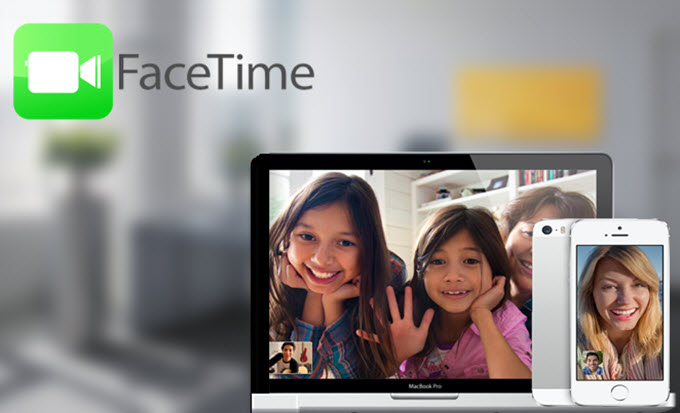

Apple broke FaceTime for iOS 6 users in a lawsuit


Apple is facing a lawsuit that claims the company purposefully disabled FaceTime on iOS 6 in order to push people to upgrade to iOS 7. As of last week, the company has failed in its bid to dismiss the lawsuit.


US District Judge Lucy Koh ruled that iPhone 4 and 4S users can pursue claims against Apple. Plaintiffs claim that Apple intentionally "broke" FaceTime in order to reduce the cost routing calls through third-party servers.


Apple tried to get rid of the lawsuit by claiming that the users didn't suffer economic loss since FaceTime is a free feature, but Judge Koh had something to say about that.


"Plaintiffs paid for their iPhones, and FaceTime is a 'feature' of the iPhone and thus a component of the iPhone's cost. Indeed, Apple advertised FaceTime as "one more thing that makes an iPhone an iPhone."


Apple did not immediately respond to requests for comment.


Source: cnet

Windows
Mac OS
iOS
Linux
3uTools
Win 64-bit For this device
V9.0 2025-11-11
Download
Win 32-bit For this device
V9.0 2025-11-11
Download
3uTools
Intel Chip How to Identify Chip Type
V9.0 2025-12-02
Download
Apple Silicon
V9.0 2025-12-02
Download
How to Identify Chip Type
1.  Click the Apple icon in the top-left corner of the screen and select About This Mac.
2.  Check the Processor or Chip field to determine if it is "Intel" or "Apple".
Please use the 3uTools PC client to install the iOS client:
1、 Install either the Windows or Mac version of 3uTools on your computer
2、 Open the PC client and connect your device to the computer via USB cable
3、 After the connection is successful, wait for the computer to automatically install the mobile app for the device, or locate “Install Mobile App” on the computer and manually click to install.
3uTools
deb file
V3.01 2025-11-20
Download
rpm file
V3.01 2025-11-20
Download
Windows
Windows
iOS
iOS
Android
Android
TV
TV
3uAirPlayer
Win 64-bit For this device
V6.0.2 2025-11-19
Download
Win 32-bit For this device
V6.0.2 2025-11-19
Download
iOS Device Mirroring (No App Required)
1、 Install 3uAirPlayer on the Windows PC
2、 Open Control Center and select Screen Mirroring
3、 From the list, choose your PC to start mirroring
4、 Or connect your iOS device to the PC via USB to begin mirroring
Scan to get "3uAirPlayer" App
3uAirPlayer TV V1.0.18
2025-11-28
TV System Requirements: Android 7.0 or later
Download the TV installation package, copy it to a USB drive, insert it into your TV or set-top box, then select the file from the home screen to install.




