
NEWS

Apple’s iPhone 7 Is Way More Popular Than Older Models

07/27/2017

2570

Apple's iPhone 7 line is increasingly becoming the smartphone of choice for that company's customers, according to a new study.


The iPhone 7 and iPhone 7 Plus accounted for 81% of all U.S. iPhone sales during the three-month period ending July 1, Consumer Intelligence Research Partners (CIRP) said on Tuesday. Individually, the iPhone 7 accounted for 47% of total Apple smartphone sales while the iPhone 7 Plus accounted for 34%.


According to the CIRP data, the iPhone 7 line has done a better job at this point than the iPhone 6s line of attracting customers away from older Apple smartphones. During the same quarter in 2016, for instance, 34% of iPhones sold were older models. In this latest quarter, just 19% of iPhone sales were legacy versions, according to CIRP.
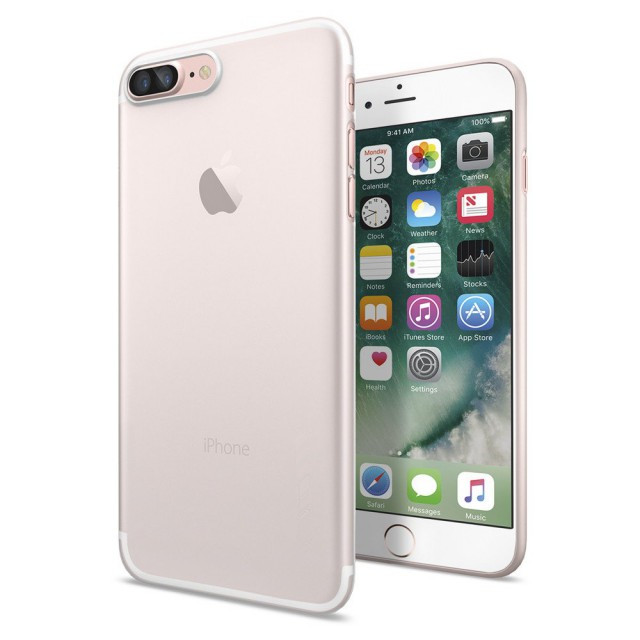

Apple’s iPhone 7 Is Way More Popular Than Older Models


However, CIRP partner and co-founder Josh Lowitz noted that during the past three quarters, between 14% and 17% of iPhone 7 and iPhone 7 Plus buyers were formerly Android owners.


"With lengthening upgrade cycles and a growing percentage of owners with the most recently released models, continued platform switching will be important to the success of the next iPhones,” Lowitz said in a statement.


Source: fortune



Windows
Mac OS
iOS
Linux
3uTools
Win 64-bit For this device
V9.0 2025-11-11
Download
Win 32-bit For this device
V9.0 2025-11-11
Download
3uTools
Intel Chip How to Identify Chip Type
V9.0 2025-12-02
Download
Apple Silicon
V9.0 2025-12-02
Download
How to Identify Chip Type
1.  Click the Apple icon in the top-left corner of the screen and select About This Mac.
2.  Check the Processor or Chip field to determine if it is "Intel" or "Apple".
Please use the 3uTools PC client to install the iOS client:
1、 Install either the Windows or Mac version of 3uTools on your computer
2、 Open the PC client and connect your device to the computer via USB cable
3、 After the connection is successful, wait for the computer to automatically install the mobile app for the device, or locate “Install Mobile App” on the computer and manually click to install.
3uTools
deb file
V3.01 2025-11-20
Download
rpm file
V3.01 2025-11-20
Download
Windows
Windows
iOS
iOS
Android
Android
TV
TV
3uAirPlayer
Win 64-bit For this device
V6.0.2 2025-11-19
Download
Win 32-bit For this device
V6.0.2 2025-11-19
Download
iOS Device Mirroring (No App Required)
1、 Install 3uAirPlayer on the Windows PC
2、 Open Control Center and select Screen Mirroring
3、 From the list, choose your PC to start mirroring
4、 Or connect your iOS device to the PC via USB to begin mirroring
Scan to get "3uAirPlayer" App
3uAirPlayer TV V1.0.18
2025-11-28
TV System Requirements: Android 7.0 or later
Download the TV installation package, copy it to a USB drive, insert it into your TV or set-top box, then select the file from the home screen to install.




