
NEWS

Apple’s 2017 Back to School Deal Expected to Launch in UK

07/25/2017

3182

Apple’s 2017 Back to School deal expected to launch in UK any day now


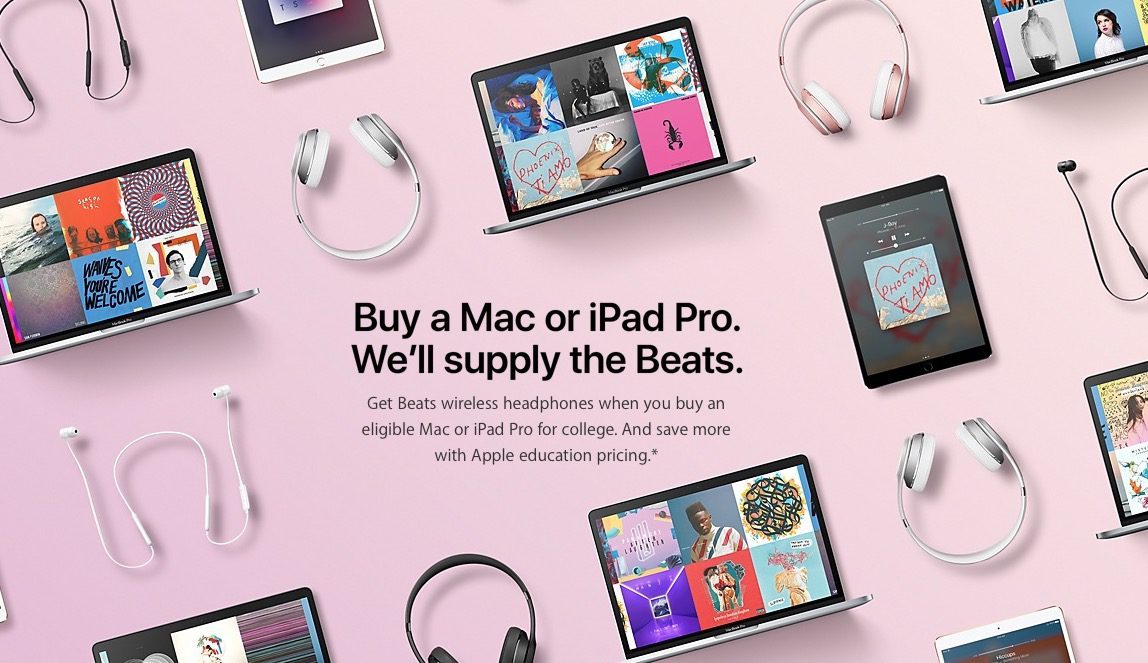
This year’s Back to School deal, in which Apple offers a free pair of Beats headphones in addition to the normal education discount, is expected to be rolled out in the UK imminently.


A source tells us that Apple is in the final stages of preparations for the UK launch of the deal, which was first announced in the U.S. earlier this month …
 

Apple’s 2017 Back to School Deal Expected to Launch in UK


The company will bundle Beats Solo3 headphones when buying a MacBook, MacBook Pro, MacBook Air, iMac or Mac Pro. A free pair of BeatsX comes with a purchase of a 10.5-inch or 12.9-inch iPad Pro.


It’s likely that the same freebies will be offered as in the USA, and that the program will be rolled out to other European countries the same day it launches in the UK.


The deal is available not just to students enrolled in college, but also to parents, teachers and faculty members.


Last year, Back to School launched in the UK and other European countries around a fortnight after the US, so our information would be consistent with a roll-out sometime this week.


If you’re a UK student looking to make a purchase imminently, you may want to hold out a few days.


Source: 9to5mac


Windows
Mac OS
iOS
Linux
3uTools
Win 64-bit For this device
V9.0 2025-11-11
Download
Win 32-bit For this device
V9.0 2025-11-11
Download
3uTools
Intel Chip How to Identify Chip Type
V9.0 2025-12-02
Download
Apple Silicon
V9.0 2025-12-02
Download
How to Identify Chip Type
1.  Click the Apple icon in the top-left corner of the screen and select About This Mac.
2.  Check the Processor or Chip field to determine if it is "Intel" or "Apple".
Please use the 3uTools PC client to install the iOS client:
1、 Install either the Windows or Mac version of 3uTools on your computer
2、 Open the PC client and connect your device to the computer via USB cable
3、 After the connection is successful, wait for the computer to automatically install the mobile app for the device, or locate “Install Mobile App” on the computer and manually click to install.
3uTools
deb file
V3.01 2025-11-20
Download
rpm file
V3.01 2025-11-20
Download
Windows
Windows
iOS
iOS
Android
Android
TV
TV
3uAirPlayer
Win 64-bit For this device
V6.0.2 2025-11-19
Download
Win 32-bit For this device
V6.0.2 2025-11-19
Download
iOS Device Mirroring (No App Required)
1、 Install 3uAirPlayer on the Windows PC
2、 Open Control Center and select Screen Mirroring
3、 From the list, choose your PC to start mirroring
4、 Or connect your iOS device to the PC via USB to begin mirroring
Scan to get "3uAirPlayer" App
3uAirPlayer TV V1.0.18
2025-11-28
TV System Requirements: Android 7.0 or later
Download the TV installation package, copy it to a USB drive, insert it into your TV or set-top box, then select the file from the home screen to install.




