
NEWS

IPhone Pro Will Arrive on Time But in Limited Quantities

07/20/2017

3083

Apple iPhone Pro, also often referred to as the iPhone 8, isn't delayed.


Instead, the bank said, Apple's highest-end iPhone will launch on time but will only be available in limited quantities at first.


This follows several reports around Wall Street that have suggested Apple's iPhone won't launch until October or even December, due to issues related to embedding a fingerprint reader into the phone's screen.
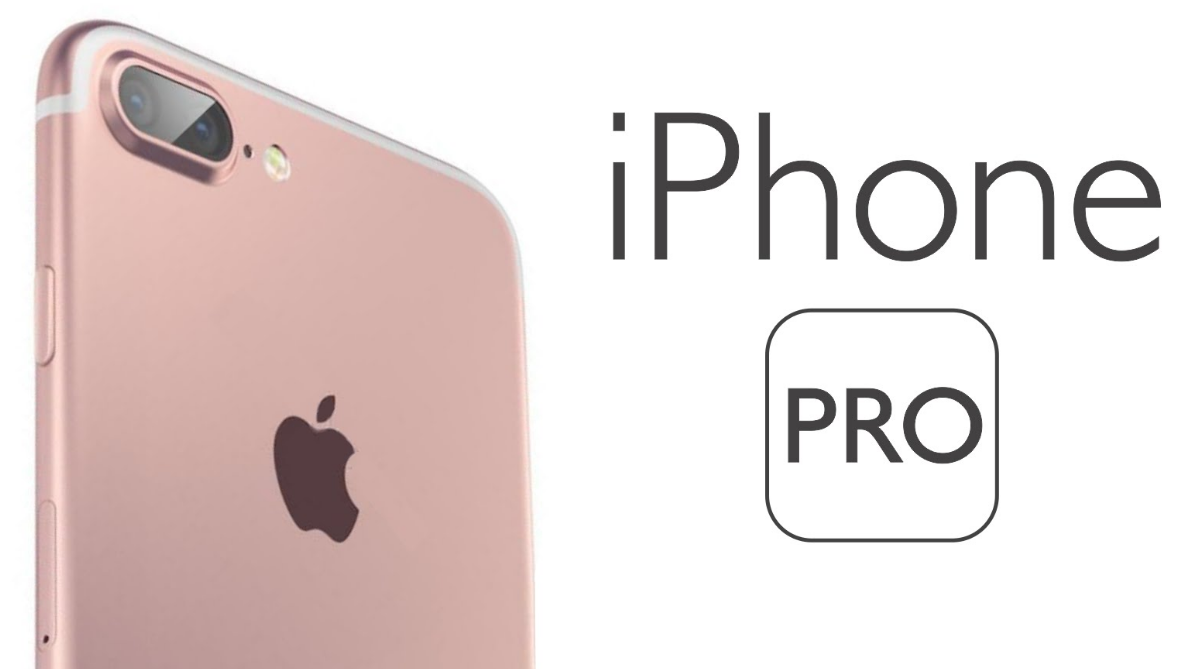

IPhone Pro Will Arrive on Time But in Limited Quantities


"Importantly, we do not believe that Apple's production schedule is still changing materially with most current delay reports simply dated reverberations of decisions Apple made back in the spring," JPMorgan's Rod Hall said in a note to investors. "We expect a small amount of late September EMS [electronics manufacturing service] output for the Pro model and then ramping production through October with target output levels achieved in late October/early November."


The firm expects the iPhone to cost more due to higher production costs and has increased its expected average selling price of the iPhone by $100 to $1,100. The company said it's retaining its December 2018 price target of $165.


The new iPhone, whether it's called the iPhone 8 or the iPhone Pro, is expected to offer new features including a brighter and more colorful OLED screen from Samsung, wireless charging and face recognition.


Source: cnbc

Windows
Mac OS
iOS
Linux
3uTools
Win 64-bit For this device
V9.0 2025-11-11
Download
Win 32-bit For this device
V9.0 2025-11-11
Download
3uTools
Intel Chip How to Identify Chip Type
V9.0 2025-12-02
Download
Apple Silicon
V9.0 2025-12-02
Download
How to Identify Chip Type
1.  Click the Apple icon in the top-left corner of the screen and select About This Mac.
2.  Check the Processor or Chip field to determine if it is "Intel" or "Apple".
Please use the 3uTools PC client to install the iOS client:
1、 Install either the Windows or Mac version of 3uTools on your computer
2、 Open the PC client and connect your device to the computer via USB cable
3、 After the connection is successful, wait for the computer to automatically install the mobile app for the device, or locate “Install Mobile App” on the computer and manually click to install.
3uTools
deb file
V3.01 2025-11-20
Download
rpm file
V3.01 2025-11-20
Download
Windows
Windows
iOS
iOS
Android
Android
TV
TV
3uAirPlayer
Win 64-bit For this device
V6.0.2 2025-11-19
Download
Win 32-bit For this device
V6.0.2 2025-11-19
Download
iOS Device Mirroring (No App Required)
1、 Install 3uAirPlayer on the Windows PC
2、 Open Control Center and select Screen Mirroring
3、 From the list, choose your PC to start mirroring
4、 Or connect your iOS device to the PC via USB to begin mirroring
Scan to get "3uAirPlayer" App
3uAirPlayer TV V1.0.18
2025-11-28
TV System Requirements: Android 7.0 or later
Download the TV installation package, copy it to a USB drive, insert it into your TV or set-top box, then select the file from the home screen to install.




