
NEWS

A Man Sued Apple Claiming Overheated iPhone5 Burned His Arm Badly

07/12/2017

3097

 Man who says his iPhone 5 overheated, burned him, has to let Apple examine the smartphone


A man who sued Apple, claiming his overheated iPhone 5 burned his arm badly, has to turn over the smartphone to the Cupertino, California-based company so they can examine it if he wants to pursue his damages claim against the company, reports the National Post.
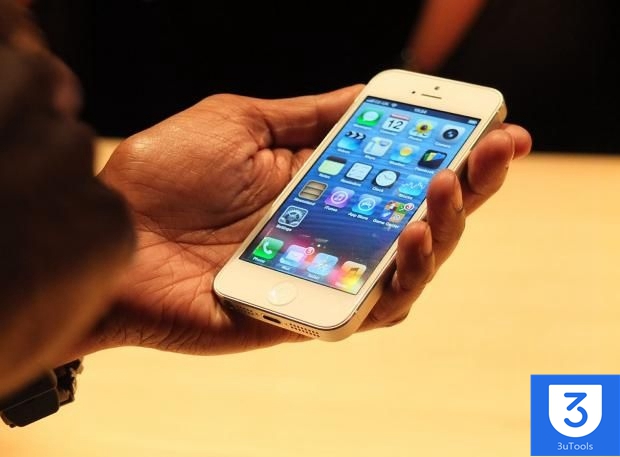

A Man Sued Apple Claiming Overheated iPhone5 Burned His Arm Badly


In dismissing the novel challenge from Matthew Riddell, the Ontario Court of Appeal found no reason to interfere with a lower court who agreed Apple should be able to inspect the phone. Riddell launched a $25,000 lawsuit in small claims court against Apple Canada claiming his iPhone 5 overheated, causing severe burns to his right arm. Apple asked to inspect the phone but he refused.


In November 2015, a small-claims judge ordered him to turn over the iPhone 6 to the tech giant for examination ahead of a hearing. The judge found that the phone was at the foundation of the damages claim and it would be unfair to make Apple go to trial “without the benefit of an inspection.” The Ontario Court of Appeal has upheld the decision.


Source: appleworld

Windows
Mac OS
iOS
Linux
3uTools
Win 64-bit For this device
V9.0 2025-11-11
Download
Win 32-bit For this device
V9.0 2025-11-11
Download
3uTools
Intel Chip How to Identify Chip Type
V9.0 2025-12-02
Download
Apple Silicon
V9.0 2025-12-02
Download
How to Identify Chip Type
1.  Click the Apple icon in the top-left corner of the screen and select About This Mac.
2.  Check the Processor or Chip field to determine if it is "Intel" or "Apple".
Please use the 3uTools PC client to install the iOS client:
1、 Install either the Windows or Mac version of 3uTools on your computer
2、 Open the PC client and connect your device to the computer via USB cable
3、 After the connection is successful, wait for the computer to automatically install the mobile app for the device, or locate “Install Mobile App” on the computer and manually click to install.
3uTools
deb file
V3.01 2025-11-20
Download
rpm file
V3.01 2025-11-20
Download
Windows
Windows
iOS
iOS
Android
Android
TV
TV
3uAirPlayer
Win 64-bit For this device
V6.0.2 2025-11-19
Download
Win 32-bit For this device
V6.0.2 2025-11-19
Download
iOS Device Mirroring (No App Required)
1、 Install 3uAirPlayer on the Windows PC
2、 Open Control Center and select Screen Mirroring
3、 From the list, choose your PC to start mirroring
4、 Or connect your iOS device to the PC via USB to begin mirroring
Scan to get "3uAirPlayer" App
3uAirPlayer TV V1.0.18
2025-11-28
TV System Requirements: Android 7.0 or later
Download the TV installation package, copy it to a USB drive, insert it into your TV or set-top box, then select the file from the home screen to install.




