 NEWS
NEWS
'iPhone 8' Might Have 3D Sensor Scanning Accuracy And Facial Recognition
 07/05/2017
 4203
4203
Apple might launch the highly anticipated #iPhone 8 with a 3-D#facial recognition scanner. The new 3D sensor allows users to unlock the mobile device, launch secure apps or even authenticate payments by scanning their face.
The facial recognition scanner would utilize the front-facing camera of the smartphone to scan the face of the user and allow them to log-in into their phone or verify payments. The system could also integrate eye detection and would be powered by a 3-D sensor that brings in additionalscanning accuracy.
The Cupertino based tech titan has spent considerable time in the facial recognition scanner’s performance.
The new 3D sensor feature draws on more information compared to theTouch ID, making the feature more secure. Unlike the iris scanner ofSamsung’s Galaxy S8, Apple’s sensor comes along with a 3D depth perception, which makes the system more secure than 2D image printouts.
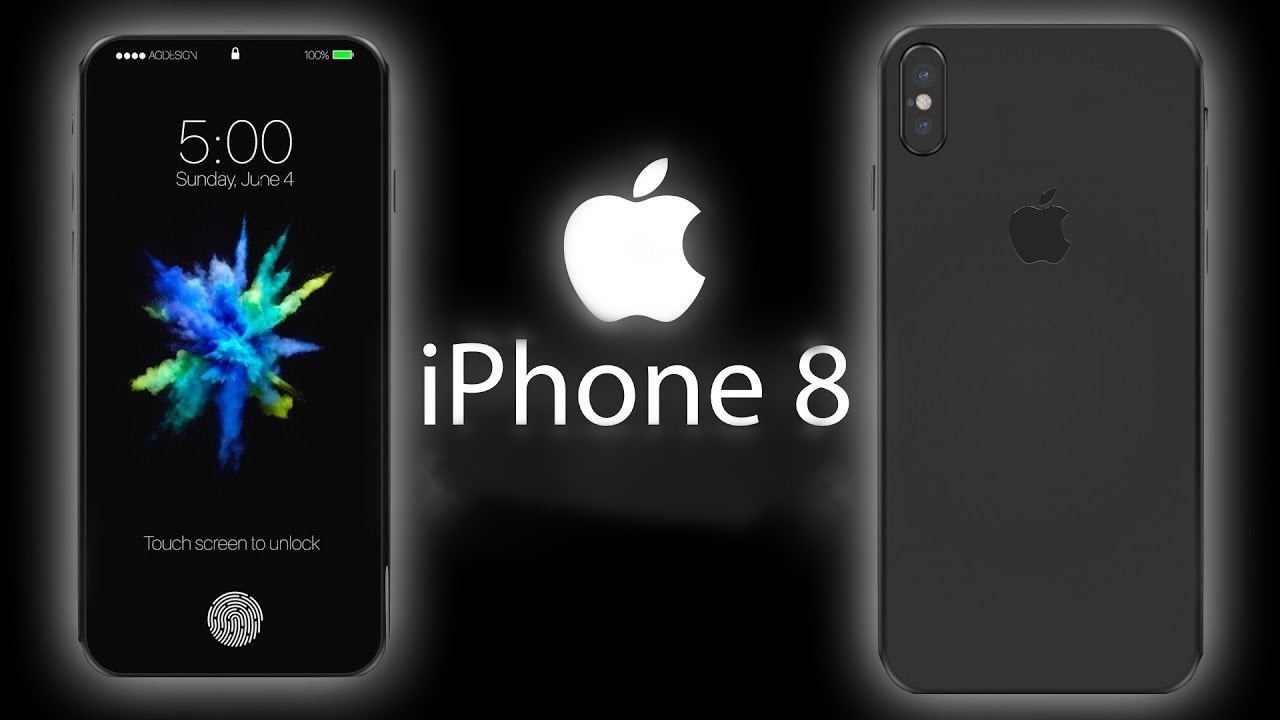
Although the tech giant is yet to confirm if the iPhone 8 will come along with the feature, the company intends to ditch the Touch ID with the facial recognition scanner. Nonetheless, Apple’s new facial recognition technology is still in testing phase, which might not make it in time for the release of the iPhone 8. On the contrary, the popular KGI Securities analyst, Ming-Chi Kuo, claim that the much awaited iPhone 8 will be available with a face detection feature.
Nevertheless, as the tech company will celebrate iPhone’s 10th anniversary, the next-gen iPhone is expected to be available with amajor upgrade. The upcoming iPhone 8 is anticipated to come along with a new home button embedded under the display, new dual-lens camera, along with a wireless charging.
Although the tech giant did not confirm these features, an Apple enthusiasts posted a video clip on the web showcasing the best indication of what to expect from the upcoming mobile device. The Tiger Mobiles YouTube channel published a video clip and showed the new full-screen design of the upcoming iPhone in a full 360-degree view. Another video leak of Apple’s upcoming mobile device, posted on the EverythingApplePro YouTube channel, shows a high-quality iPhone 8 dummy model.
Meanwhile, as Apple has its own 10nm processor technology, the tech giant’s upcoming smartphone might have a Snapdragon 835 like chipset. Apple fanatics would be delighted to know that the 10nm processor technology of the iPhone 8 will be at par with the Galaxy S8.
Source: blastingnews










