NEWS

China Arrests Apple Distributors who Made Millions on iPhone Data

06/08/2017

3065

China Arrests Apple Distributors who Made Millions on iPhone Data


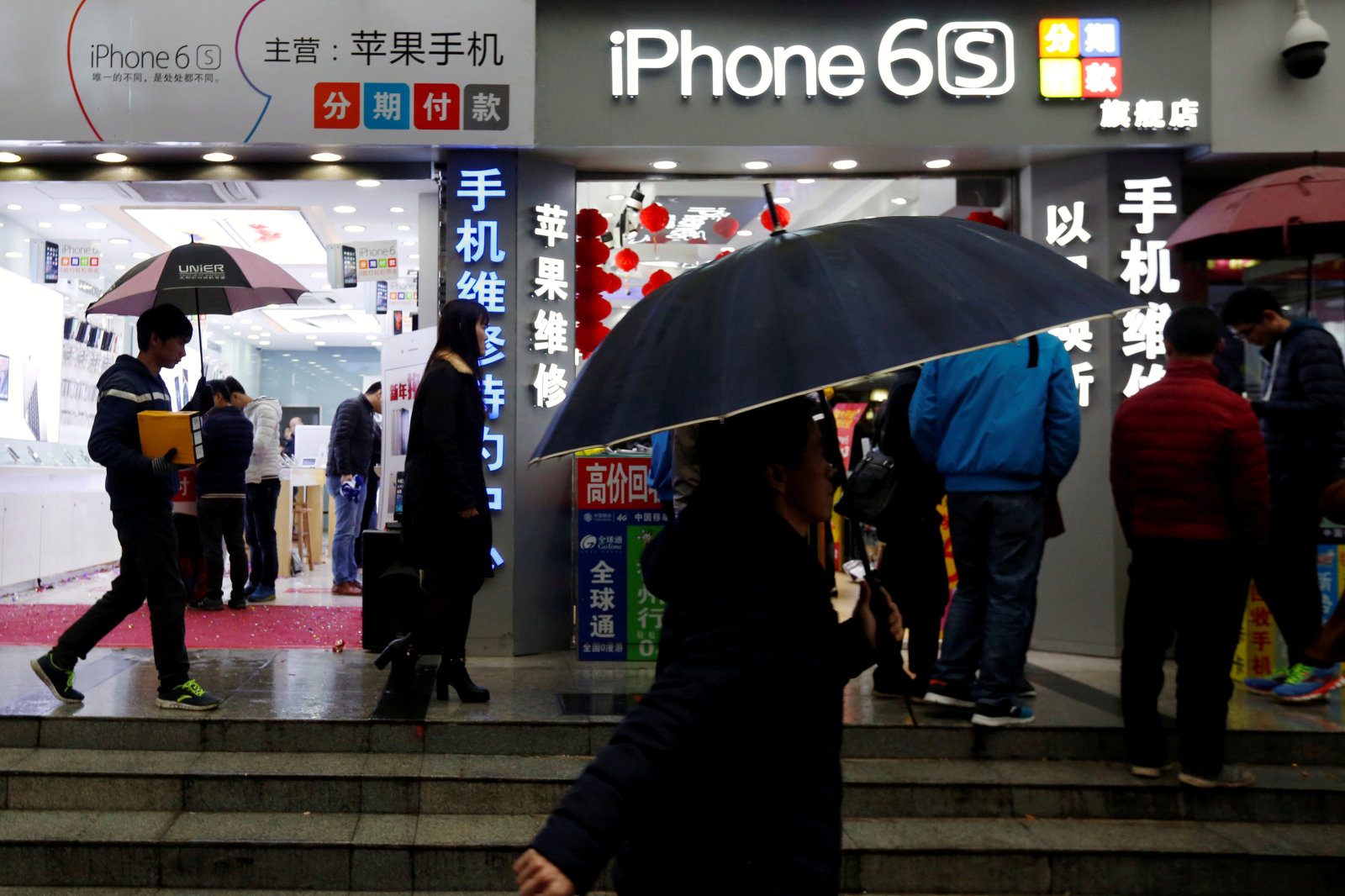
Sometimes, it's not external hackers that pose a threat to your privacy -- it's people in the supply chain hoping to make some cash on the side. Police in China's Zhejiang province have arrested 22 (apparently third-party) Apple distributors for allegedly selling iPhone user data. Officials say the workers searched an internal Apple database for sensitive info, such as Apple IDs and phone numbers, and peddled it on the black market for between 10 to 180 yuan with each sale ($1.50 to $26). All told, the distributors reportedly raked in more than 50 million yuan, about $7.36 million, before authorities stepped in.


It's not clear how many people are affected by the bootleg sales, or how many of the victims live outside of China. It's also uncertain what will happen with the internal database in question in light of the arrests. We've reached out to Apple for more insights and will let you know if it can share more.


Regardless of the specifics, the bust is bound to raise concerns about distributors' access to data. Is there a way Apple can limit the availability of that info without hindering honest staffers, assuming those staffers were supposed to have access in the first place? And are there other phone manufacturers with similar risks? It may be difficult to completely prevent unscrupulous employees from taking advantage of their positions, but it might be possible to reduce the potential for damage.


Source: engadget


Windows
Mac OS
iOS
Linux
3uTools
Win 64-bit For this device
V9.0 2025-11-11
Download
Win 32-bit For this device
V9.0 2025-11-11
Download
3uTools
Intel Chip How to Identify Chip Type
V9.0 2025-12-02
Download
Apple Chip
V9.0 2025-12-02
Download
How to Identify Chip Type
1.  Click the Apple icon in the top-left corner of the screen and select About This Mac.
2.  Check the Processor or Chip field to determine if it is "Intel" or "Apple".
Please use the 3uTools PC client to install the iOS client:
1、 Install either the Windows or Mac version of 3uTools on your computer
2、 Open the PC client and connect your device to the computer via USB cable
3、 After the connection is successful, wait for the computer to automatically install the mobile app for the device, or locate “Install Mobile App” on the computer and manually click to install.
3uTools
deb file
V3.01 2025-11-20
Download
rpm file
V3.01 2025-11-20
Download
Windows
Windows
iOS
iOS
Android
Android
TV
TV
3uAirPlayer
Win 64-bit For this device
V6.0.2 2025-11-19
Download
Win 32-bit For this device
V6.0.2 2025-11-19
Download
iOS Device Mirroring (No App Required)
1、 Install 3uAirPlayer on the Windows PC
2、 Open Control Center and select Screen Mirroring
3、 From the list, choose your PC to start mirroring
4、 Or connect your iOS device to the PC via USB to begin mirroring
Scan to get "3uAirPlayer" App
3uAirPlayer TV V1.0.18
2025-11-28
TV System Requirements: Android 7.0 or later
Download the TV installation package, copy it to a USB drive, insert it into your TV or set-top box, then select the file from the home screen to install.