 NEWS
NEWS
Apple Pay Rumored to Arrive in Ukraine in Q2 2018
 05/31/2017
 3388
3388
Apple Pay will continue its worldwide expansion next year, with a new report suggesting that Apple is planning to launch its mobile payments wallet in Ukraine in the second quarter of 2018. The news comes from PaySpace Magazine, which reported on the announcement of a new digital banking service, Alfa Digital, a division of financial institution Alfa-Bank.
During the announcement, Alfa-Bank Ukraine's head of e-business, Maxim Patrin, mentioned that Apple Pay is set to debut in Ukraine sometime in Q2 2018. Patrin's source of the news is said to come from an anonymous tipster in one of the payment systems currently in operation on the Ukrainian market.
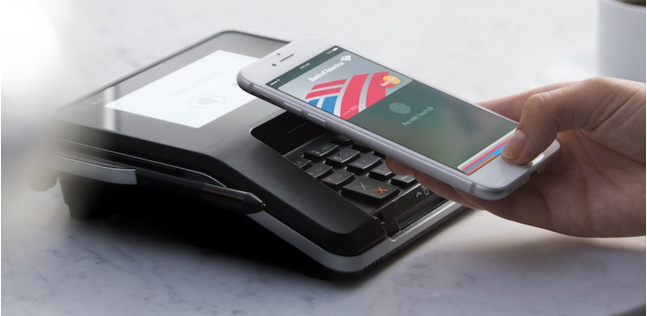
Alfa Digital is said to be keeping a close eye on the Ukrainian debut of popular digital wallets like Apple Pay and Samsung Pay, and plans to support the addition of cards issued by Alfa-Bank into Apple Pay whenever it launches. Patrin didn't mention any further details about the launch.
Ukraine currently lacks Apple Pay, Android Pay, and Samsung Pay, instead relying on contactless payment solutions like Privat24 to let users pay for items using their smartphone. Samsung Pay is rumored to beat Apple Pay to Ukraine, with a potential launch of Samsung's mobile wallet sometime in the middle of 2017.
The latest Apple Pay launch took place in Italy in the middle of May, with users in the country able to add Visa and MasterCards issued by Boon, Carrefour, and UniCredit into their iPhone. Apple Pay is now available in the United States, UK, China, Australia, Canada, Switzerland, France, Hong Kong, Russia, Singapore, Japan, New Zealand, Spain, Ireland, and Italy.
Source: macrumors










