
NEWS

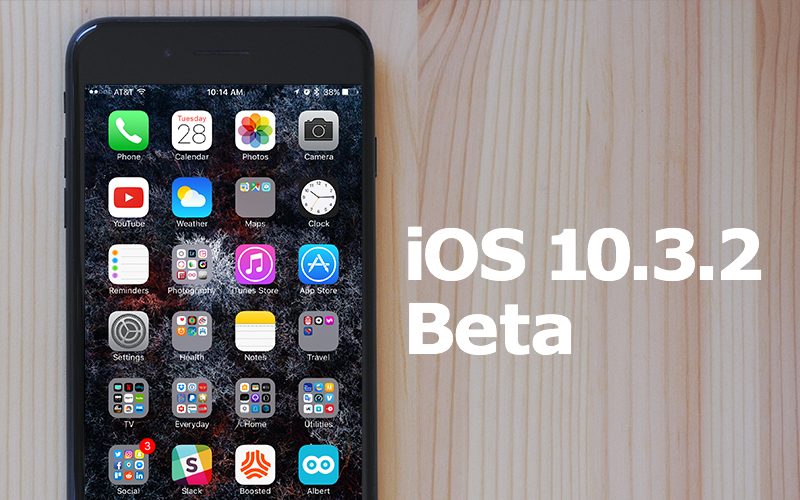
Apple Seeds First Beta of iOS 10.3.2 to Public Beta Testers

03/30/2017

2958

Apple today provided its public beta testing group with iOS 10.3.2, an upcoming update that was first released to developers on March 28. iOS 10.3.2 comes shortly after the release of iOS 10.3, a major update that brought features like a new Find My AirPodsfeature and Apple File System. 

Beta testers who have signed up for Apple's beta testing program will receive the iOS 10.3.2 beta update over-the-air after installing the proper certificate on their iOS device.

Apple Seeds First Beta of iOS 10.3.2 to Public Beta Testers


Those who want to be a part of Apple's beta testing program can sign up to participate through the beta testing website, which gives users access to both iOS and macOS Sierrabetas. Betas are not stable and include many bugs, so they should be installed on a secondary device. 

Apple has said that the update fixes 
SiriKit car commands, which should now be working as expected. Beyond that, we don't yet know what features or improvements are coming in iOS 10.3.2, as Apple doesn't offer detailed release notes and nothing notable has been discovered in the betas we've received so far. 

As a minor 10.x.x update, iOS 10.3.2 likely focuses on bug fixes, performance improvements, and security enhancements rather than outward-facing features.


Source: macrumors

Windows
Mac OS
iOS
Linux
3uTools
Win 64-bit For this device
V9.0 2025-11-11
Download
Win 32-bit For this device
V9.0 2025-11-11
Download
3uTools
Intel Chip How to Identify Chip Type
V9.0 2025-12-02
Download
Apple Silicon
V9.0 2025-12-02
Download
How to Identify Chip Type
1.  Click the Apple icon in the top-left corner of the screen and select About This Mac.
2.  Check the Processor or Chip field to determine if it is "Intel" or "Apple".
Please use the 3uTools PC client to install the iOS client:
1、 Install either the Windows or Mac version of 3uTools on your computer
2、 Open the PC client and connect your device to the computer via USB cable
3、 After the connection is successful, wait for the computer to automatically install the mobile app for the device, or locate “Install Mobile App” on the computer and manually click to install.
3uTools
deb file
V3.01 2025-11-20
Download
rpm file
V3.01 2025-11-20
Download
Windows
Windows
iOS
iOS
Android
Android
TV
TV
3uAirPlayer
Win 64-bit For this device
V6.0.2 2025-11-19
Download
Win 32-bit For this device
V6.0.2 2025-11-19
Download
iOS Device Mirroring (No App Required)
1、 Install 3uAirPlayer on the Windows PC
2、 Open Control Center and select Screen Mirroring
3、 From the list, choose your PC to start mirroring
4、 Or connect your iOS device to the PC via USB to begin mirroring
Scan to get "3uAirPlayer" App
3uAirPlayer TV V1.0.18
2025-11-28
TV System Requirements: Android 7.0 or later
Download the TV installation package, copy it to a USB drive, insert it into your TV or set-top box, then select the file from the home screen to install.




