 NEWS
NEWS
Apple’s AR Features Will Debut First In iPhone, Later In Glasses
 03/21/2017
 3855
3855
Apple's CEO, Tim Cook, plans for the company to add AR features to the iPhone and, later, launch a pair of smart glasses that allow users to augment their reality. The hope: to make the technology a widely available and compelling consumer product before other companies manage to, in order to provide amuch-needed new reason to stick with Apple.
Apple will be playing a high-stakes game, betting that we’ll all want to improve our digital lives with augmented reality. But while software for a phone is one thing, the company will have to work hard to avoid repeating past mistakes in the arena of wearable devices like the Apple Watch and Google Glass.
This is by no means the first time we’ve heard reports of Apple’s AR ambitions. Last summer Cook said it was a technology that Apple was “doing a lot of things on behind [the] curtain.” And late last year reports surfaced that Apple was interested in building AR spectacles.
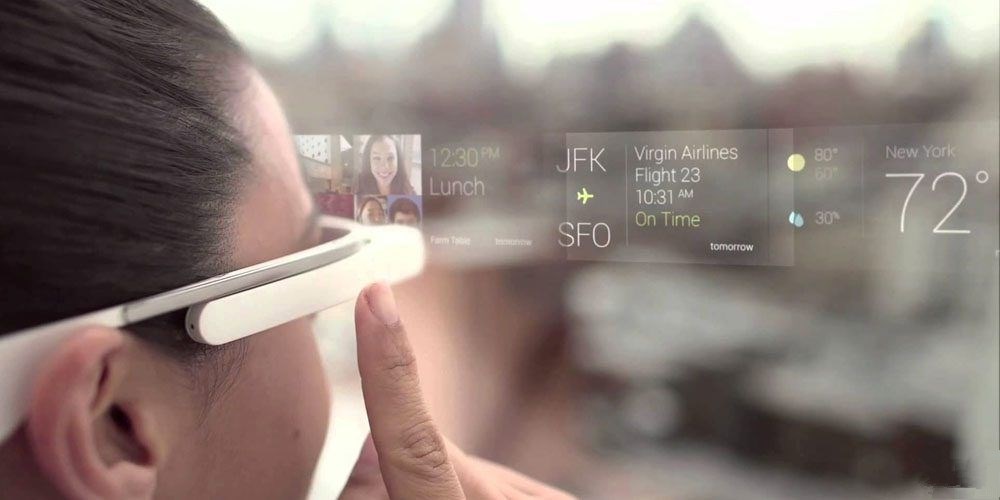
The latest report, though, suggests that Apple has been doubling down on its efforts to advance the technology. It has amassed a large team of software developers and hardware engineers with experience working on the Oculus Rift and Microsoft HoloLens VR headsets, as well as staff with backgrounds in visual effects and computer games.
Apple runs the risk of repeating its Watch mistake and building a new piece of hardware without a clearly defined use. The company will perhaps be hoping that its legion of experts can create, not just a compelling hardware offer, but also the kinds of software that will make the device fun and useful—maybe even something people soon find they can’t live without.
But those are ambitious goals for an unproven technology. It will be interesting to see how Apple’s AR turns out in reality—and whether or not its gamble pays off.
Source: technologyreview










