
NEWS

OLED MacBook Air Could Launch in 2027 or 2028

Just now

52
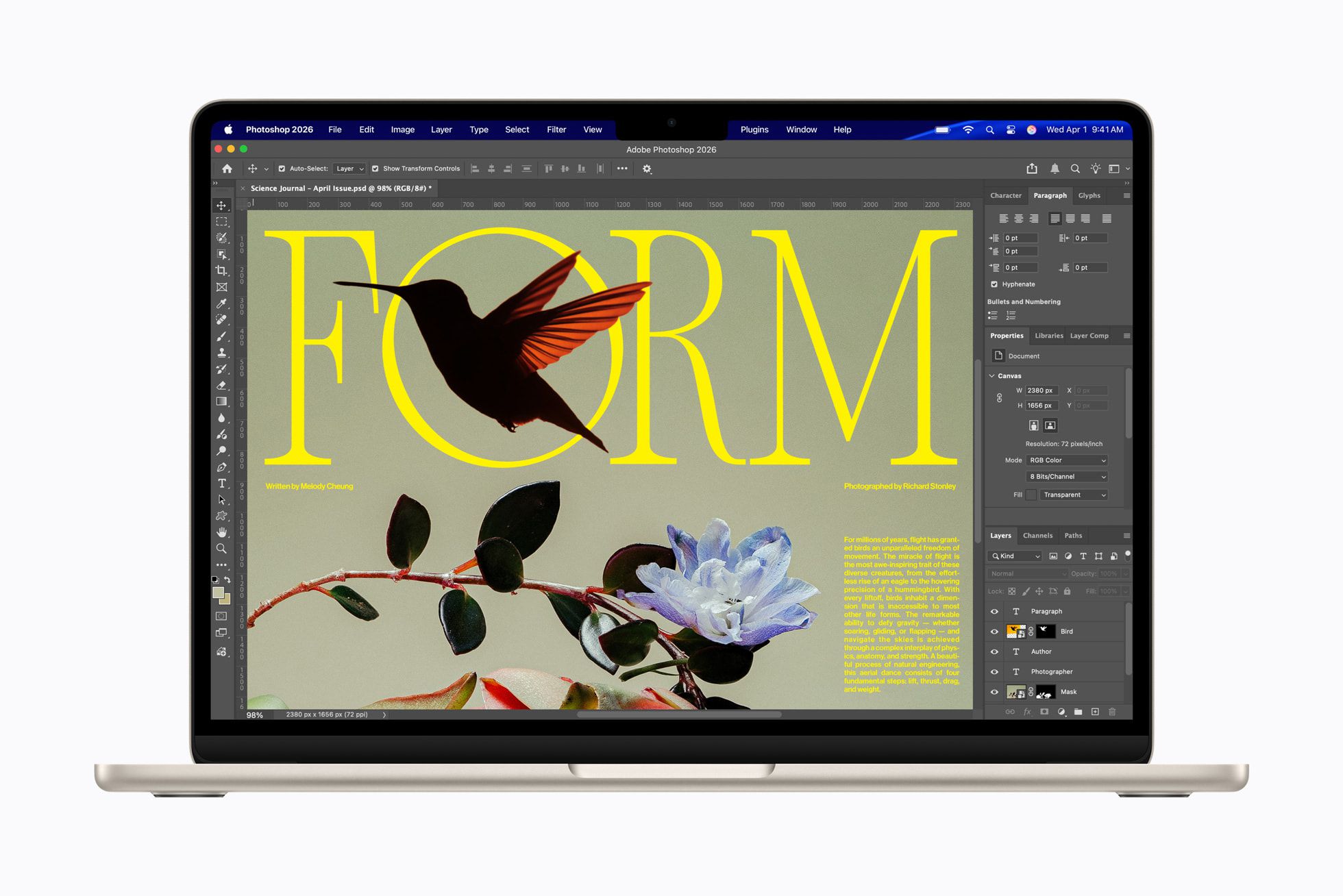
OLED MacBook Air Could Launch in 2027 or 2028

Apple Plans a Major MacBook Air Redesign


Apple may launch a redesigned MacBook Air featuring an OLED display in late 2027 or 2028, according to Bloomberg's Mark Gurman.


Before that, Apple is reportedly planning to update the 13-inch and 15-inch MacBook Air with M6 chips in early 2027. These models are expected to retain the current design.


OLED Display Could Be the Biggest Upgrade


Switching from LCD to OLED would bring deeper blacks, better contrast, and more vibrant colors. Apple has already introduced OLED to the iPad Pro and is preparing to bring the technology to the MacBook Pro.


However, OLED panels are more expensive, which could push up the MacBook Air's price. Apple may continue offering LCD models alongside OLED versions to maintain a more affordable option.


Expected Launch Timeline


The next MacBook Air is expected to receive an M6 chip upgrade in early 2027, with the larger OLED redesign potentially following in late 2027 or 2028. Apple has not officially confirmed either release.


3uTools's View


An OLED display could make the MacBook Air a more attractive choice for users who value screen quality. However, pricing will be crucial. Apple will need to balance premium display technology with the MacBook Air's reputation for offering a more accessible Mac experience.
Windows
Mac OS
iOS
Linux
3uTools
Win 64-bit For this device
V9.13 2026-11-03
Download
Win 32-bit For this device
V9.13 2026-11-03
Download
3uTools
Intel Chip How to Identify Chip Type
V9.08 2026-11-16
Download
Apple Silicon
V9.08 2026-11-16
Download
How to Identify Chip Type
1.  Click the Apple icon in the top-left corner of the screen and select About This Mac.
2.  Check the Processor or Chip field to determine if it is "Intel" or "Apple".
Please use the 3uTools PC client to install the iOS client:
1、 Install either the Windows or Mac version of 3uTools on your computer
2、 Open the PC client and connect your device to the computer via USB cable
3、 After the connection is successful, wait for the computer to automatically install the mobile app for the device, or locate “Install Mobile App” on the computer and manually click to install.
3uTools
deb file
V9.05 2026-11-24
Download
rpm file
V9.05 2026-11-24
Download
Windows
Windows
iOS
iOS
Android
Android
TV
TV
3uAirPlayer
Win 64-bit For this device
V6.0.7 2026-08-25
Download
Win 32-bit For this device
V6.0.7 2026-08-25
Download
Scan to get "3uAirPlayer" App
Requires iOS 15.0 or later
Scan to get "3uAirPlayer" App
Requires Android 7.0 and up
3uAirPlayerTV
 
TV System Requirements: Android 7.0 or later
Download the TV installation package, copy it to a USB drive, insert it into your TV or set-top box, then select the file from the home screen to install.