 NEWS
Google Gemini Live Comes to Apple CarPlay With Global Rollout
 11/12/2026
 111
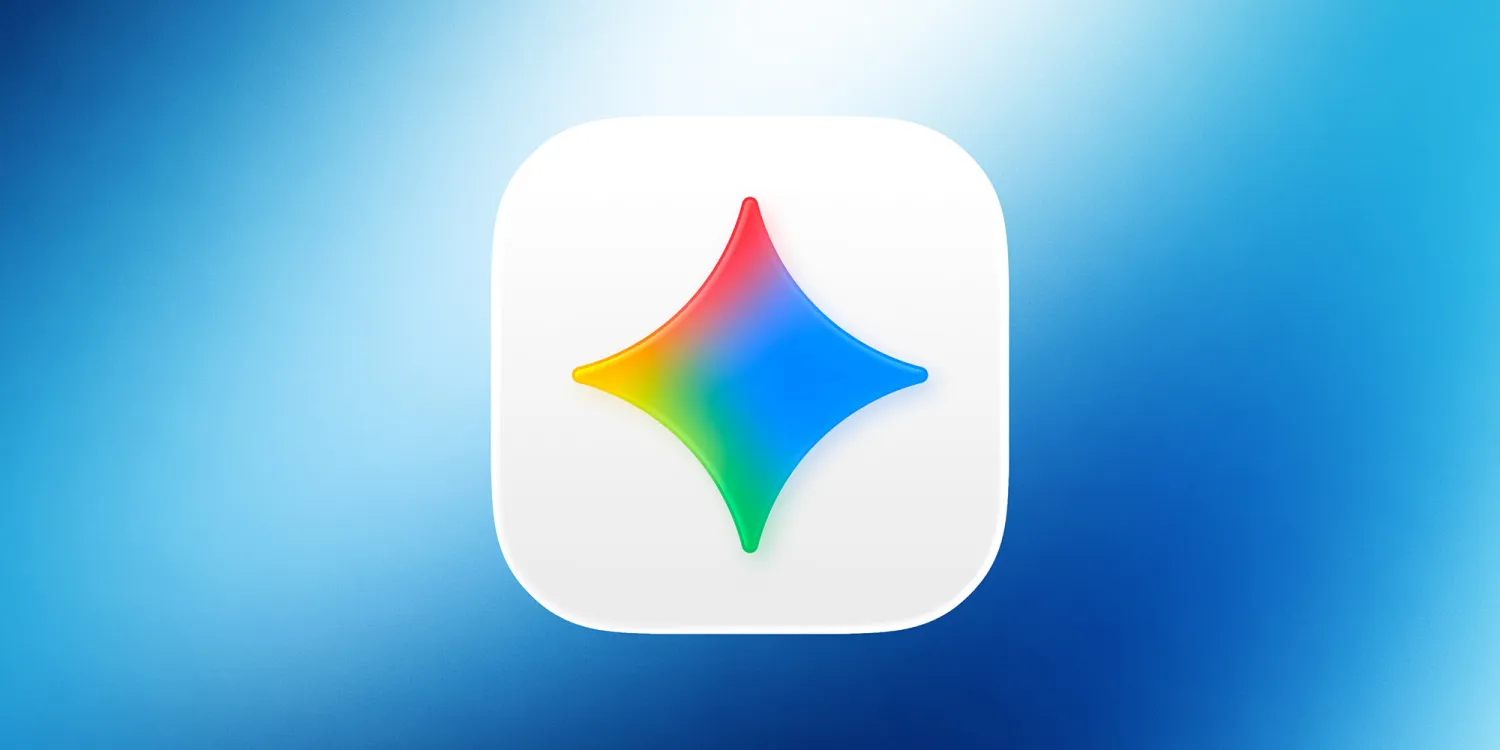
Google is bringing its Gemini AI chatbot to Apple CarPlay, allowing drivers to have voice-based conversations with Gemini directly through their car's infotainment display.
The company confirmed that Gemini Live support for CarPlay is rolling out globally starting November 12, making Gemini the latest major AI chatbot to join Apple's in-car platform.
Gemini Was the Last Major AI Chatbot Missing From CarPlay
Google's announcement is notable because Gemini was one of the few major AI assistants without dedicated CarPlay support.
Several competing AI chatbot apps have already introduced CarPlay compatibility, including:
●ChatGPT
●Perplexity
●Claude
●Microsoft Copilot
●Meta AI
●Grok
Siri also has a standalone app in iOS 27 that supports CarPlay.
Google previously offered some Gemini-related functionality through Google Maps on CarPlay, but users couldn't access the full Gemini Live conversational experience through the dedicated Gemini app.
With this update, drivers can interact with Google's AI assistant directly from their vehicle's display.
How to Use Gemini Live on Apple CarPlay
Google says Gemini on CarPlay is rolling out globally to iOS users in all languages supported by Gemini Live.
To get started, users need to:
1. Update the Gemini app to the latest version on their iPhone.
2. Make sure microphone permissions are enabled.
3. Use Gemini Live on their iPhone at least once.
4. Connect the iPhone to a CarPlay-compatible vehicle.
5. Tap the Gemini icon on the CarPlay display.
Once connected, users can start a new conversation or continue a recent one directly through CarPlay.
The integration brings Gemini Live's natural voice-based conversations into the driving experience, allowing users to interact with the AI assistant without relying on the traditional text-based chatbot interface.
Gemini Expands Google's AI Ecosystem to More Drivers
The arrival of Gemini Live on CarPlay gives drivers another option beyond Apple's built-in Siri assistant.
It also marks an important expansion for Google's AI ecosystem, bringing its conversational assistant into one of the most widely used smartphone-based automotive platforms.
Google says the rollout begins today, although the updated app may take some time to appear for all users.
With ChatGPT, Claude, Copilot, Grok, Meta AI, Perplexity, and now Gemini available on CarPlay, drivers have an increasingly wide range of AI assistants to choose from.
Source: 9to5mac