 NEWS
NEWS
Apple Music Rebrand Revealed: New Logo “Made by Sound”
 10/22/2026
 69
69
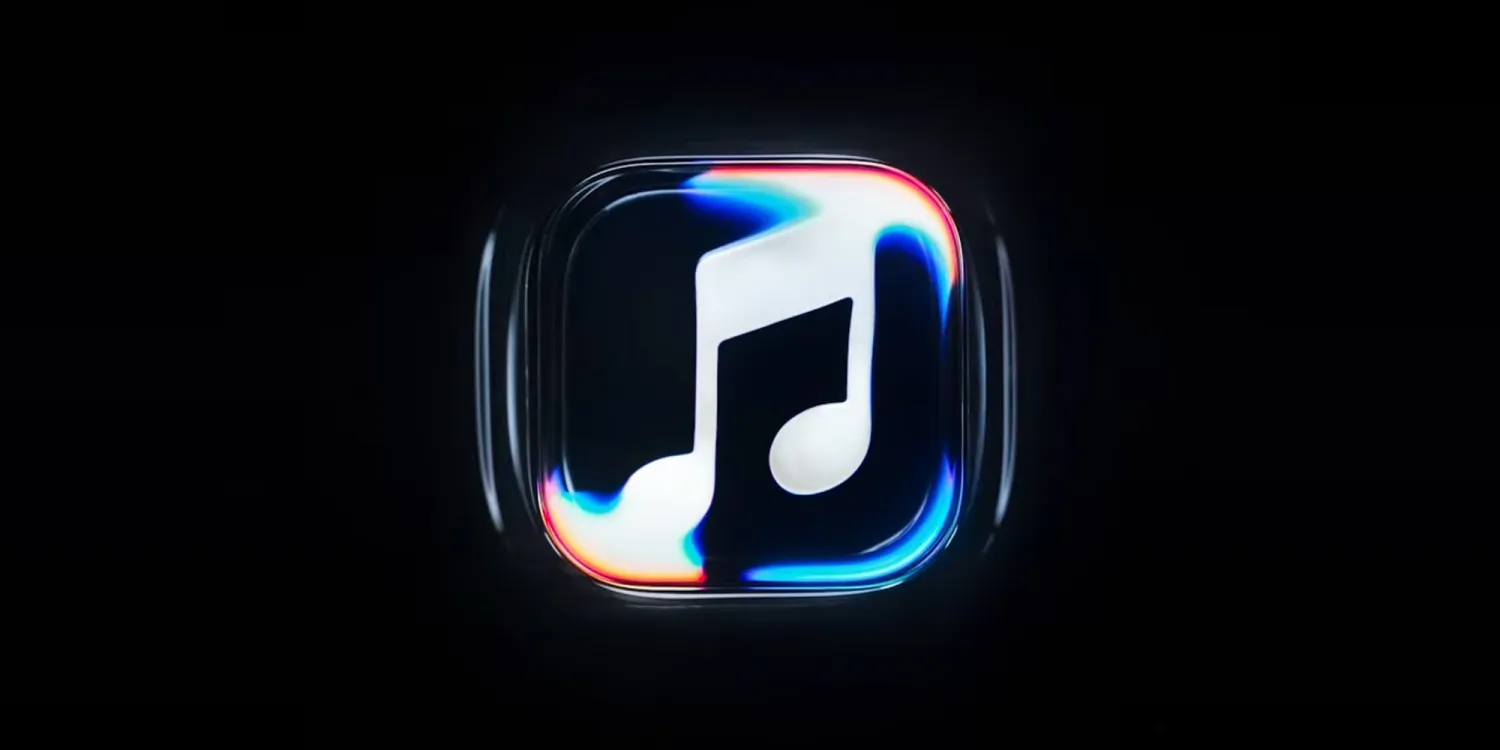
Apple Music has officially unveiled a refreshed brand identity featuring a new logo, app icon, and visual design. To celebrate the rebrand, Apple has also released a behind-the-scenes video revealing how the new logo was brought to life through sound.
The announcement follows weeks of hints about upcoming Apple Music design changes, including a redesigned app icon and other visual updates discovered in iOS 27.2.
Apple Music's New Logo Was “Made by Sound”
According to Apple's official Apple Music account on X, the new identity was created through a collaboration with electronic music producer Fred again.. and NEST Acoustics.
Rather than relying solely on traditional graphic design, the team used an original musical composition to physically shape the new Apple Music logo.
In its behind-the-scenes video, Apple describes the project as a story of music, collaboration, and craftsmanship. The footage shows how sound was transformed into a visible form, with the entire process captured in camera.
The concept fits Apple Music's focus on music and audio, turning the sound itself into an essential part of the brand's visual identity.
New Design Coming With iOS 27.2
Apple Music's refreshed identity is expected to appear in iOS 27.2, which is scheduled to launch next week. The update is expected to bring the new look to compatible iPhones alongside other design changes.
The rebrand also follows Apple's recent visual refresh of Apple TV, suggesting that the company continues to refine the identities of its digital services.
Apple Music Subscription Pricing
Apple Music remains available for $11.99 per month in the United States. Users can also access the service through an Apple One subscription, which bundles Apple Music with other Apple services.
What do you think of Apple Music's new look? Do you like the idea of creating a logo through sound, or do you prefer the previous design? Let us know in the comments.
Source: 9to5mac










