 NEWS
NEWS
iPhone Duo Reviewers Say They Miss Face ID
 Just now
 57
57
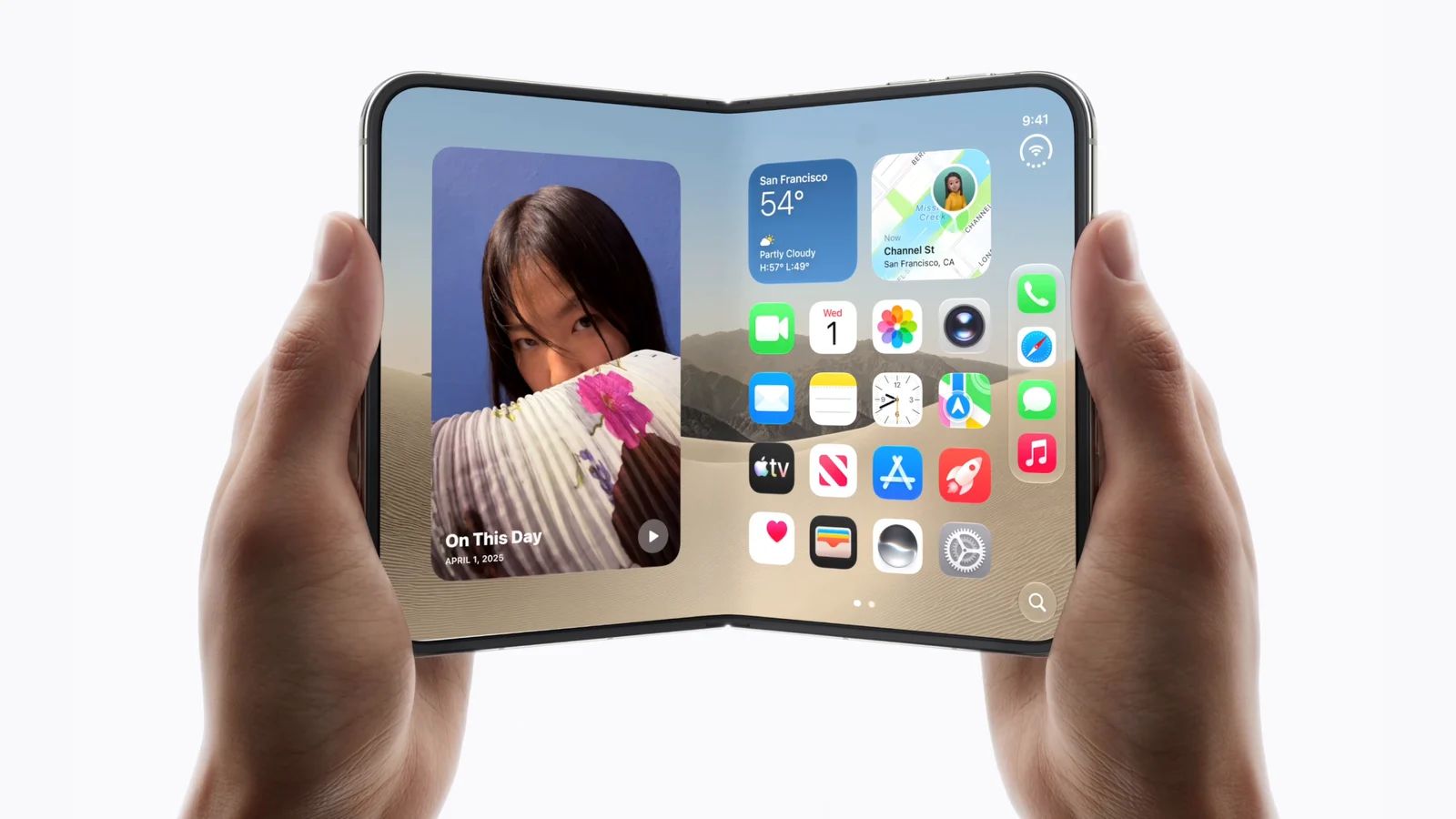
Apple's first foldable iPhone, the iPhone Duo, is drawing criticism from reviewers over its decision to replace Face ID with Touch ID. Integrated into the side button, the fingerprint sensor works whether the device is folded or unfolded, but some reviewers say unlocking feels slower and less convenient than Face ID.
Touch ID Adds Friction to Everyday Use
In his review, Marques Brownlee noted that Touch ID includes an intentional pause on the Lock Screen, allowing users to check notifications before unlocking. However, this delay can make authentication feel slower. He found that waking the screen and swiping up before touching the sensor provided a quicker workaround.
Other reviewers reported similar frustrations. Joanna Stern said she was still fumbling with unlocking after a week of use, even with five fingerprints registered. Mrwhosetheboss found that holding a finger on the sensor felt like an extra step throughout the day, while slightly greasy or wet fingers could cause problems.
PetaPixel also noted that accidental presses could trigger haptic error alerts when picking up or moving the phone. Meanwhile, Gizmodo's reviewer said the lack of Face ID was especially noticeable when unlocking the device from a desk or using Apple Pay. Users wearing gloves may also need to remove them to unlock the phone.
Not all reviews were negative. The Verge found that Touch ID became easier to use with time, while 9to5Mac described it as fast and reliable. Apple also says the pause is designed to provide a more consistent experience and allow time for Lock Screen notifications to appear.
For users who prefer hands-free authentication, the iPhone Duo can also be unlocked with an Apple Watch, which some reviewers found more convenient.
3uTools's View
The iPhone Duo's foldable design brings new possibilities, but replacing Face ID with Touch ID introduces a noticeable change to everyday use. While some users may adapt quickly, others may find the extra steps inconvenient. As Apple's first foldable iPhone reaches customers, real-world experience will show whether this trade-off becomes a lasting concern.










