NEWS

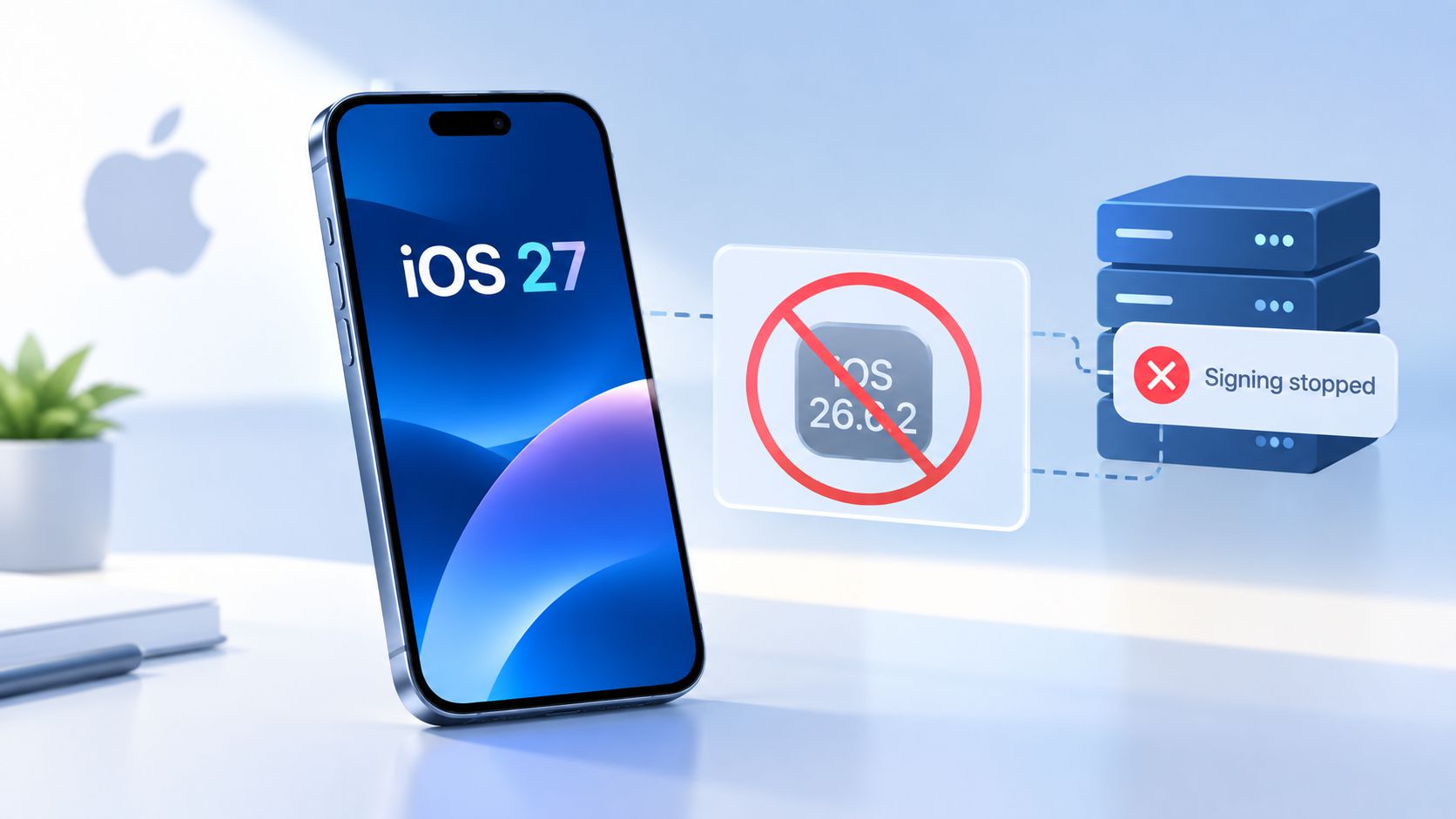
Apple Stops Signing iOS 26.6.2, Making iOS 27 Downgrades Impossible

Just now

24

Apple Stops Signing iOS 26.6.2, Making iOS 27 Downgrades Impossible


Apple has stopped signing iOS 26.6.2, closing the downgrade path for users who have already upgraded their iPhones to iOS 27.


When Apple stops signing an iOS version, the firmware can no longer pass Apple's server-side verification required for installation. As a result, users cannot use standard restore methods to return to that version.


Apple released iOS 27 on September 14, while iOS 26.7 was released alongside it as an over-the-air update. However, iOS 26.7 does not have a restore IPSW available, so it cannot be used as a downgrade destination.


What This Means for iPhone Users


 • Still on iOS 26: You can continue using your current version.

 • Already upgraded to iOS 27: You can no longer downgrade to iOS 26.6.2.

 • Using 3uTools: A downgrade requires Apple to be signing the target firmware. Once Apple stops signing it, 3uTools cannot restore that version.


3uTools' View: Before upgrading to a major iOS release, users who may need to return to an earlier version should check the current firmware signing status first. Once Apple closes the signing window, downgrade options are no longer available.


Source: MacRumors 

Windows
Mac OS
iOS
Linux
3uTools
Win 64-bit For this device
V9.09 2026-09-20
Download
Win 32-bit For this device
V9.09 2026-09-20
Download
3uTools
Intel Chip How to Identify Chip Type
V9.07 2026-09-20
Download
Apple Silicon
V9.07 2026-09-20
Download
How to Identify Chip Type
1.  Click the Apple icon in the top-left corner of the screen and select About This Mac.
2.  Check the Processor or Chip field to determine if it is "Intel" or "Apple".
Please use the 3uTools PC client to install the iOS client:
1、 Install either the Windows or Mac version of 3uTools on your computer
2、 Open the PC client and connect your device to the computer via USB cable
3、 After the connection is successful, wait for the computer to automatically install the mobile app for the device, or locate “Install Mobile App” on the computer and manually click to install.
3uTools
deb file
V9.02 2026-08-19
Download
rpm file
V9.02 2026-08-19
Download
Windows
Windows
iOS
iOS
Android
Android
TV
TV
3uAirPlayer
Win 64-bit For this device
V6.0.7 2026-08-25
Download
Win 32-bit For this device
V6.0.7 2026-08-25
Download
Scan to get "3uAirPlayer" App
Requires iOS 15.0 or later
Scan to get "3uAirPlayer" App
Requires Android 7.0 and up
3uAirPlayerTV
 
TV System Requirements: Android 7.0 or later
Download the TV installation package, copy it to a USB drive, insert it into your TV or set-top box, then select the file from the home screen to install.