 NEWS
NEWS
iPhone 18 Pro: Three New Camera Upgrades Are Coming
 08/12/2026
 527
527
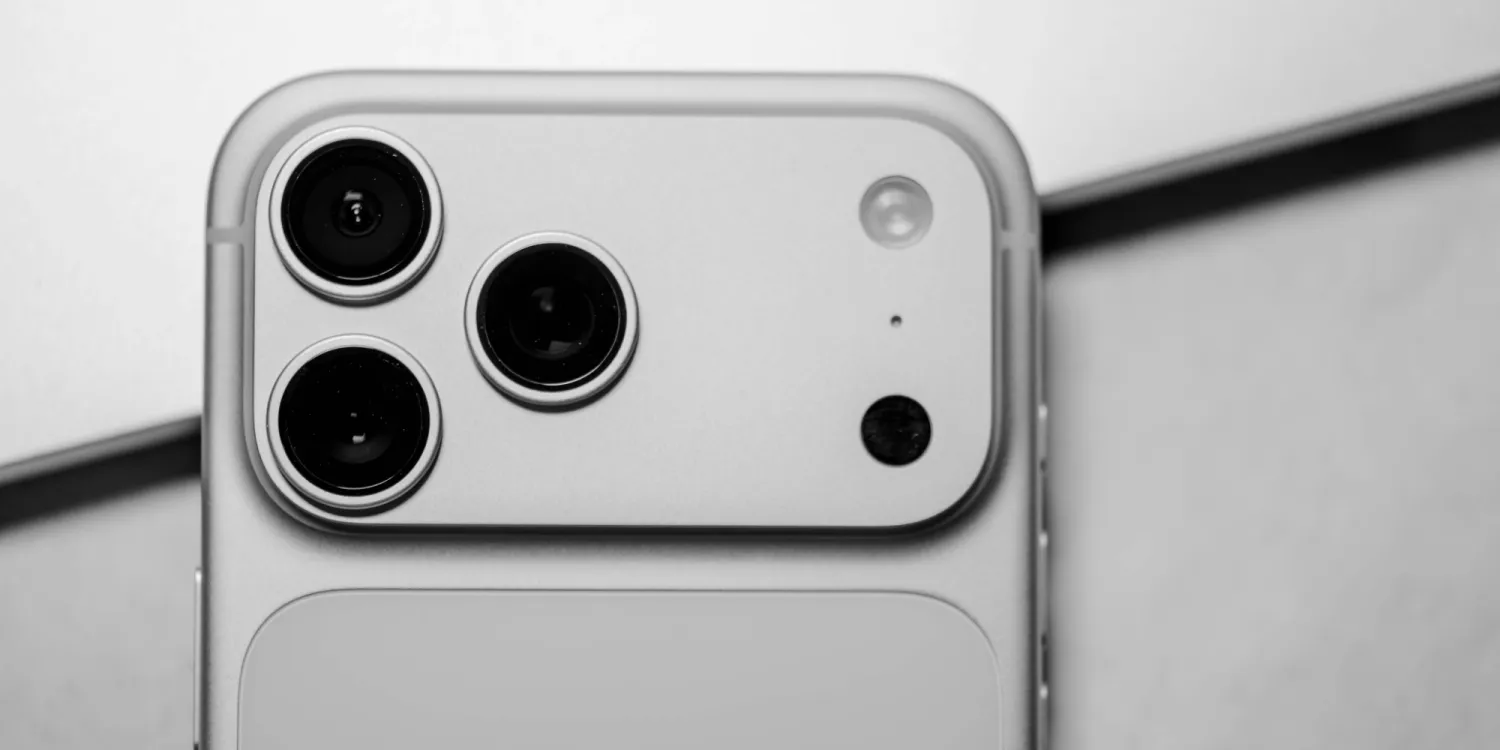
iPhone 18 Pro is just a few weeks away, and rumors indicate it could bring an especially noteworthy batch of camera upgrades. Here are the three main camera features currently rumored.
Camera rumors for iPhone 18 Pro center on three upgrades
Every year, Apple makes the iPhone’s cameras better in some way or another. Last year with iPhone 17, the new Center Stage front camera was a big highlight, and iPhone 17 Pro gained a much-improved Telephoto lens.
With iPhone 18 Pro, Bloomberg’s Mark Gurman has reported that we’re getting “the biggest leap in camera hardware” in some time.
So far, rumors point to three main upgrades:
●variable aperture Main camera
●wider aperture for Telephoto camera
●pro-focused software features
Variable aperture might be the single biggest new feature, depending on the implementation details. This camera feature has been rumored for years, but it’s unclear exactly how Apple will utilize it in the user experience.
For example, it could enable users to adjust the focus and depth of field for each photo to their liking, opening more stylistic opportunities. Or it might unlock an improved Portrait mode, better low-light shots, improved adaptivity for different types of shots—perhaps all of the above.
The Telephoto camera gaining a larger aperture means it should perform better in low light—a current weakness for that specific lens.
We don’t have details on new software features, but here’s what Aaron Tilley previously reported for The Information:
The camera in Apple’s upcoming iPhone 18 Pro models will begin to match
professional-grade cameras in terms of certain advanced features. As a result, the company is looking to give the built-in camera app on its smartphone an upgrade, people familiar with the effort said. The existing iPhone camera app contains mostly basic controls.
Last year Apple introduced a Dual Capture software feature exclusively on its newest iPhones. It sounds like we may see some Pro-exclusive software additions this year.
Beyond these changes, the Camera Control button is also expected to get revamped this year.
Source: 9to5mac










