 NEWS
NEWS
iPhone 18 Pro Will Have Three Upgrades that Have Been Rumored for Years
 08/05/2026
 578
578
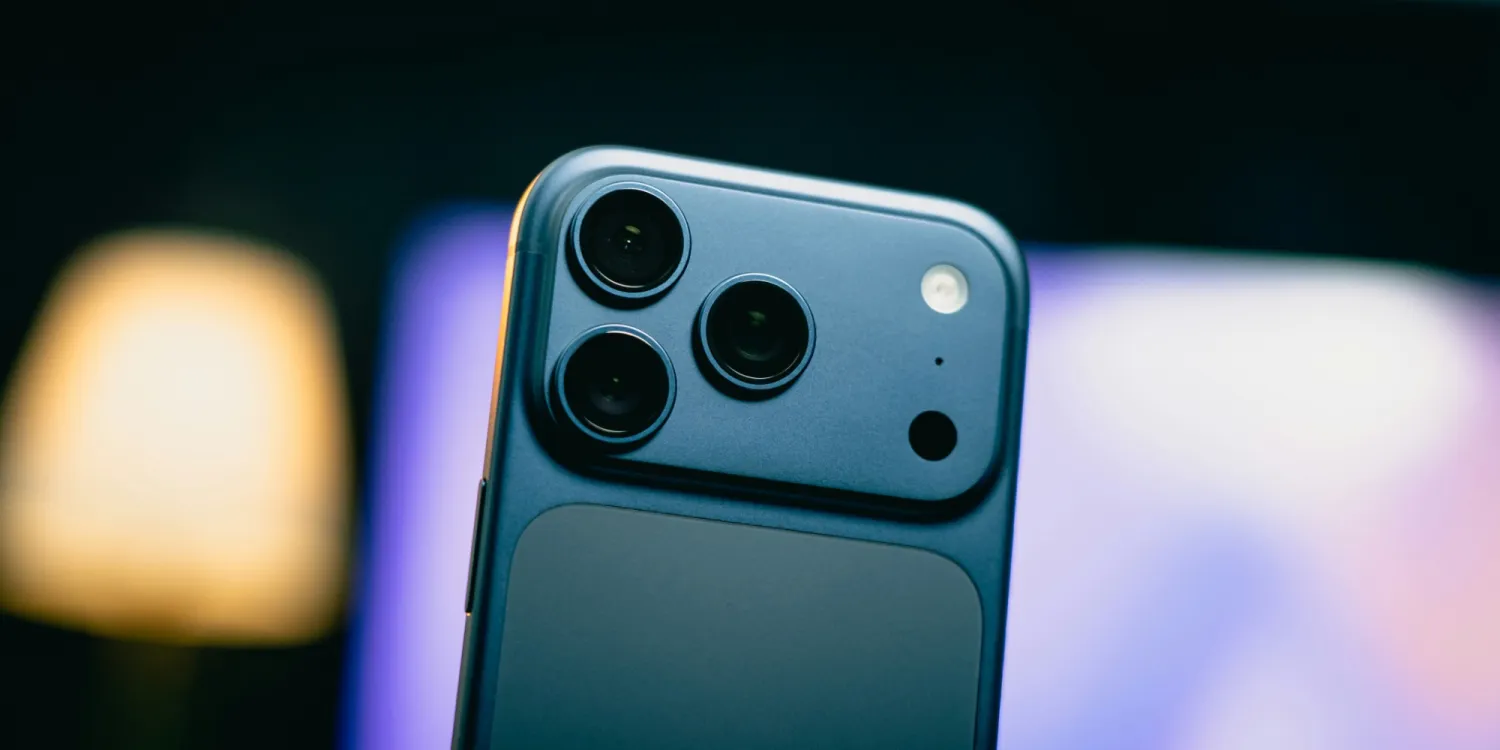
iPhone 18 Pro is coming very soon, and expected to feature three upgrades that have been rumored for years. Here’s what’s coming.
#1: Variable aperture camera
It’s been more than two years since The Information published a report detailing a “variable aperture” camera system coming to iPhone. At the time, it claimed iPhone 17 was the target model for the new feature. Ming Chi-Kuo, however, chimed in that it was instead set for the iPhone 18 line.
Now, iPhone 18 Pro is almost here and the latest reporting indicates variable aperture is indeed coming to the Main camera.
The new feature could unlock a variety of exciting camera abilities, but it all depends on Apple’s implementation. Fortunately we’re just weeks away from the unveiling and full feature reveal.
#2: Smaller Dynamic Island
It’s been almost 10 years since the iPhone X introduced the notch, the first cutout in an iPhone display. It wasn’t until 2022’s iPhone 14 Pro that the current Dynamic Island design arrived, shrinking the cutout.
Now four years later, a smaller Dynamic Island is finally coming with iPhone 18 Pro.
Rumors indicate Apple’s new Dynamic Island cutout will be about 35% smaller than the previous design. This reduction in size is even hinted at by Siri’s new look in iOS 27.
#3: Apple-designed C2 modem
Apple’s in-house modem efforts have been an open secret for years. But it was just last year that the first Apple-designed modem launched in an iPhone: the C1.
Now, rumors indicate Apple plans to switch away from Qualcomm modems in iPhone 18 Pro in favor of its own next-gen C2 chip.
C2 will likely bring speed gains over C1X and C1, but it’s also expected to boast the improved efficiency and privacy benefits of every Apple-designed modem.
Source: 9to5mac










