NEWS

Apple Pay Launches in the Philippines

08/04/2026

14

 Apple Pay Launches in the Philippines


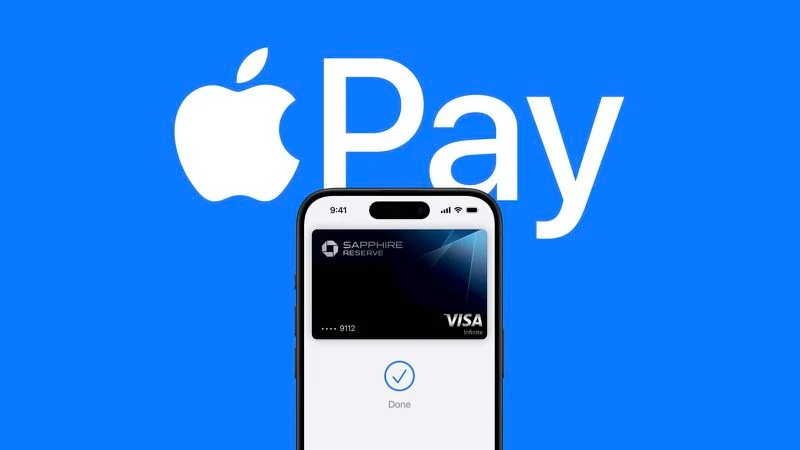
Apple Pay expanded to the Philippines today, which means iPhone and Apple Watch owners in the country can add supported debit and credit cards to the Wallet app for contactless payments.


Credit and debit cards can be added by opening the Wallet app and tapping on the "+" button. According to users on Reddit, supported banks include UnionBank, GoTyme, Metrobank, and Chinabank. Cards are verified using SMS or phone call.


Once an eligible card is added to the Wallet app, it can be used at retail locations that support ‌Apple Pay‌. Reddit users have been able to add their cards to Apple Wallet and make ‌Apple Pay‌ purchases at stores like Starbucks and 7-Eleven.


‌Apple Pay‌ is available in a long list of countries around the world, with details on supported banks. The Philippines hasn't been added to Apple's site yet, but Apple should soon have a full list of participating banks.


Source: Macrumors

Windows
Mac OS
iOS
Linux
3uTools
Win 64-bit For this device
V9.07 2026-07-17
Download
Win 32-bit For this device
V9.07 2026-07-17
Download
3uTools
Intel Chip How to Identify Chip Type
V9.05 2026-07-25
Download
Apple Silicon
V9.05 2026-07-25
Download
How to Identify Chip Type
1.  Click the Apple icon in the top-left corner of the screen and select About This Mac.
2.  Check the Processor or Chip field to determine if it is "Intel" or "Apple".
Please use the 3uTools PC client to install the iOS client:
1、 Install either the Windows or Mac version of 3uTools on your computer
2、 Open the PC client and connect your device to the computer via USB cable
3、 After the connection is successful, wait for the computer to automatically install the mobile app for the device, or locate “Install Mobile App” on the computer and manually click to install.
3uTools
deb file
V9.01 2026-05-28
Download
rpm file
V9.01 2026-05-28
Download
Windows
Windows
iOS
iOS
Android
Android
TV
TV
3uAirPlayer
Win 64-bit For this device
V6.0.6 2026-06-26
Download
Win 32-bit For this device
V6.0.6 2026-06-26
Download
iOS Device Mirroring (No App Required)
1、 Install 3uAirPlayer on the Windows PC
2、 Open Control Center and select Screen Mirroring
3、 From the list, choose your PC to start mirroring
4、 Or connect your iOS device to the PC via USB to begin mirroring
Scan to get "3uAirPlayer" App
3uAirPlayerTV
 
TV System Requirements: Android 7.0 or later
Download the TV installation package, copy it to a USB drive, insert it into your TV or set-top box, then select the file from the home screen to install.