 NEWS
NEWS
'Apple Upgrade' Pricing: You Can Lease an iPhone Starting at $18/Month
 07/29/2026
 720
720
As expected, the Apple Upgrade program launched today, allowing customers in the U.S. to lease most iPhone, Apple Watch, iPad, and Mac models. While the program is offered by Apple, the leasing is handled by financing company Klarna.
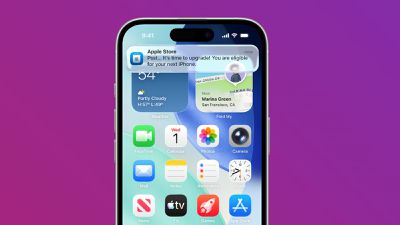
The program essentially allows you to subscribe to an Apple device with monthly payments. At the end of the lease, you can return your device and either upgrade to a new one or move on. If you prefer to own your device at the end of the lease, you can pay an amount equal to the retail price minus any lease payments made to Klarna.
No matter which option you choose at the end of your lease, you will never pay more than the retail price of the device, according to Apple.
Apple Upgrade allows you to lease an iPhone for as little as $17.99 per month, with the complete breakdown of starting prices listed below.
iPhone
- iPhone 17e: From $17.99/month for 24 months
- iPhone 17: From $22.99/month for 24 months
- iPhone Air: From $28.99/month for 24 months
- iPhone 17 Pro: From $31.99/month for 24 months
- iPhone 17 Pro Max: From $34.99/month for 24 months
Apple Watch
- Apple Watch Series 11: From $11.99/month for 24 months
- Apple Watch Ultra 3: From $24.99/month for 24 months
- Apple Watch Hermès Series 11: From $40.78/month for 24 months
- Apple Watch Hermès Ultra 3: From $47.03/month for 24 months
iPad
- iPad mini: From $11.99/month for 36 months
- iPad Air: From $15.99/month for 36 months
- iPad Pro: From $24.99/month for 36 months
Mac
- MacBook Air: From $24.99/month for 36 months
- iMac: From $28.99/month for 36 months
- MacBook Pro: From $38.99/month for 36 months
- Mac Studio: From $48.99/month for 36 months
If a device is not listed above, it is not eligible for the Apple Upgrade program at this time. Notable exclusions include the iPhone 16, the Apple Watch SE, the entry-level iPad, the MacBook Neo, and the Mac mini.
You can learn more about the Apple Upgrade program on Apple's website and by reading our coverage of Apple's announcement earlier today.
Apple Upgrade is currently available in the U.S. only.
Source: Macrumors










