 NEWS
NEWS
iOS 26.6 now available for iPhone with these changes
 07/28/2026
 1432
1432
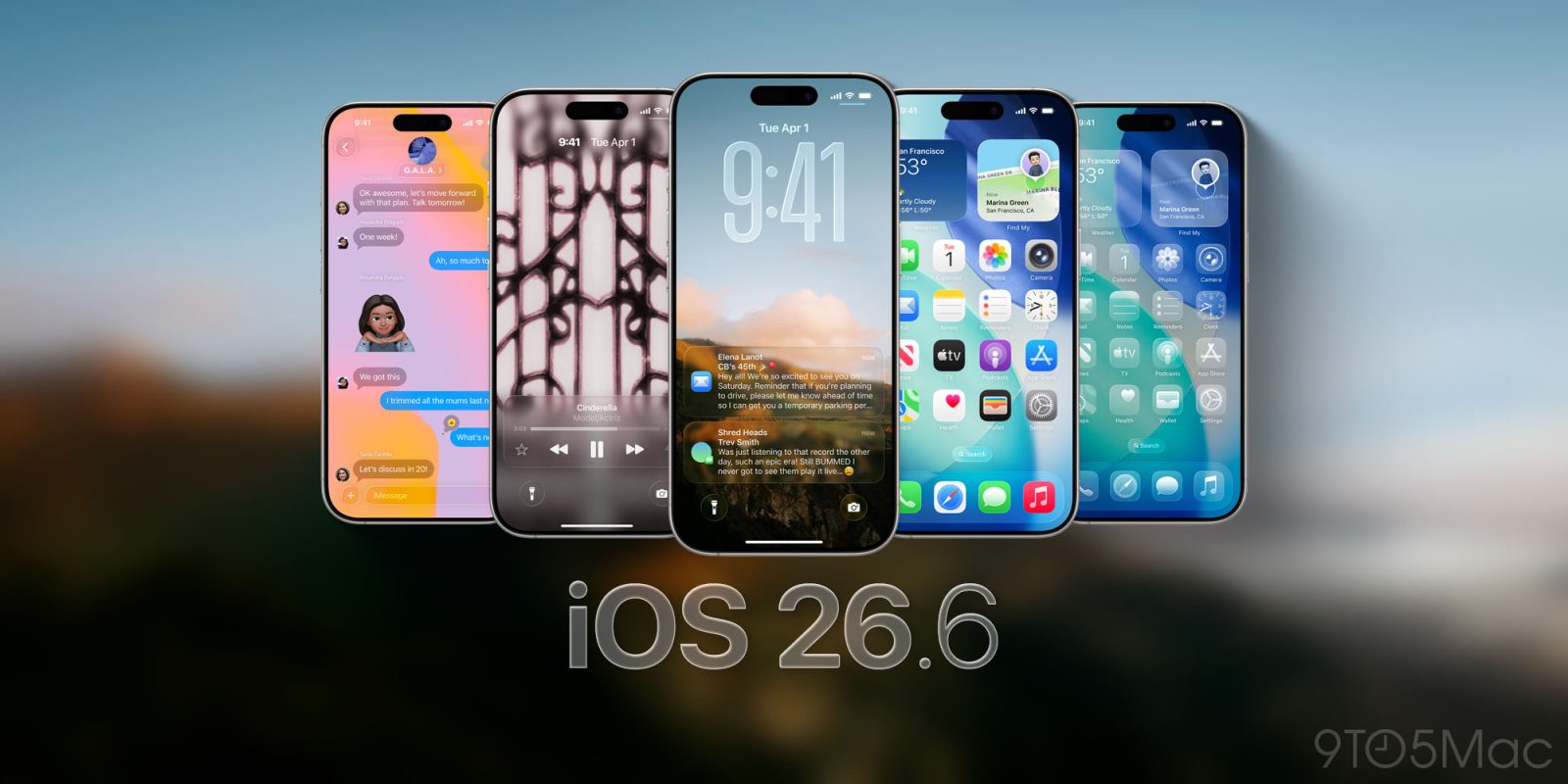
Apple has officially released iOS 26.6 for iPhone users. The update is lighter on new features than iOS 26.4 and iOS 26.5, but it includes important bug fixes, security updates, and prepares your iPhone for iOS 27.
Here’s everything you need to know about iOS 26.6.
iOS 26.6 details
iOS 26.6 is available now for all compatible iPhones. To install the update, open the Settings app, choose General, then choose Software Update. You can install it immediately or let your iPhone update automatically overnight.
Apple’s release notes say:
This update includes bug fixes, security updates and optimizes the Spotlight index to prepare for iOS 27.
For enterprise users, Apple highlights this fix:
Resolved an issue where the
DisableAssociationMACRandomizationkey did not prevent users from changing the Private Wi-Fi Address setting to Fixed or Rotating.
Since releasing iOS 26.6, Apple has detailed more than 75 security fixes that are included in today’s release for iPhone and iPad.
iOS 26.6 features and changes
Spotlight optimization ahead of iOS 27
The most notable change in iOS 26.6 is one users may not see. Apple says the update optimizes the iPhone’s Spotlight index before iOS 27 arrives.
iOS 27 includes major upgrades to Spotlight and Siri, and both features depend on indexing the content stored on your iPhone. Early iOS 27 beta testers found that this background process could take a week or longer. By starting some of that work with iOS 26.6, Apple should be able to provide a smoother upgrade experience this fall.
New blocked contacts alert
iOS quietly limits how many contacts an iPhone user can block. Previously, however, the software offered no clear explanation when that limit was reached.
iOS 26.6 adds a new “Blocked Contacts Limit Reached” alert. The message directs users to remove an existing blocked contact in Settings before adding another one.
Anti-snatching feature remains in development
Code discovered during the iOS 26.6 beta cycle also revealed that Apple is working on an anti-snatching security feature. The feature is designed to detect when an unlocked iPhone is abruptly taken and lock it automatically.
The code was found in iOS 26.6, but the feature itself does not appear to be enabled as part of this release. Apple could activate it in a future update.
Security updates and bug fixes
Apple says iOS 26.6 includes security updates and bug fixes. As always, installing the latest iOS release is the best way to make sure your iPhone has Apple’s newest protections.
iOS 27 is coming next
iOS 26.6 arrives as Apple shifts its attention to iOS 27, the next major iPhone software update. iOS 27 is currently available in both developer and public beta testing, ahead of its expected public release in September.
Source: 9to5mac










