NEWS

iPhone 18 Pro to Offer Only These Three Colors, Per Leaker

07/02/2026

77

iPhone 18 Pro to Offer Only These Three Colors, Per Leaker


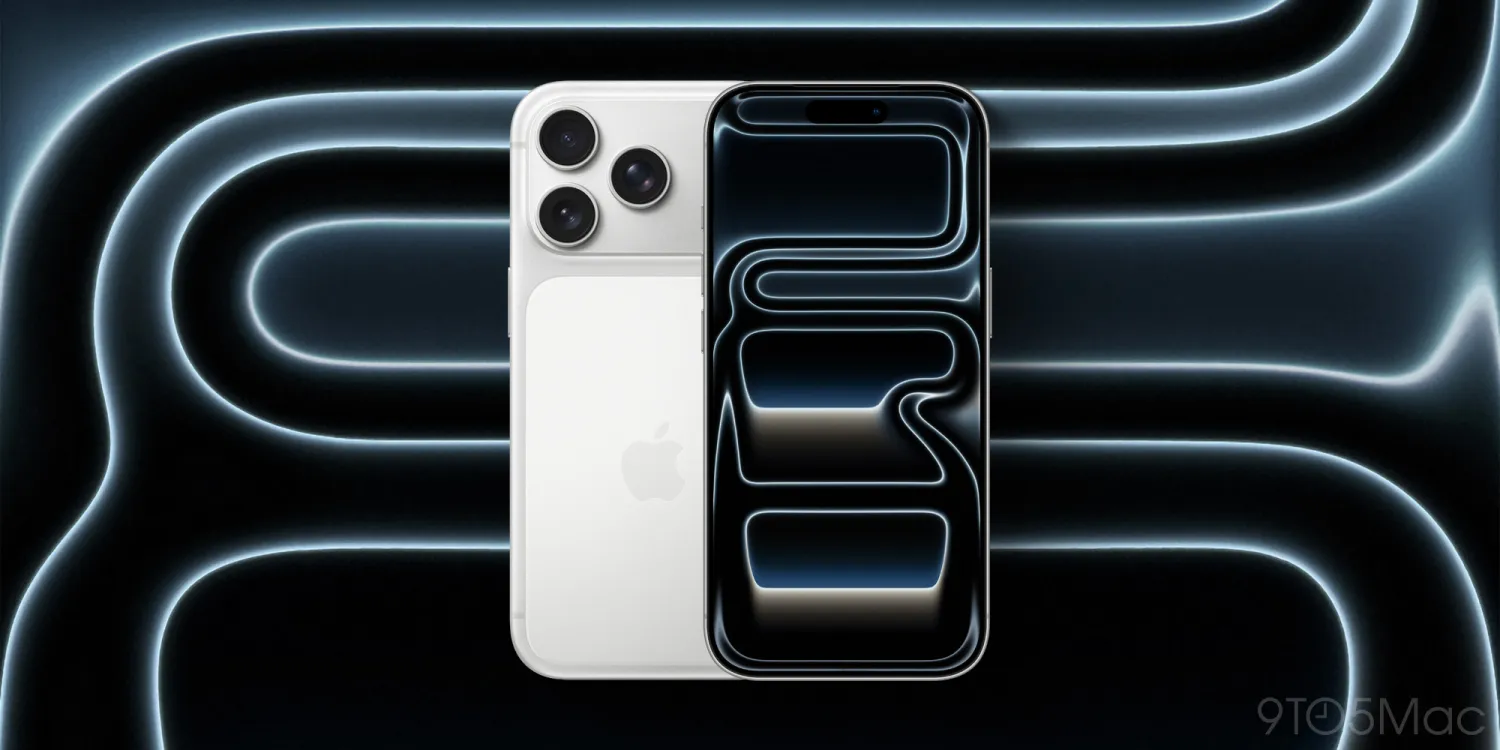
iPhone 18 Pro is just a couple months away from launching, and more details on the new product keep leaking—including colors. Here are the three new iPhone 18 Pro colors according to leaker Instant Digital.


Dark Cherry, Light Blue, and Silver could be the only iPhone 18 Pro colors, with no Black option


Last year in the run-up to the iPhone 17 Pro unveiling, rumors indicated there could be up to five new color options—more than ever before.


Instead, Apple surprised everyone by launching only three colors: Cosmic Orange, Deep Blue, and Silver. The omission of a darker gray or black option was especially noteworthy.


This year, iPhone 18 Pro rumors have gone back and forth regarding how many colors are coming, and whether black will be among them.


The latest update comes from Weibo leaker Instant Digital. In a new post, he says iPhone 18 Pro will offer three colors:


  ●Dark Cherry

  ●Light Blue

  ●Silver-Gray


If true, this would align well with Apple’s color approach from last year.


Dark Cherry will be the standout color option in all the marketing, like Cosmic Orange was for iPhone 17 Pro. Light Blue will replace Deep Blue. And the new Silver will be similar to last year’s, but perhaps a different shade.


And again, this would mean no black option for iPhone 18 Pro.


Two months out, we can’t say for sure what Apple will choose to do. But whether it launches three colors or four, there’s at least consensus on what some of the color options will be.


Source: 9to5mac

 

Windows
Mac OS
iOS
Linux
3uTools
Win 64-bit For this device
V9.06 2026-04-09
Download
Win 32-bit For this device
V9.06 2026-04-09
Download
3uTools
Intel Chip How to Identify Chip Type
V9.03 2026-03-27
Download
Apple Silicon
V9.03 2026-03-27
Download
How to Identify Chip Type
1.  Click the Apple icon in the top-left corner of the screen and select About This Mac.
2.  Check the Processor or Chip field to determine if it is "Intel" or "Apple".
Please use the 3uTools PC client to install the iOS client:
1、 Install either the Windows or Mac version of 3uTools on your computer
2、 Open the PC client and connect your device to the computer via USB cable
3、 After the connection is successful, wait for the computer to automatically install the mobile app for the device, or locate “Install Mobile App” on the computer and manually click to install.
3uTools
deb file
V9.01 2026-05-28
Download
rpm file
V9.01 2026-05-28
Download
Windows
Windows
iOS
iOS
Android
Android
TV
TV
3uAirPlayer
Win 64-bit For this device
V6.0.6 2026-06-26
Download
Win 32-bit For this device
V6.0.6 2026-06-26
Download
iOS Device Mirroring (No App Required)
1、 Install 3uAirPlayer on the Windows PC
2、 Open Control Center and select Screen Mirroring
3、 From the list, choose your PC to start mirroring
4、 Or connect your iOS device to the PC via USB to begin mirroring
Scan to get "3uAirPlayer" App
3uAirPlayerTV
 
TV System Requirements: Android 7.0 or later
Download the TV installation package, copy it to a USB drive, insert it into your TV or set-top box, then select the file from the home screen to install.