 NEWS
NEWS
iOS 26.5: Five New iPhone Features Are Coming Next Week
 05/08/2026
 1761
1761
We’re just weeks away from iOS 27’s unveiling, but Apple has another iPhone update arriving first. iOS 26.5 is coming next week, here are five new features it will bring.
#1: Suggested Places in Apple Maps
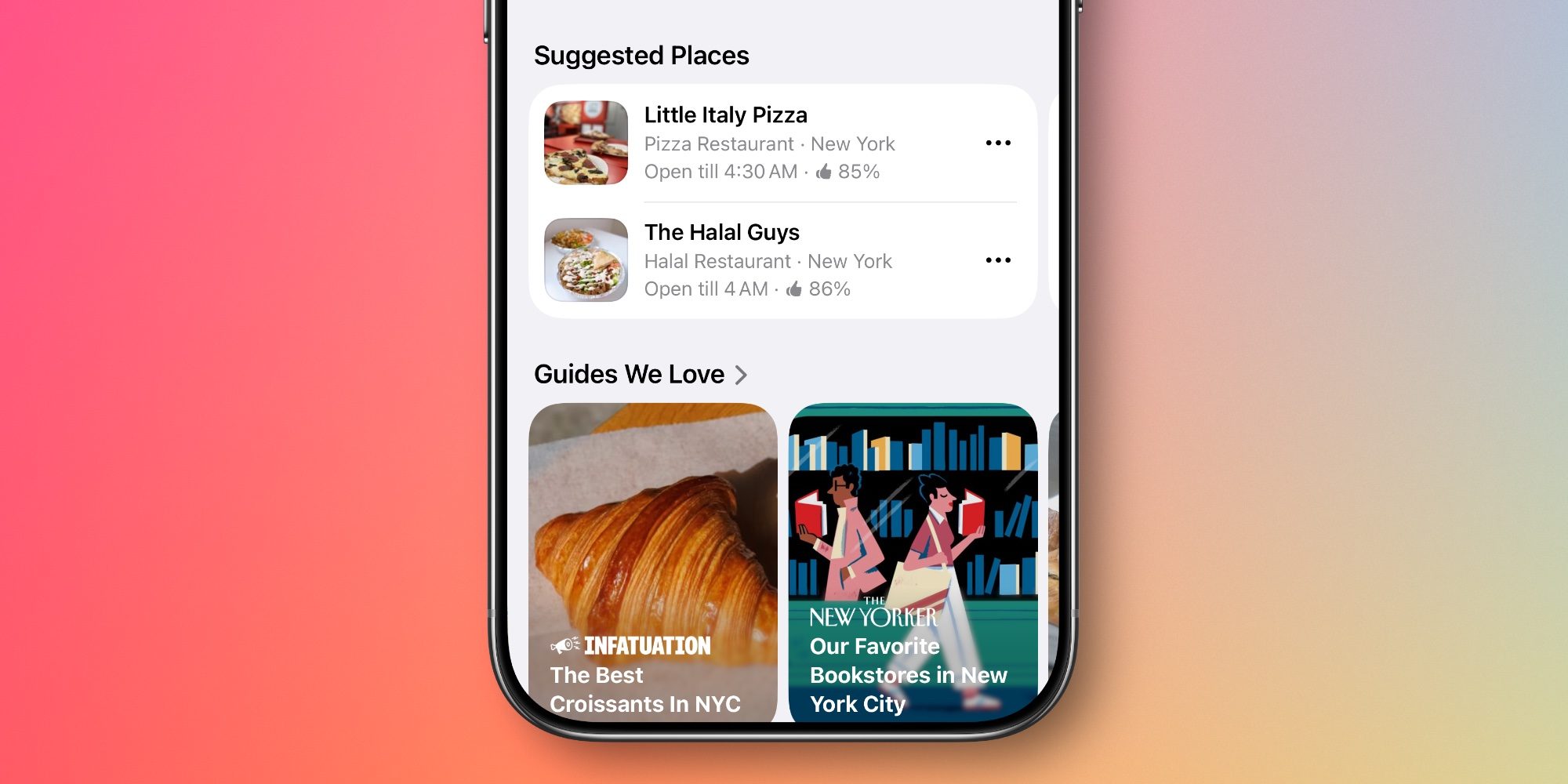
Apple Maps gets a useful addition in iOS 26.5 to help you discover new places.
’Suggested Places’ is baked into the search screen inside Maps. So whenever you tap the search bar, you’ll see two recommendations you might be interested in.
Apple says these suggestions are based on “what’s trending nearby and your recent searches.”
I’ve seen a lot of great recommendations so far while using the iOS 26.5 beta, and they feel like a perfect fit for the search screen.
#2: Messages adds end-to-end encrypted RCS
RCS support came to the iPhone in iOS 18, but iOS 26.5 brings a welcome upgrade.
Apple’s Messages app now supports end-to-end encrypted RCS messaging in beta.
It’s not available on every carrier, but hopefully most carriers will quickly get on board once iOS 26.5 launches. End-to-end encryption means RCS messaging can offer some of the same security assurances that iMessage has long had.
#3: Pride Luminance brings 11+ new wallpaper options
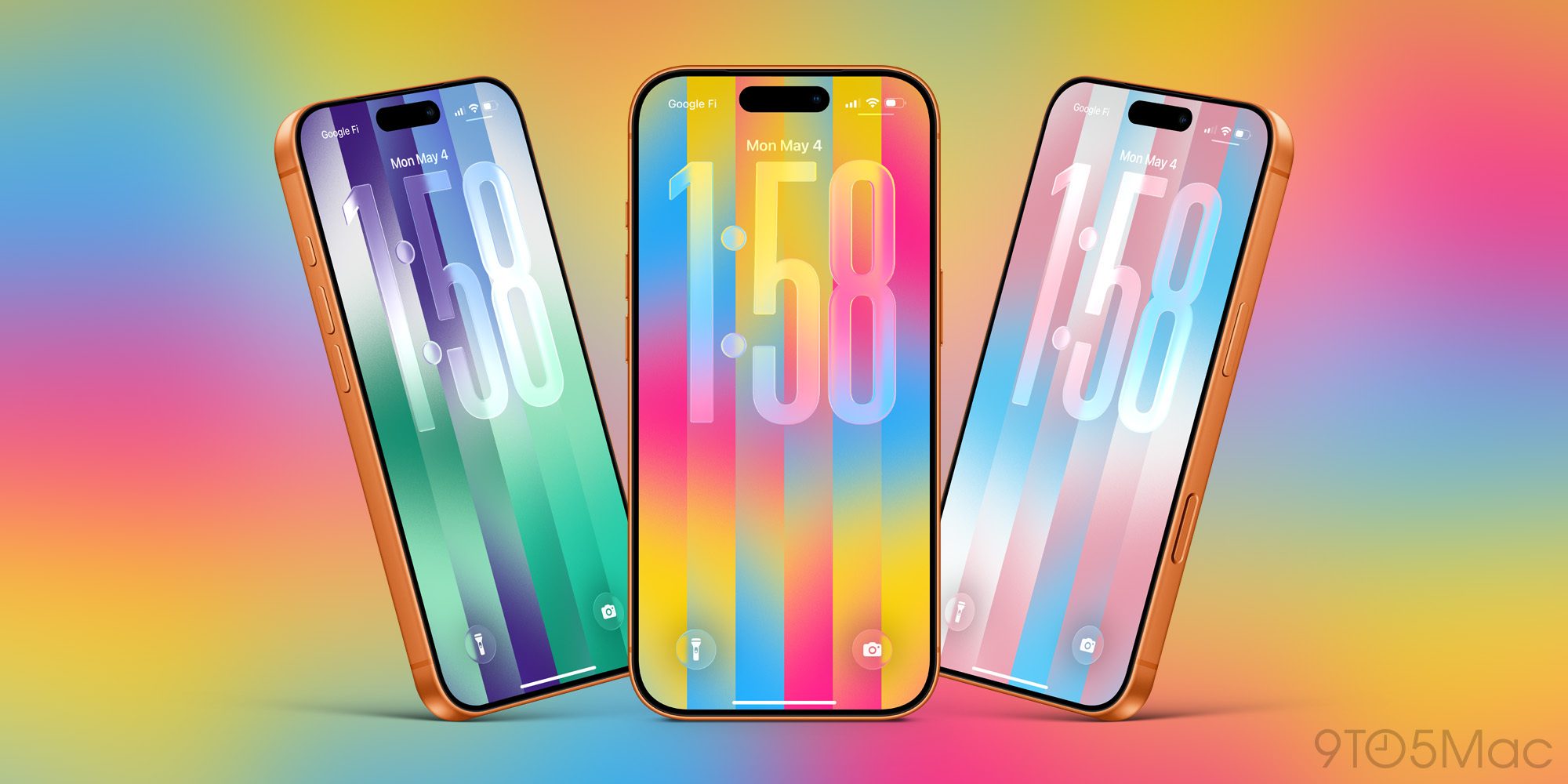
Apple releases a new Pride wallpaper in iOS every year, but in iOS 26.5 the new Pride Luminance option offers much more than a single wallpaper.
Pride Luminance comes with 11 colorful variants you can choose from. And if that’s not enough, there’s also a custom option that lets you choose exactly which colors are featured in the wallpaper.
You can choose as few as 1 color or as many as 12 to be featured in your custom wallpaper.
#4: App Store supports new in-app subscription model

Starting with iOS 26.5, apps in most of the world will be able to start offering a new type of subscription.
Joining the standard monthly and annual options that many apps offer, the App Store will now support a new model: monthly subscriptions with a 12-month commitment.
Essentially, this lets users benefit from an annual subscription discount without the hefty up-front charge. Instead, that annual price is split into 12 monthly payments.
The new subscription option will roll out worldwide except for two notable places: the United States and Singapore. There’s no word yet on when Apple might expand it to those exceptions.
#5: Reminders updates snoozing feature
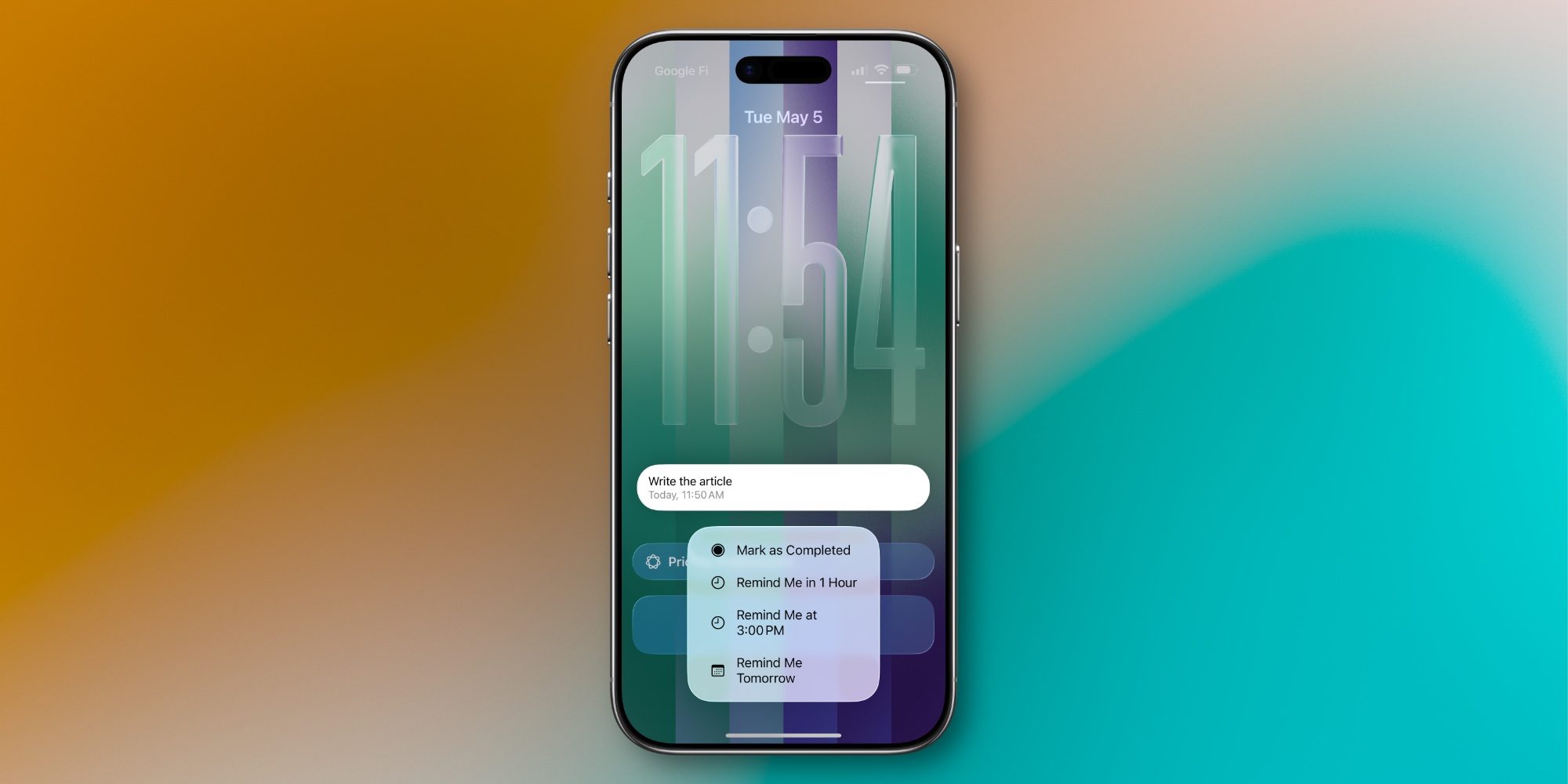
Whenever a reminder from Apple’s Reminders app comes due, your iPhone sends a push notification about it.
That alert has long offered options to snooze the reminder until later. But iOS 26.5 updates these snoozing options in a helpful way.
Historically, some of Reminders’ snooze options have been a bit vague. They’ll say, ‘Remind Me This Afternoon’ or ‘This Evening’ without offering specific times.
Source: 9to5mac










