 NEWS
NEWS
Leaker Shares iPhone 18 Pro’s New Camera Feature, Plus Future Upgrades
 04/23/2026
 2020
2020
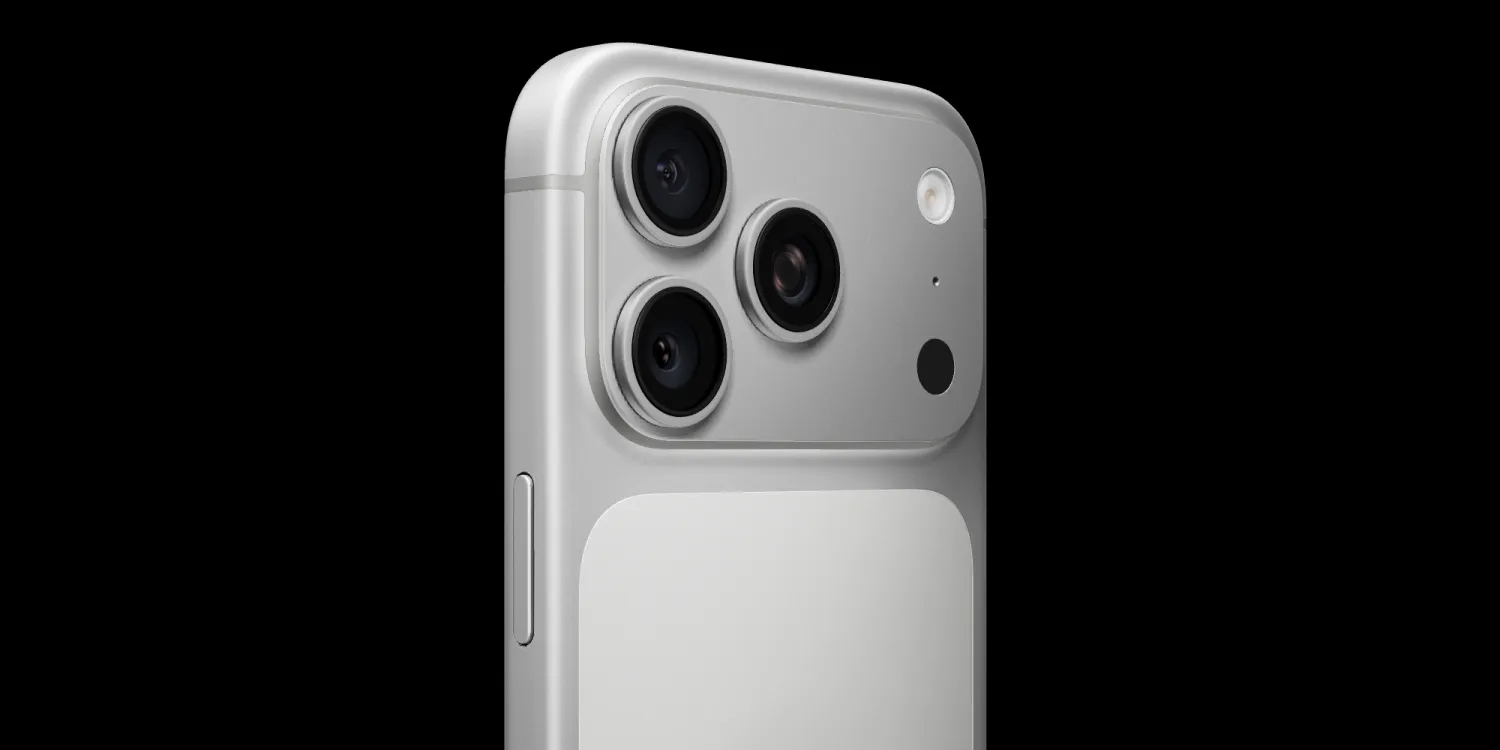
A new post from a reputable Weibo leaker highlights four new camera upgrades Apple reportedly has in development, at least one of which is coming with iPhone 18 Pro and Pro Max.
Variable aperture in iPhone 18 Pro to be followed by three more camera upgrades
Weibo leaker Digital Chat Station posted an update today on four iPhone camera upgrades in the works.
For iPhone 18 Pro, he’s expecting a variable aperture lens to be added.
Some reporting has hinted the feature might be exclusive to the Pro Max model, so it’s good to hear that iPhone 18 Pro is likely to add the variable aperture upgrade too.
This feature is expected to enable greater control over the depth of field (DoF) in your photos. My colleague Ben gives helpful examples:
●You can have a shallow DoF when you want to isolate the subject from the background, a medium DoF when you want isolation while ensuring the background is still recognizable, or a deep DOF when you want everything in shot to be in focus.
Most likely, the iOS 27 Camera app will offer intuitive controls that make adjusting depth of field easy and user-friendly.
Beyond variable aperture, Digital Chat Station also mentions three more camera upgrades in the works.
Though he doesn’t currently expect them to launch this year, there’s one improvement coming for each camera:
●Main Camera: 1/1.12″ extra-large sensor
●Ultra Wide: Enhanced OIS (optical image stabilization)
●Telephoto: 200MP periscope lens
While the timing of all of these additions is unclear, based on the leaker’s strong track record, this is likely a fairly accurate roadmap of future iPhone camera improvements.
Source: 9to5mac










