 NEWS
NEWS
Apple Maps Adds In-depth F1 Experience for Miami Grand Prix
 04/23/2026
 2080
2080
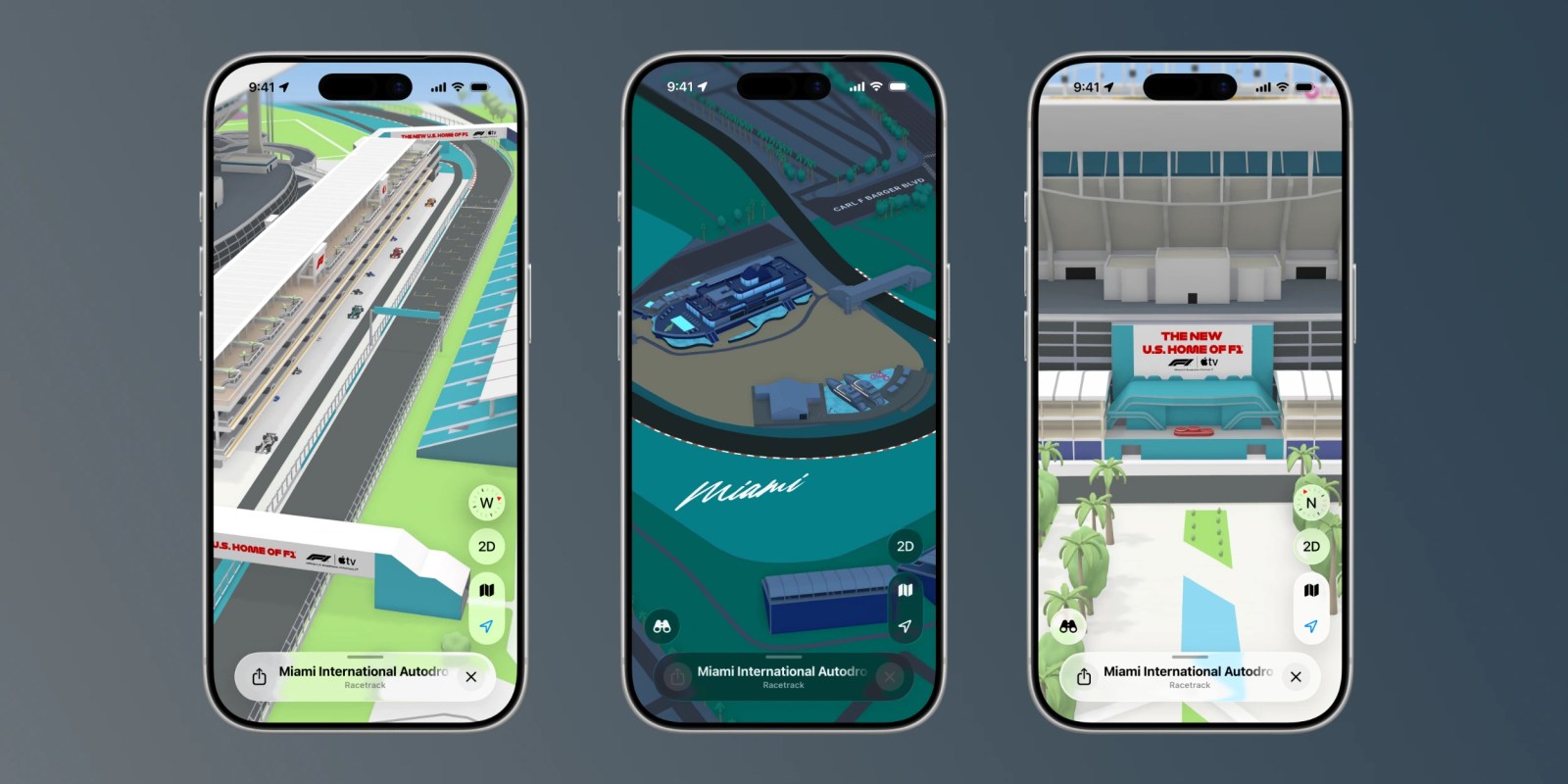
The first F1 Grand Prix in the United States of the this season takes place May 3 in Miami. Ahead of that, Apple is rolling out a detailed Apple Maps experience with immersive 3D landmarks, racetrack details, navigation information, and more.
This is a continuation of the Apple Maps and F1 crossover. Apple Maps added a detailed F1 experience for the Formula 1 Qatar Airways Australian Grand Prix 2026 earlier this year. At the time, Apple teased it would add details for more races around the world throughout the rest of the year.
The new Miami F1 Grand Prix experience is rolling out today in Apple Maps. It features a stunning look at key locations at the Miami International Autodrome circuit. There are 3D landmarks for things like grandstands, The Marina, the Finish Line, and more. There’s even a 3D rendering of the Pit Building, complete with the race cars themselves.
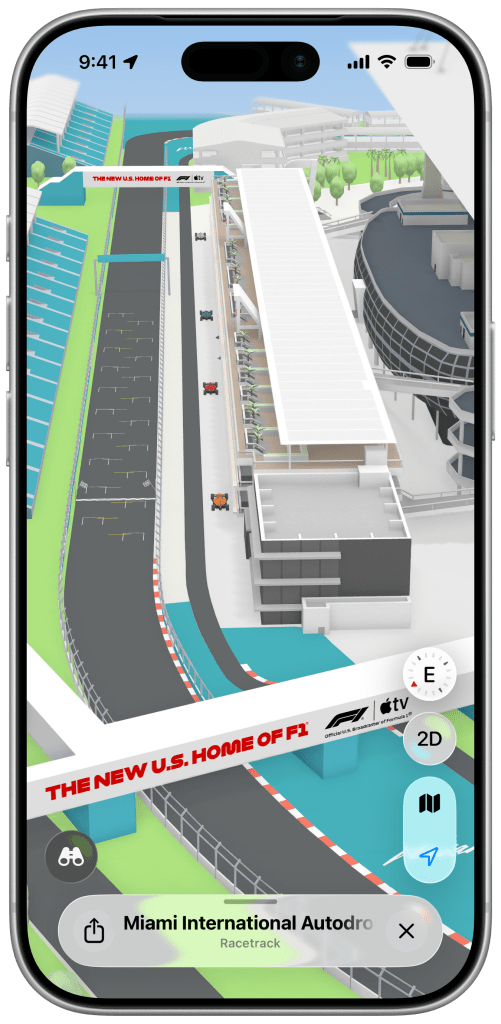
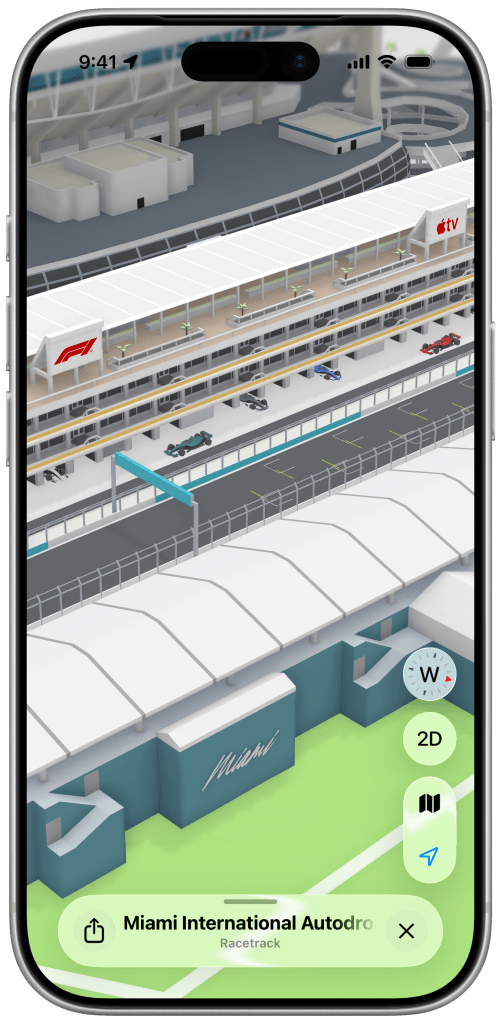
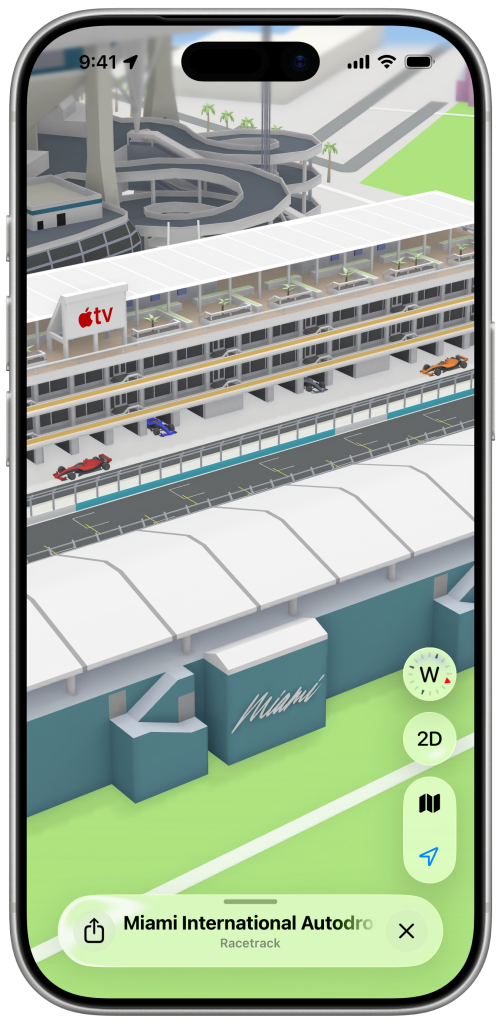
You can also view detailed information about the track itself, including curb striping and turns.
Apple Maps has also added several guides to help fans attending the Miami Grand Prix in-person. “A Local’s Guide to Miami F1 Race Week” offers recommendations on places to eat and shop throughout Miami. There’s also a Hyperlocal F1 Miami Race Week Spots guide for locations close to the track.
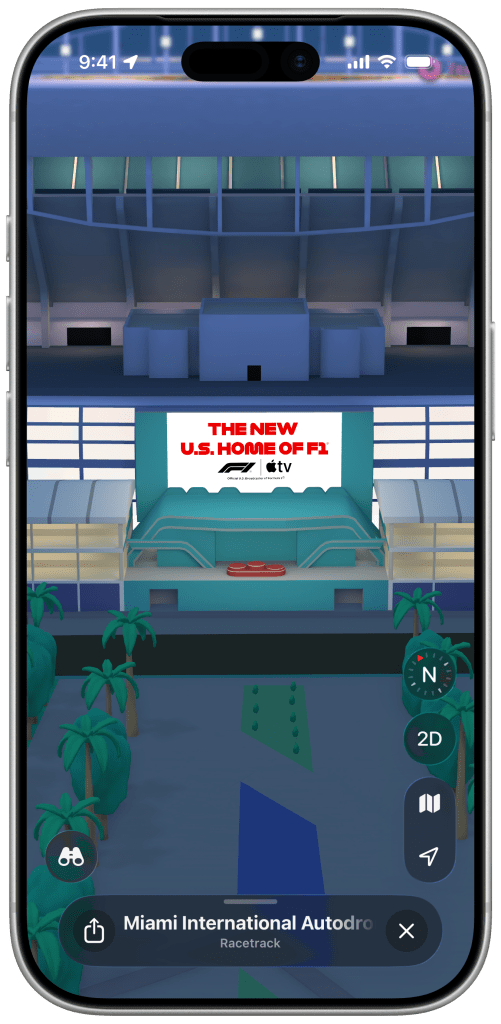
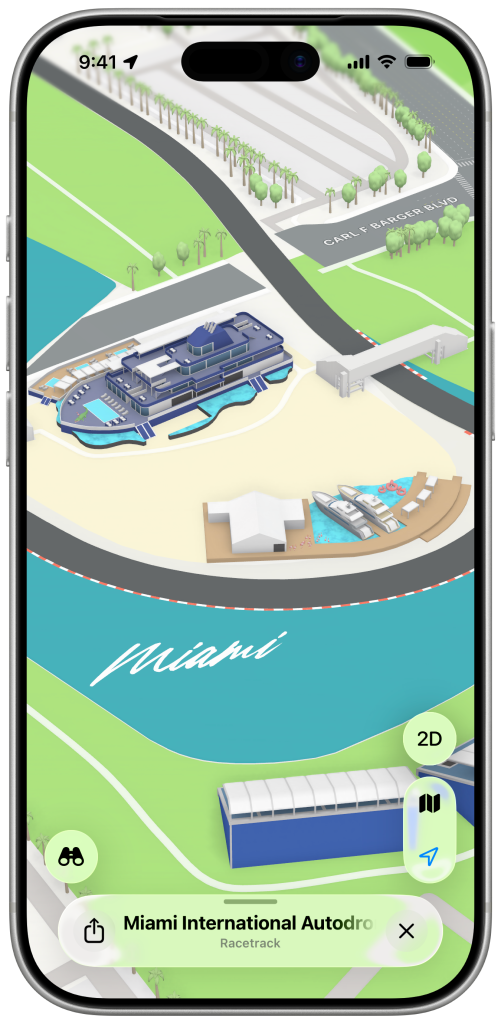
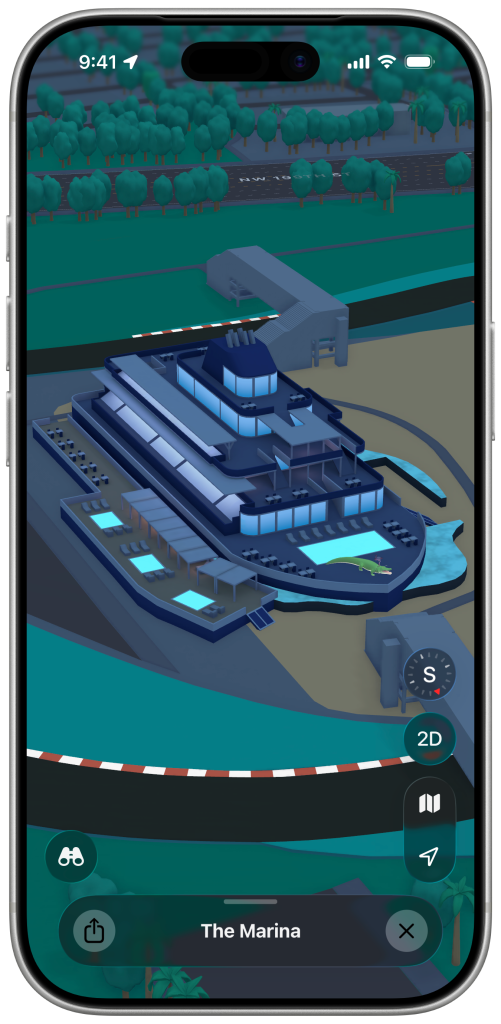
Finally, also helpful for people attending in-person, Apple Maps will show a bunch of local navigation information for the Miami International Autodrome. This includes things like gates, race entrances, bridges, restrooms, water stations, and more.
Starting this year, Apple TV subscribers can stream all F1 races at no extra charge.
Source: 9to5mac










