NEWS

New in iOS 26.5: Notification Forwarding, Apple Intelligence in China

03/31/2026

156

New in iOS 26.5: Notification Forwarding, Apple Intelligence in China


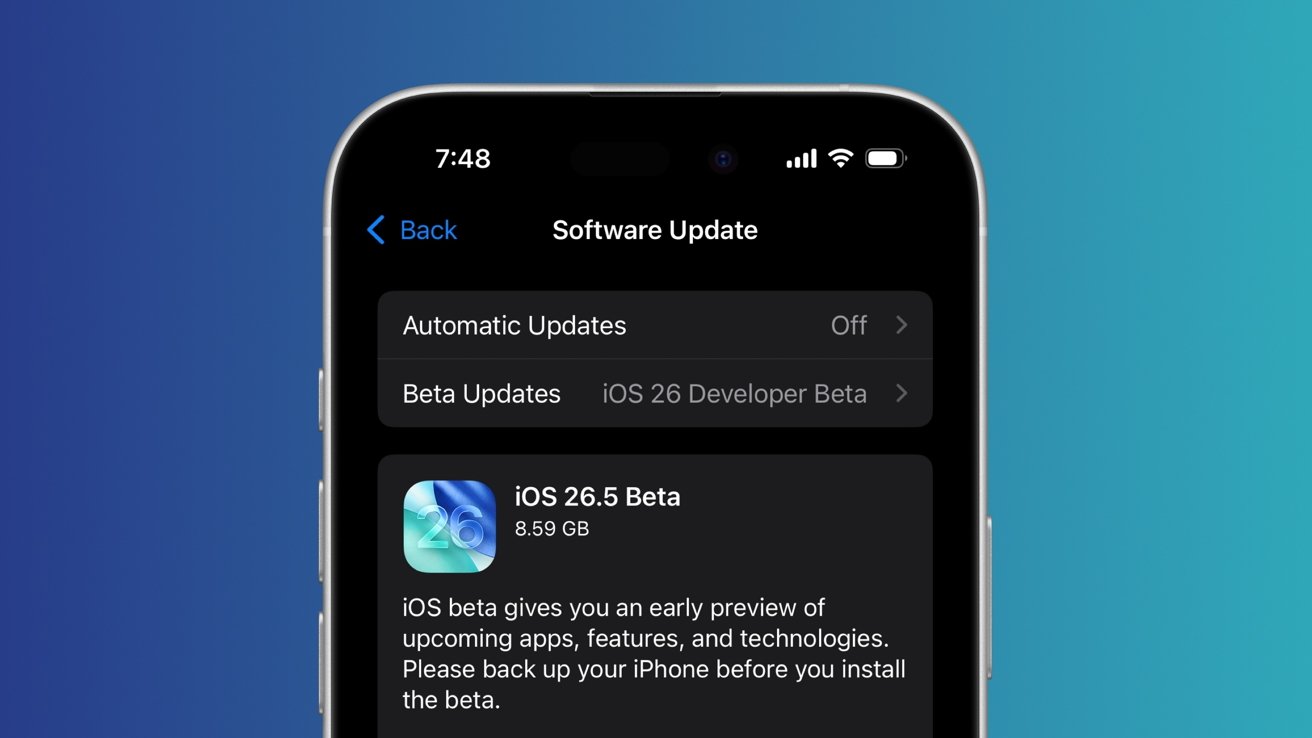
The first beta of iOS 26.5 has arrived, with Apple Intelligence now making its way to users in China, and Notification Forwarding expanding beyond the EU.

On Monday, less than a week after iOS 26.4 received its full public release, Apple started the iOS 26.4 beta testing cycle. The iPhone software update has the build number 23F5043g, up from 23E246 on the final version of iOS 26.4.

Apple Intelligence debuts in China

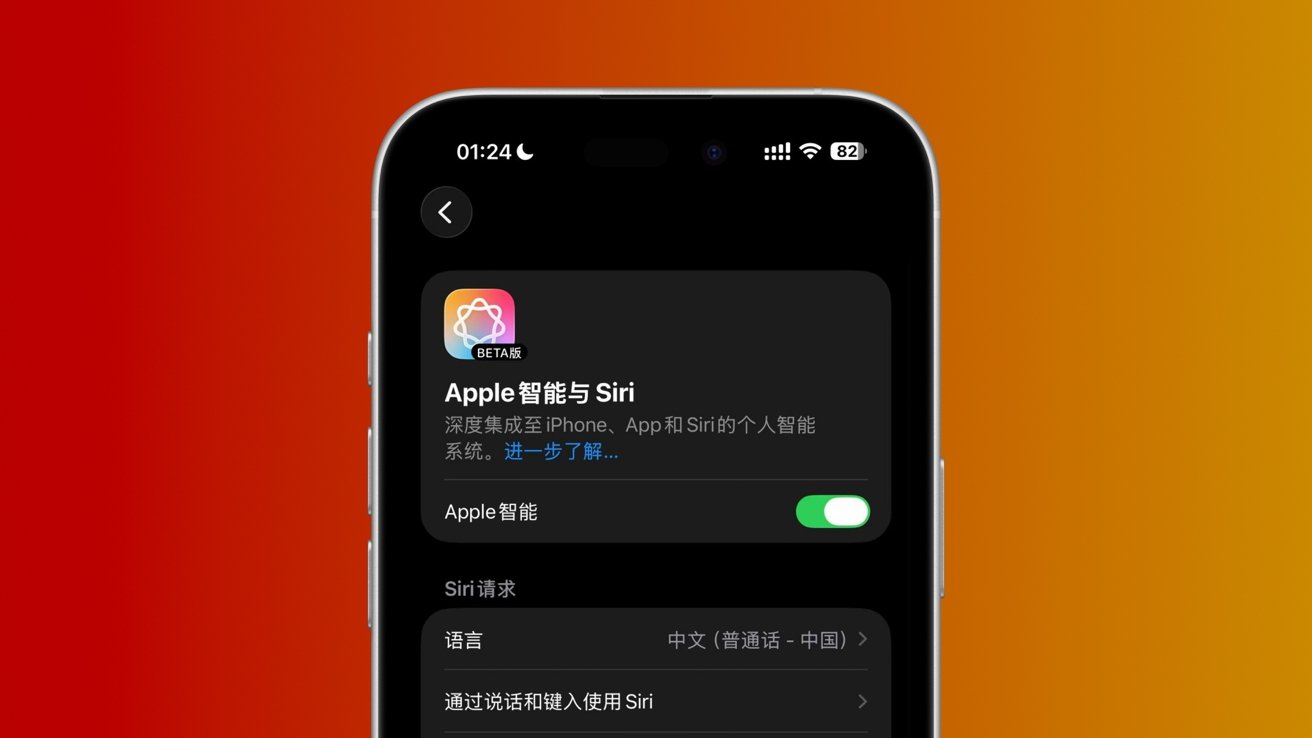
According to multiple iOS users based in China, including the former leaker LoveToDream, Apple Intelligence features have seemingly become available in the country.
New in iOS 26.5: Notification Forwarding, Apple Intelligence in China

Apple Intelligence is now seemingly available in China.

Apple Intelligence first made its way to users in the United States, with the iOS 18.1 update. Apple eventually added support for regions and languages beyond English. Users in China, however wouldn't receive the AI-powered utilities nearly as quickly.

For Apple Intelligence to debut in China, Apple was required to partner with a domestic AI company, and the iPhone maker allegedly chose Alibaba and Baidu.

Throughout 2025, it was repeatedly rumored that Alibaba's involvement would include the creation of a censorship layer for Apple Intelligence. Monday's iOS 26.5 developer beta, meanwhile, contains a reference to Baidu's Wenxin Yiyan model, rather than one by Alibaba.


While Apple Intelligence is available to users running Monday's developer beta, it remains to be seen if its China release is tied to the iOS 26.5 update. The AI-powered feature suite could also become available to users in China running iOS 26.4 and earlier versions.

Source: Appleinsider

Windows
Mac OS
iOS
Linux
3uTools
Win 64-bit For this device
V9.05 2026-03-28
Download
Win 32-bit For this device
V9.05 2026-03-28
Download
3uTools
Intel Chip How to Identify Chip Type
V9.03 2026-03-27
Download
Apple Silicon
V9.03 2026-03-27
Download
How to Identify Chip Type
1.  Click the Apple icon in the top-left corner of the screen and select About This Mac.
2.  Check the Processor or Chip field to determine if it is "Intel" or "Apple".
Please use the 3uTools PC client to install the iOS client:
1、 Install either the Windows or Mac version of 3uTools on your computer
2、 Open the PC client and connect your device to the computer via USB cable
3、 After the connection is successful, wait for the computer to automatically install the mobile app for the device, or locate “Install Mobile App” on the computer and manually click to install.
3uTools
deb file
V3.01 2025-11-20
Download
rpm file
V3.01 2025-11-20
Download
Windows
Windows
iOS
iOS
Android
Android
TV
TV
3uAirPlayer
Win 64-bit For this device
V6.0.3 2026-03-11
Download
Win 32-bit For this device
V6.0.3 2026-03-11
Download
iOS Device Mirroring (No App Required)
1、 Install 3uAirPlayer on the Windows PC
2、 Open Control Center and select Screen Mirroring
3、 From the list, choose your PC to start mirroring
4、 Or connect your iOS device to the PC via USB to begin mirroring
Scan to get "3uAirPlayer" App
3uAirPlayer TV V1.0.18
2025-11-28
TV System Requirements: Android 7.0 or later
Download the TV installation package, copy it to a USB drive, insert it into your TV or set-top box, then select the file from the home screen to install.