 NEWS
NEWS
MacBook Air Adding Touchscreen Isn’t Yet Planned, Says Report
 03/17/2026
 1729
1729
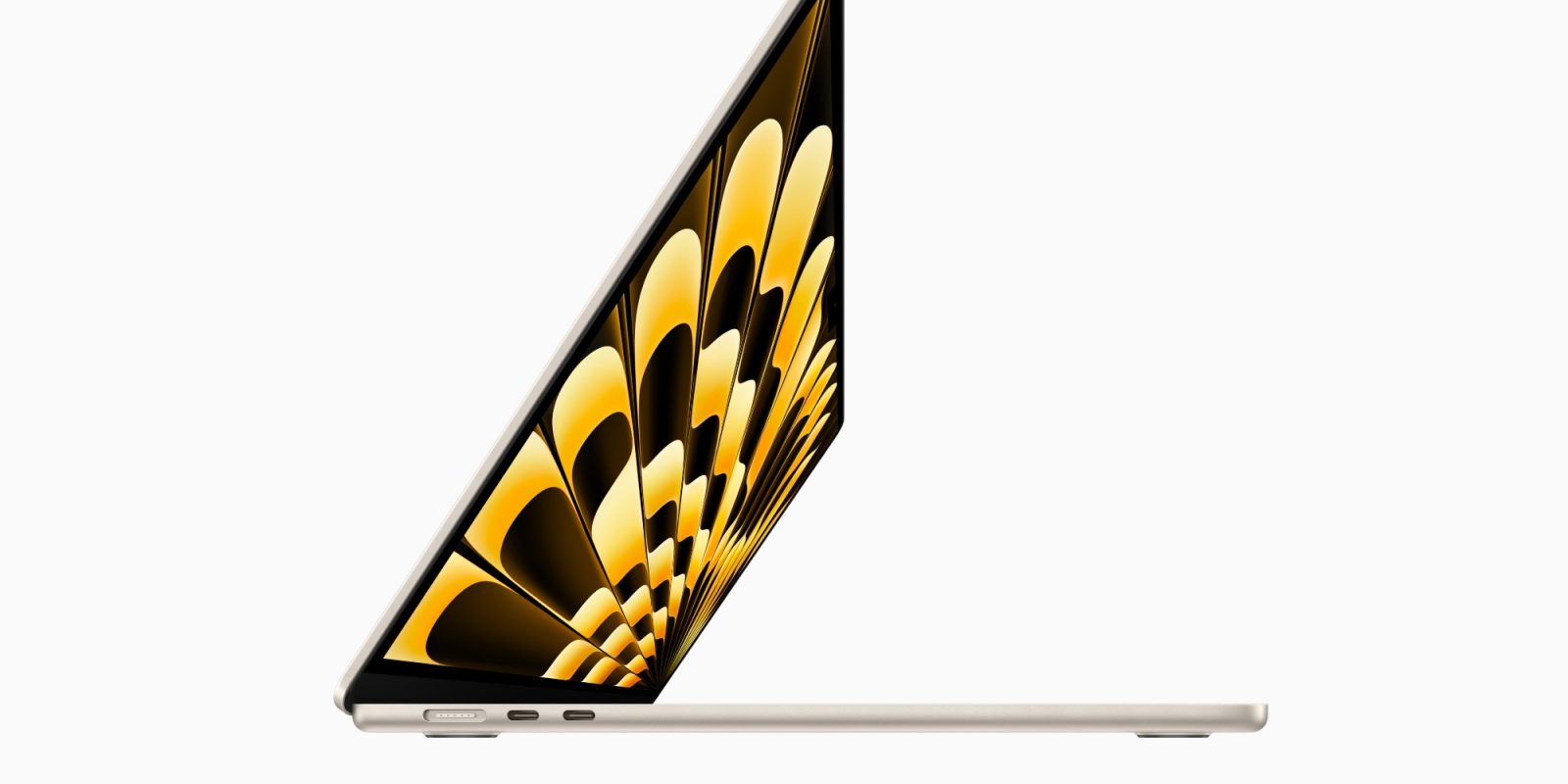
Later this year, the M6 MacBook Pro is widely rumored to be the first Mac that supports touch. But a new report indicates touchscreens may not be in Apple’s plans for the MacBook Air or MacBook Neo.
Apple ‘hasn’t decided’ whether to expand touch beyond MacBook Pro, per Gurman
macOS 27 is expected to introduce touchscreen optimizations ahead of this fall’s MacBook Pro adding a touchscreen.
But according to Bloomberg, there’s no guarantee of touch support coming to other Macs in the future.
Mark Gurman writes at Bloomberg:
At this point, Apple hasn’t decided whether to bring touch to any Macs beyond the MacBook Pro (a model that’s slated to arrive as early as at the end of this year).
Gurman mentions that the MacBook Air is slated to get OLED around 2028 or even later. So if it does get touch support, that’s likely the soonest it will happen.
As for the MacBook Neo, Ming Chi-Kuo once predicted that the Neo’s successor would add touch support. Last week, however, he reversed course. Gurman adds: “I highly doubt touch is being considered for Apple’s lowest-tier Mac.”
9to5Mac’s Take
If Apple truly hasn’t yet decided on the future of touch support across the Mac line, it’s likely for one simple reason: it wants to gauge reception to the M6 MacBook Pro.
The Mac has gone so long without touch support already, so Apple clearly isn’t in a rush to expand the feature to more devices. My assumption, though, is that if the touchscreen MacBook Pro is well received, we will see a touchscreen MacBook Air in the years ahead, followed eventually by a touch-supported Neo.
Source: 9to5mac










