 NEWS
NEWS
New Apple TV and HomePod Mini Are Still Missing, Here's Why
 03/06/2026
 1404
1404
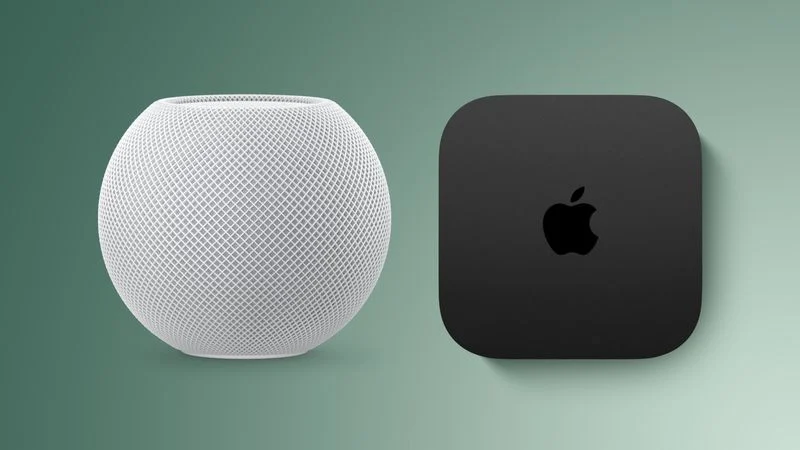
Apple this week unveiled seven products, ranging from the iPhone 17e to the MacBook Neo, but new Apple TV and HomePod mini models were not among them.
Given that there have been rumors about the next-generation Apple TV and HomePod mini since all the way back in late 2024, some customers are wondering why the devices have yet to launch, and the answer likely relates to Siri.
In September, Bloomberg's Mark Gurman reported that the next Apple TV and HomePod mini would both support the more personalized version of Siri powered by Apple Intelligence. Apple originally aimed to release the revamped Siri last year, but it was pushed back, and the Apple TV and HomePod mini are likely delayed as a result. We suspect that Apple's long-rumored smart home hub is also held up by the Siri delay.
Apple has proceeded with releasing some other new products that will eventually support the more personalized version of Siri, but it will likely be a tentpole feature of Apple's all-new smart home hub, and likely the next Apple TV and HomePod mini too. Apple may announce a set of new home products tied to the new Siri.
In January, Apple and Google announced that Google Gemini will help power future Apple Intelligence features, including a more personalized Siri coming this year. Apple has yet to provide a more specific timeframe, but Gurman reported that the personalized Siri features are currently slated for either iOS 26.5 or iOS 27.
iOS 26.5 will likely be released in May, following a beta testing period beginning in April. iOS 27 will debut at Apple's annual developers conference WWDC in June, and that update should be released to all users in September. There would be corresponding tvOS and HomePod software updates released at the same times. Accordingly, the new Apple TV and HomePod mini might not be announced until April to September this year.
Earlier rumors claimed the next Apple TV would be equipped with the A17 Pro chip, which is the oldest chip that supports Apple Intelligence. The device is also expected to feature Apple's N1 chip for Wi-Fi 7, Bluetooth 6, and Thread.
As for the HomePod mini, it is expected to use an Apple Watch's S9 chip or newer, but it is not entirely clear how that chip would be capable enough to support the revamped Siri powered by Apple Intelligence. Other rumored features include the N1 chip, improved sound quality, a newer Ultra Wideband chip, and a red color option.
The current Apple TV was unveiled in October 2022, while the HomePod mini debuted in October 2020, so both devices are due for upgrades. Hopefully, the more personalized Siri arrives in the next few months, and the two devices follow soon after.
Source: Macrumors










