 NEWS
NEWS
Apple Teases 'A Big Week Ahead' With Announcements Starting Monday
 02/27/2026
 1105
1105
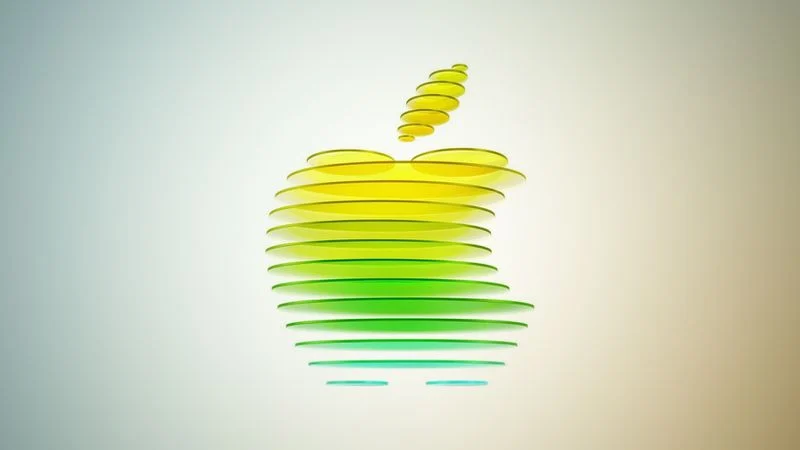
Apple CEO Tim Cook today teased "a big week ahead," with announcements starting Monday. His post included an #AppleLaunch hashtag with a colorful Apple logo, along with a short video that ultimately shows an Apple logo on the lid of a Mac.
Apple is reportedly planning a three-day stretch of product announcements from Monday, March 2 through Wednesday, March 4, with up to five new products expected to be unveiled, including a lower-cost MacBook, an iPhone 17e, and more.
Other possible products include an iPad Air with an M4 chip, an iPad 12 with an A18 chip and Apple Intelligence support, a MacBook Air with the M5 chip, and MacBook Pro models with M5 Pro and M5 Max chips. We are also waiting for long-awaited updates to the Apple TV and HomePod mini, but it is unclear if those are coming next week.
Apple already invited selected journalists and content creators to an "Apple Experience" in New York, London, and Shanghai on Wednesday, March 4 at 9 a.m. Eastern Time. During these in-person gatherings, attendees will likely receive hands-on time with the new products that Apple unveils between Monday and Wednesday next week.
●A big week ahead. It all starts Monday morning! #AppleLaunch pic.twitter.com/PQ9gM2Gl2r — Tim Cook (@tim_cook) February 26, 2026
The products are expected to be announced in press releases published on the Apple Newsroom website, with no Apple Event live stream expected.
MacRumors will have in-depth coverage of Apple's announcements next week, and we will be attending the "Apple Experience" in New York.
Source: Macrumors










