 NEWS
NEWS
Apple Testing Two Major iPhone 18 Pro Camera Upgrades
 02/09/2026
 3046
3046
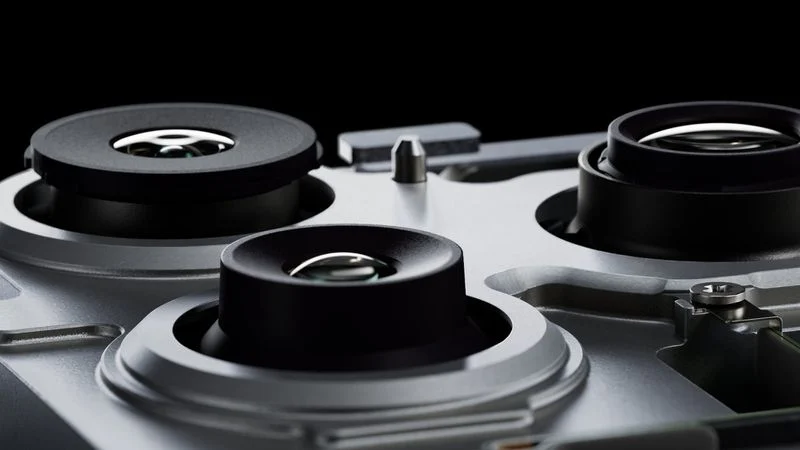
Apple is actively testing two major rear camera improvements for the iPhone, according to a reputable leaker.
The Weibo user known as "Digital Chat Station" claims that Apple is testing a new main camera for the iPhone with a variable aperture. A variable aperture allows the camera to adjust the amount of light that reaches the sensor. This means that in dark environments, the aperture can be opened to receive more light, while in light environments, it can be closed to prevent over-exposure. It also should provide users with greater control over depth of field, which refers to how sharp a subject appears in the foreground compared to the background.
The claim corroborates a multitude of previous rumors that the iPhone 18 Pro and iPhone 18 Pro Max will feature an upgraded main camera with a variable aperture. In December 2024, Apple supply chain analyst Ming-Chi Kuo was first to say that that the main rear camera on both iPhone 18 Pro models will offer variable aperture. A more recent report from October 2025 said Apple was moving ahead with plans to bring the technology to next-generation iPhones and was discussing components with suppliers.
Apple has never used a variable aperture on an iPhone camera before. The main cameras on all of the iPhone 14 Pro through iPhone 17 Pro models have a fixed aperture of ƒ/1.78, and the lens is always fully open and shooting with this aperture. Samsung Electronics previously brought a variable aperture camera to its Galaxy S9 and Galaxy S10 models in 2018 and 2019, but due to increased thickness and high price, it dropped the feature in 2020.
Secondly, the leaker reiterated their claim that that Apple is testing a new telephoto camera with a larger aperture for the iPhone 18 Pro. The iPhone 17 Pro models feature a telephoto camera with an ƒ/2.8 aperture. While the camera was upgraded to a 48-megapixel sensor, which was a substantial improvement over the 12-megapixel sensor used on previous generations, it retained the same aperture size. A larger aperture on the iPhone's telephoto camera would primarily improve light gathering, noise performance, shutter speed, and background separation.
Other rumors suggest that the iPhone 18 Pro models could also gain a teleconverter to increase effective focal length and improve zoom reach, as well as a 24-megapixel front-facing camera. They are expected to launch in the fall alongside the first foldable iPhone.
Source: Macrumors










