 NEWS
NEWS
iPhone 18 isn’t Launching until Next Year, New Report Reaffirms
 02/02/2026
 1445
1445
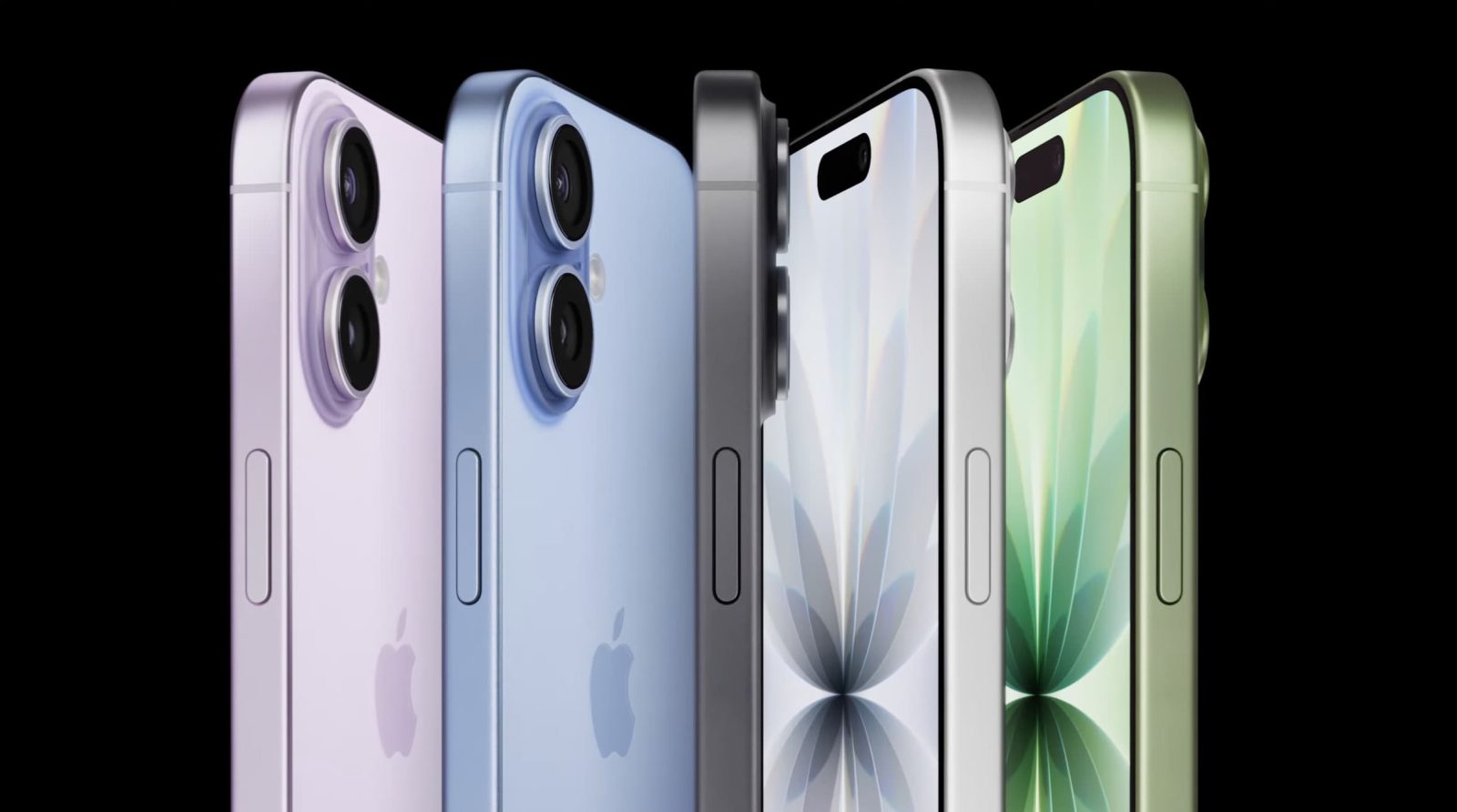
Apple is widely expected to bifurcate the launch of the iPhone 18 lineup. Sources including Ming-Chi Kuo, Bloomberg, and The Information have reported that the iPhone 18 Pro and iPhone Fold will launch later this year, followed by the base model iPhone 18 next spring.
A new report from Nikkei Asia today corroborates that timeline.
iPhone 18 in 2027
The report says that Apple has at least five new iPhone models in the pipeline. Three of those are expected to launch in the second half of 2026, including the iPhone 18 Pro, iPhone 18 Pro Max, and iPhone Fold.
The standard iPhone 18 will follow in the first half of 2027. A new iPhone Air is also in the works, but the report says it’s “not yet clear when shipments of the Air will start, but they are not expected this year.”
As expected, the report also outlines Apple’s motivation behind this timeline shift. Splitting up the iPhone launch will help Apple optimize its supply, a particularly important task amid ongoing memory shortages. From a marketing perspective, Apple will also have more flexibility in promoting the iPhone 18 and iPhone 18 Pro at their respective launches.
Nikkei Asia says that Apple will soon host its “regular meeting” with suppliers at Apple Park. This time, however, that event has been expanding to include “more component makers and materials suppliers to ensure supply chain continuity for the year.”
Separately, analyst Jeff Pu published a new report this morning reiterating his expectations for the iPhone 18 lineup. It’s all reiteration of what he’s previously reported, but we’ve placed the chart below for your reference.
| iPhone 18 Pro | iPhone 18 Pro Max | iPhone Fold | |
|---|---|---|---|
| Launch | Sep-26 | Sep-26 | Sep-26 |
| Display | 6.3″ | 6.9″ | 7.8″, Sub 5.3″ |
| Processor | A20 Pro, N2, WMCM | A20 Pro, N2, WMCM | A20 Pro, N2, WMCM |
| DRAM | LPD5 12GB | LPD5 12GB | LPD5 12GB |
| Front camera | 18MP, 6P | 18MP, 6P | 18MP (Folded), 18MP (Unfolded) |
| Rear Camera | 48MP 7P VA, Periscope 48MP, 48MP 6P | 48MP 7P VA, Periscope 48MP, 48MP 6P | 48MP 7P, 48MP 6P |
| Face ID | Structured light, smaller Dynamic Island | Structured light, smaller Dynamic Island | None (Touch ID) |
| Casing | Aluminium | Aluminium | Titanium + Aluminium |
| BB | Apple C2 | Apple C2 | Apple C2 |
Source: 9to5mac










