 NEWS
NEWS
How Much RAM Will the iPhone 18 Pro Have? Here's What Rumors Say
 01/20/2026
 1847
1847
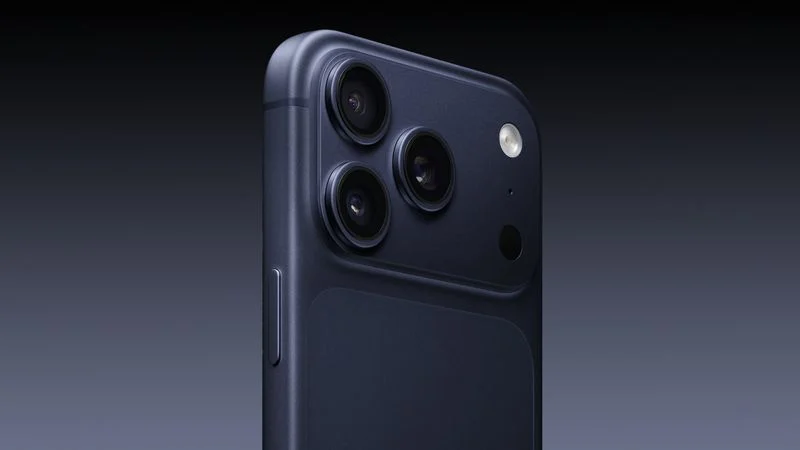
While the iPhone 18 Pro and Pro Max are still around eight months away, multiple sources have already commented on how much RAM the devices will have.
In a blog post last year, Apple supply chain analyst Ming-Chi Kuo said that he expected all of the new iPhone models released later this year to be equipped with 12GB of RAM. That would include the iPhone 18 Pro, iPhone 18 Pro Max, and iPhone Fold, and it would match the 12GB of RAM included in the iPhone 17 Pro models.
In a research note last week, obtained by MacRumors, analyst Jeff Pu agreed that the iPhone 18 Pro models and iPhone Fold will have 12GB of LPDDR5 RAM.
It has been rumored that even the standard iPhone 18 will have 12GB of RAM, which would be an increase over the 8GB of RAM in the standard iPhone 17.
Here is how much RAM is in the latest iPhones:
- iPhone 17: 8GB
- iPhone 17 Pro: 12GB
- iPhone 17 Pro Max: 12GB
- iPhone Air: 12GB
Here is how much RAM is expected in the next iPhones:
- iPhone 18: 12GB
- iPhone 18 Pro: 12GB
- iPhone 18 Pro Max: 12GB
- iPhone Fold: 12GB
Apple is expected to release the iPhone 18 Pro and iPhone 18 Pro Max in September, but the standard iPhone 18 is not expected to be announced until around March 2027, as Apple is reportedly shifting to a new two-phase launch strategy.
For the iPhone 18 Pro's A20 Pro chip, RAM will reportedly be integrated directly onto the chip's wafer with the CPU, GPU, and Neural Engine, rather than being adjacent to the chip and connected with a silicon interposer. This could boost the RAM's performance and efficiency, especially for Apple Intelligence tasks.
Source: Macrumors










