NEWS

These 5 Apple Products Will Reportedly Be Upgraded With OLED Displays

01/19/2026

17

 These 5 Apple Products Will Reportedly Be Upgraded With OLED Displays


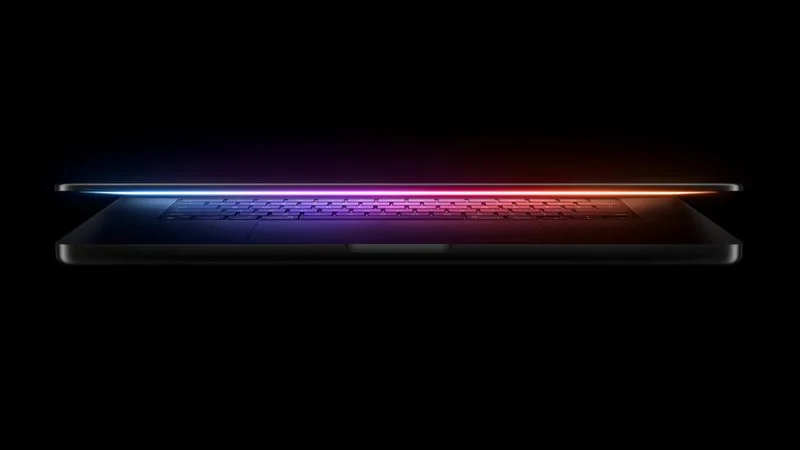
Apple plans to upgrade the iPad mini, MacBook Pro, iPad Air, iMac, and MacBook Air with OLED displays between 2026 and 2028, according to DigiTimes.


Bloomberg's Mark Gurman previously reported that the iPad mini and MacBook Pro will receive an OLED display as early as this year, but he does not expect the MacBook Air to adopt the technology until 2028 at the earliest.


A new iPad Air is expected to be released this year, but Gurman said it will have an LCD display. He expects a subsequent iPad Air model to have an OLED display, suggesting that the device will not adopt the technology until at least 2027.


Last month, the South Korean publication The Elec reported that Apple is planning to release a 24-inch iMac with an OLED display in 2027 or 2028.


All in all, here is when each device is expected to get an OLED display:

  • iPad mini: 2026
  • MacBook Pro: Late 2026 or 2027
  • iPad Air: 2027
  • iMac: 2027 or 2028
  • MacBook Air: 2028

OLED displays have better overall image quality compared to LCD displays, thanks to richer colors and higher contrast ratio with true blacks.


All of the new iPhone, Apple Watch, and iPad Pro models that Apple sells today already have OLED displays, while the Apple Vision Pro has micro-OLED displays.


Source: Macrumors

Windows
Mac OS
iOS
Linux
3uTools
Win 64-bit For this device
V9.01 2025-12-27
Download
Win 32-bit For this device
V9.01 2025-12-27
Download
3uTools
Intel Chip How to Identify Chip Type
V9.01 2025-12-31
Download
Apple Silicon
V9.01 2025-12-31
Download
How to Identify Chip Type
1.  Click the Apple icon in the top-left corner of the screen and select About This Mac.
2.  Check the Processor or Chip field to determine if it is "Intel" or "Apple".
Please use the 3uTools PC client to install the iOS client:
1、 Install either the Windows or Mac version of 3uTools on your computer
2、 Open the PC client and connect your device to the computer via USB cable
3、 After the connection is successful, wait for the computer to automatically install the mobile app for the device, or locate “Install Mobile App” on the computer and manually click to install.
3uTools
deb file
V3.01 2025-11-20
Download
rpm file
V3.01 2025-11-20
Download
Windows
Windows
iOS
iOS
Android
Android
TV
TV
3uAirPlayer
Win 64-bit For this device
V6.0.2 2025-11-19
Download
Win 32-bit For this device
V6.0.2 2025-11-19
Download
iOS Device Mirroring (No App Required)
1、 Install 3uAirPlayer on the Windows PC
2、 Open Control Center and select Screen Mirroring
3、 From the list, choose your PC to start mirroring
4、 Or connect your iOS device to the PC via USB to begin mirroring
Scan to get "3uAirPlayer" App
3uAirPlayer TV V1.0.18
2025-11-28
TV System Requirements: Android 7.0 or later
Download the TV installation package, copy it to a USB drive, insert it into your TV or set-top box, then select the file from the home screen to install.