 NEWS
NEWS
Next year, the Mac Could Finally Get Two Features I’ve Long Wished for
 12/30/2025
 966
966
For over a decade now, the iPad Pro has been my computer of choice over the Mac. But there are two Mac upgrades rumored for 2026 that could go a long way toward changing that: cellular and touch support.
#1: Cellular connectivity
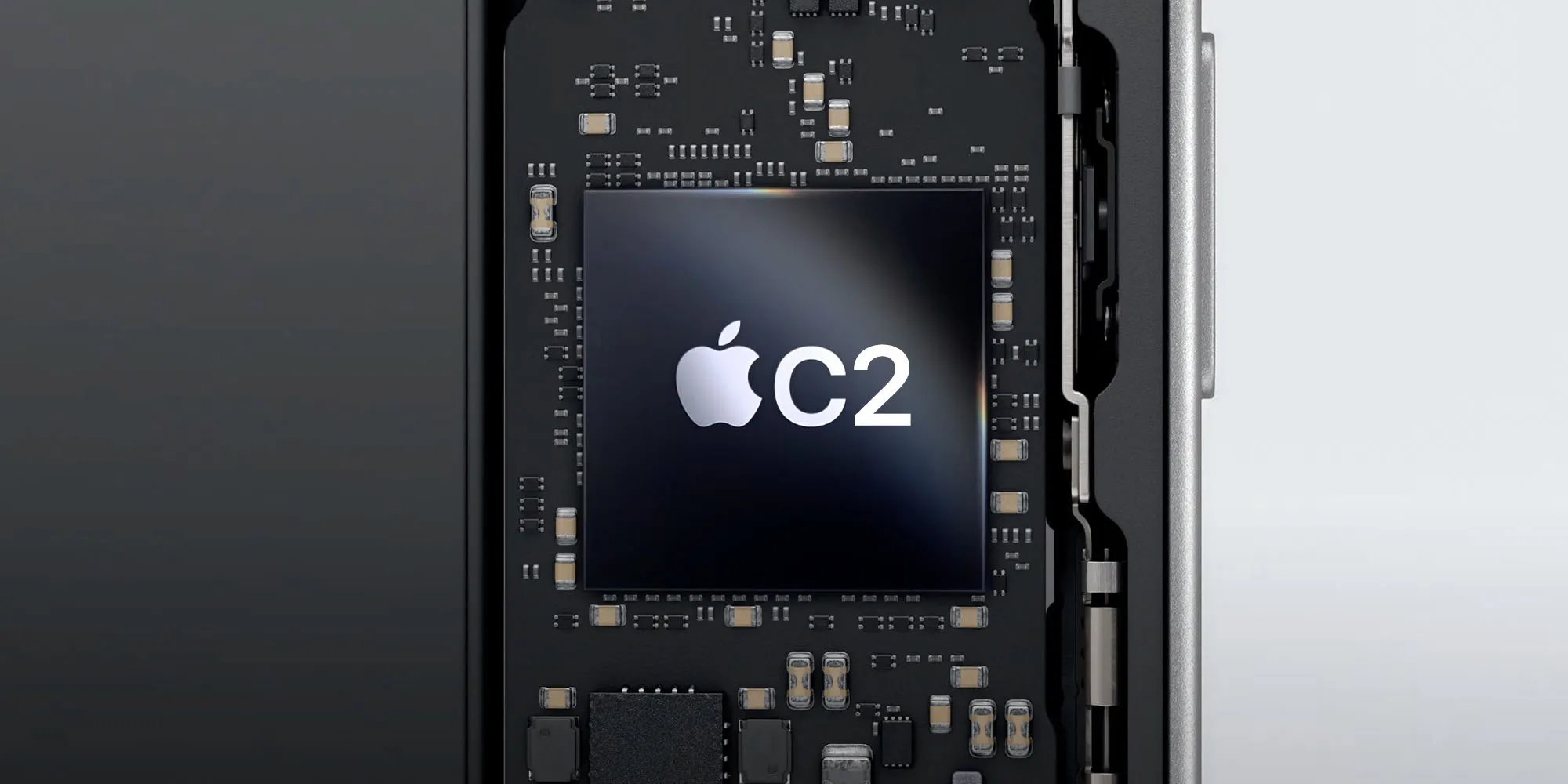
This year, Apple took a major step toward fully controlling the cellular technology in its devices. The C1 modem launched in iPhone 16e, followed by C1X in the iPhone Air.
But next year, rumors indicate an upgraded C2 modem is coming—and it might even come to the Mac.
Near the end of 2026, Apple is expected to debut a fully revamped M6 MacBook Pro with a new design, OLED display, and more.
One key feature that may be added to the MacBook Pro is a C2 modem for cellular support.
We’ve heard rumblings about the Mac gaining cellular for a while, including a code leak that hinted at the upcoming high-end M5 MacBook Pro models adding an Apple cellular modem.
Whether it’s the M5 models early in the year, or the big M6 redesign at the end of the year, 2026 seems like our best chance yet at getting a cellular Mac. And for me, it can’t come soon enough.
The iPad Pro has been my preferred computer for a decade, but I’ve had stints of experimenting with switching back to the Mac. The lack of cellular has been one of the biggest dealbreakers though, as I often work on the go. I’m excited for the Mac to finally become as remote work-friendly as the iPad.
#2: Touch screen support

After years of explaining why the Mac doesn’t need a touch screen, rumors indicate Apple is about to ship the first Mac touch screen.
The late 2026 M6 MacBook Pro is expected to have an OLED display that includes touch support.
Apple adding touch to the Mac isn’t likely to radically change how macOS works. Rather, it will be a secondary interaction option to the existing keyboard and trackpad/mouse support.
The iPad Pro has proven that touch can be useful alongside a classic keyboard and trackpad setup. And for many iPhone users who are considering switching to the Mac from a PC or Chromebook, the lack of touch may prove an unnecessary hindrance. Touch support is a modern feature that the average user has grown to expect from a laptop.
I don’t expect touch to be a ‘killer addition’ to the Mac, but it should definitely prove useful in several use cases—just like it is on my iPad. When I use a MacBook, I still regularly reach out to touch the screen, and I’m sure I’m not alone. It’s time for Apple to finally give in and modernize the Mac in this way.
Source: 9to5mac










